
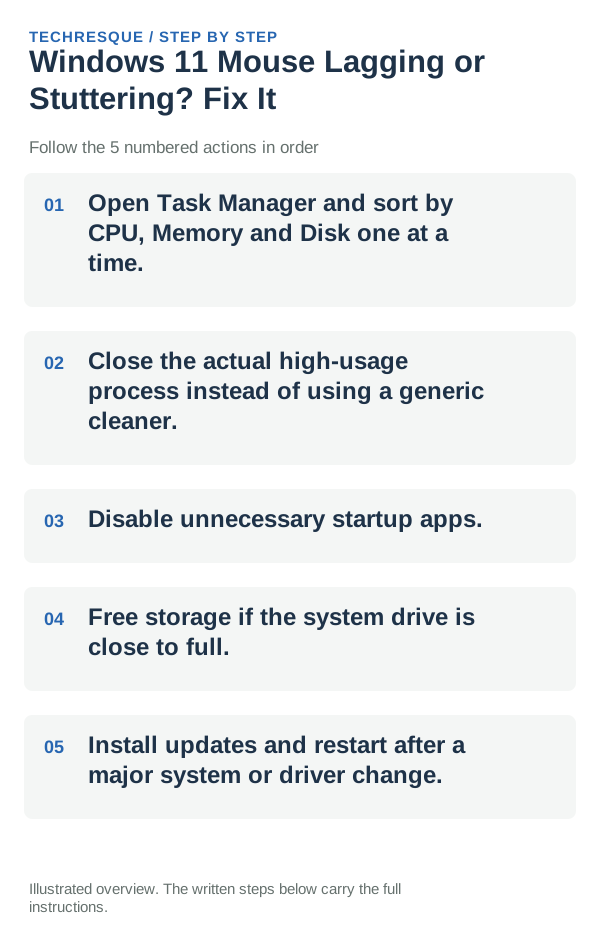
Open Task Manager and sort by CPU, Memory and Disk one at a time. Then close the actual high-usage process instead of using a generic cleaner.
On Windows 11, menu names vary by build. Use built-in Settings and Microsoft Support guidance before registry edits or third-party repair tools.
Start by narrowing the cause
- a background process is using CPU, RAM or disk continuously
- too many startup apps are running
- storage is almost full
- a browser/app workload exceeds available memory
- an update, driver or security scan is temporarily using resources
Use this order so you can identify the cause
- Open Task Manager and sort by CPU, Memory and Disk one at a time.
- Close the actual high-usage process instead of using a generic cleaner.
- Disable unnecessary startup apps.
- Free storage if the system drive is close to full.
- Install updates and restart after a major system or driver change.
Isolate the failing layer
Move the pointer across the same surface and repeat the click that lagged; check whether a wired or alternate mouse behaves normally on this PC.
Confirm that the problem is actually gone
Measure idle usage and the same workload before and after the change; “feels faster” is less useful than a repeatable difference.
When to use support or repair
If pointer stutter continues, compare the mouse on another USB port or PC and note whether it is wired, Bluetooth, or using a receiver. Record the Windows build, mouse model, and whether lag affects movement, clicks, or both before contacting the device maker.
Frequently asked questions
Should I reset the whole device immediately?
Usually not. Try the guide’s reversible checks first and confirm whether the problem is limited to one app, file, device, or Windows component. Back up important files before considering Reset this PC.
How do I know when the fix is real?
Measure idle usage and the same workload before and after the change; “feels faster” is less useful than a repeatable difference.
Official sources and further reading
Windows Settings paths can shift between releases. Search for the named control and note your Windows build if an option is missing.