USB‑C describes the connector, not a guarantee of analog headphone output. Some phones require a digital USB‑C headset or an adapter with its own digital-to-analog converter (DAC); a passive analog adapter will not work on a phone that outputs digital audio only.
What changes the outcome
A 3.5 mm headphone plug carries analog sound. USB‑C audio can carry digital sound, which must be converted before it reaches analog headphones. Depending on the phone design, that converter may be inside the phone, the headset or the adapter.
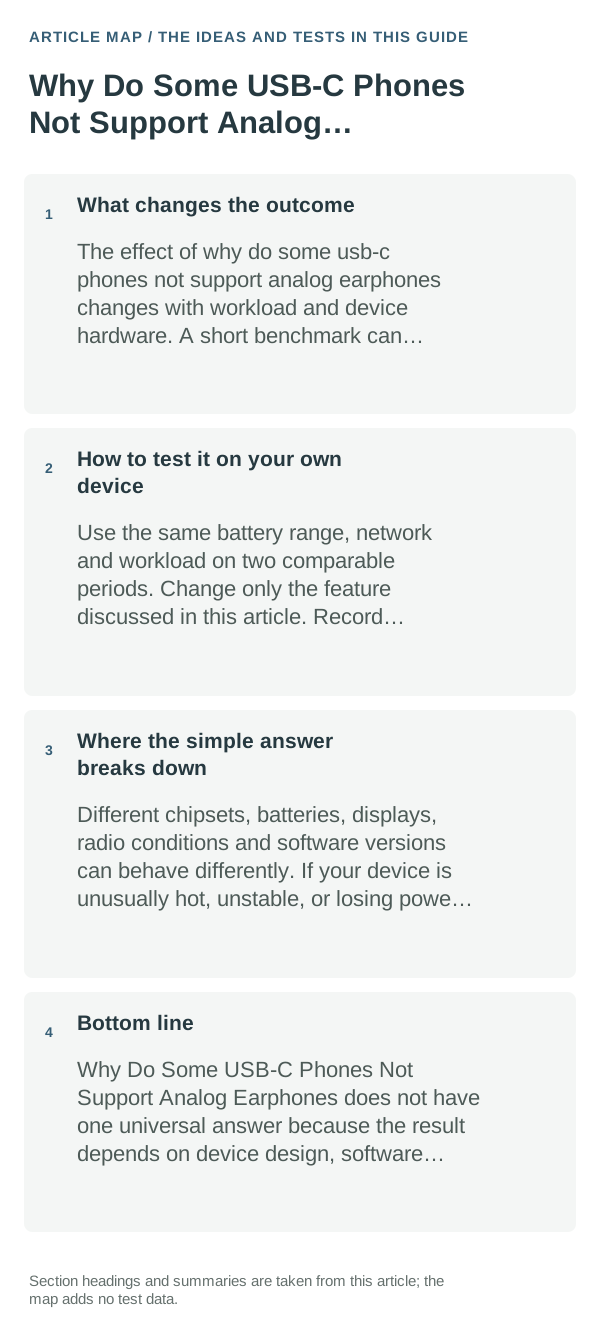
The sensible everyday approach
- Look up the exact phone model’s audio/accessory support page; do not infer support from the shape of its USB‑C port.
- If the phone requires digital audio, choose an adapter/headset that explicitly includes a DAC and supports that phone. A USB‑C connector alone is not enough.
- Test a known-compatible digital USB‑C headset or active DAC adapter, then check output selection and volume before troubleshooting the phone port.
- For microphone/headset controls, confirm that the adapter supports the headset’s microphone and button wiring as well as playback.
How to test it on your own device
Try the same headphones with a known-compatible DAC adapter, and try the adapter with another supported phone if available. A passive analog adapter failing on one model does not by itself prove the USB‑C port is damaged.
Where the simple answer breaks down
Audio output mode, DAC requirements and microphone compatibility are model-specific. Google’s Pixel guidance is an example for Pixel devices and should not be generalized to every Android phone.
Bottom line
Before buying an adapter, check the exact phone model and whether it needs a digital USB‑C audio accessory with a DAC. Connector fit alone does not guarantee analog headphone support.
Use a controlled test instead of changing several settings at once
Check the exact phone model and adapter specification, then test one known-compatible USB-C audio adapter and one known-good headset. A charging connector does not guarantee analog-audio output.
If a supported digital adapter and headset both fail on the phone but work elsewhere, record the phone model, OS, adapter model, and any USB prompt for manufacturer support.
USB-C audio support depends on the phone's hardware and adapter. Confirm the exact model's support before buying another headset or changing system settings.
| What you observe | What it points to | Best next check |
|---|---|---|
| No change after reversible checks | Deeper system or service issue | Escalate with test results documented |
| Only one app/device fails | Local configuration or hardware path | Keep troubleshooting scoped locally |
| Known-good alternative works | Original component likely involved | Replace/reconfigure that component |
Frequently asked questions
Will a passive USB-C to 3.5 mm adapter work on every phone?
No. It works only when the phone supports analog audio accessory mode. If it does not, use a compatible digital adapter with a DAC.
How can I tell which adapter I need?
Check the phone maker’s specifications or accessory guidance for analog audio support. If unclear, test a known compatible DAC adapter rather than buying several passive adapters.
Official sources and further reading
- Pixel Phone Help — Listen with Spatial Audio on your Pixel device
- Pixel Phone Help — USB‑C Digital to 3.5 mm headphone adapter safety and support
The manufacturer documentation below is Pixel-specific. Check the official support page for your own phone before buying an adapter.