Check Android USB-host support, the adapter's power and digital-audio compatibility, and the app's microphone permission. A microphone working on a PC does not guarantee phone support.
On Android, menu names vary by maker, so use Settings search when a path in a guide does not match your phone exactly.
What this symptom usually means
The phone must host the USB device and recognize its audio format; some microphones need more power than a phone or adapter can provide. The recording app must also be allowed to use the microphone.
Work through these checks
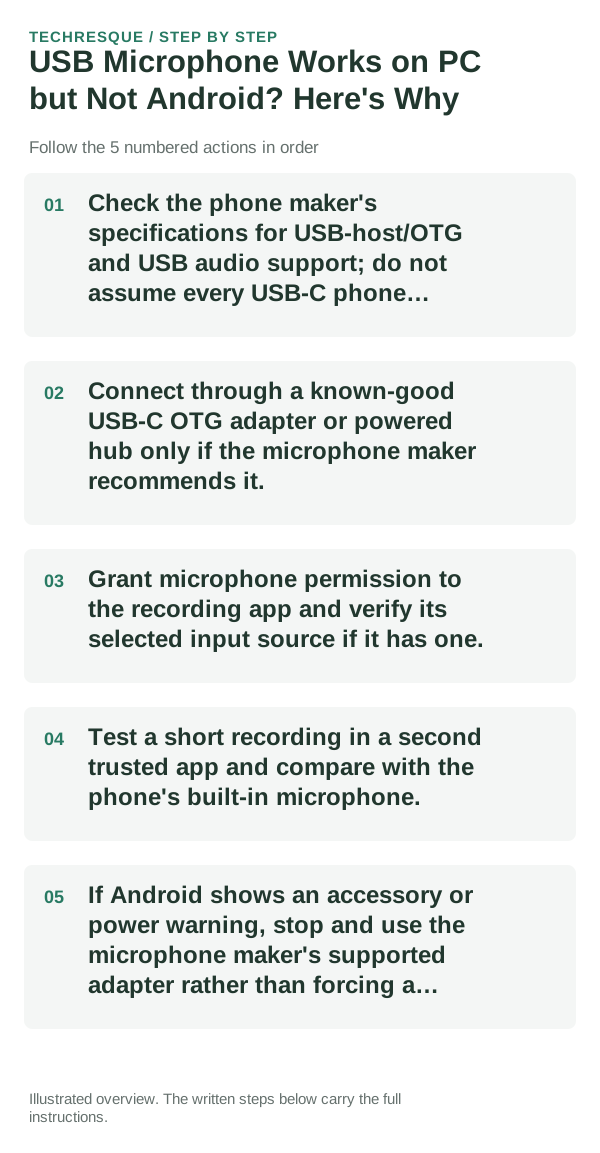
- Check the phone maker's specifications for USB-host/OTG and USB audio support; do not assume every USB-C phone supports every microphone.
- Connect through a known-good USB-C OTG adapter or powered hub only if the microphone maker recommends it.
- Grant microphone permission to the recording app and verify its selected input source if it has one.
- Test a short recording in a second trusted app and compare with the phone's built-in microphone.
- If Android shows an accessory or power warning, stop and use the microphone maker's supported adapter rather than forcing a connection.
What each result tells you
If the internal mic works but no USB app sees the external mic, the issue is likely host support, adapter, power, or USB audio compatibility. One app failing points to its permission or input selector.
Shortcuts that usually waste time
Do not use a charging-only adapter, unsafe power splitter, or untrusted recording app. Disconnect if the phone or adapter gets hot.
What success should look like
Play back a short test and confirm it was recorded by the external mic, not the phone's internal microphone.
When to use support or repair
If the phone lacks USB-host or USB-audio support, a settings change cannot add it; contact the phone and microphone makers for a compatible interface.
Frequently asked questions
Should I reset the whole device immediately?
Usually not. Check the active audio route, app permission and one known-good accessory before resetting the device.
How do I know when the fix is real?
Play back a short test and confirm it was recorded by the external mic, not the phone's internal microphone.