
Deleted photos may remain in a Trash or Recently Deleted folder until you empty it or its retention period ends, so they can still use local or cloud space. A backup copy, a device copy and a synced library are separate; check which one you removed before deleting more.
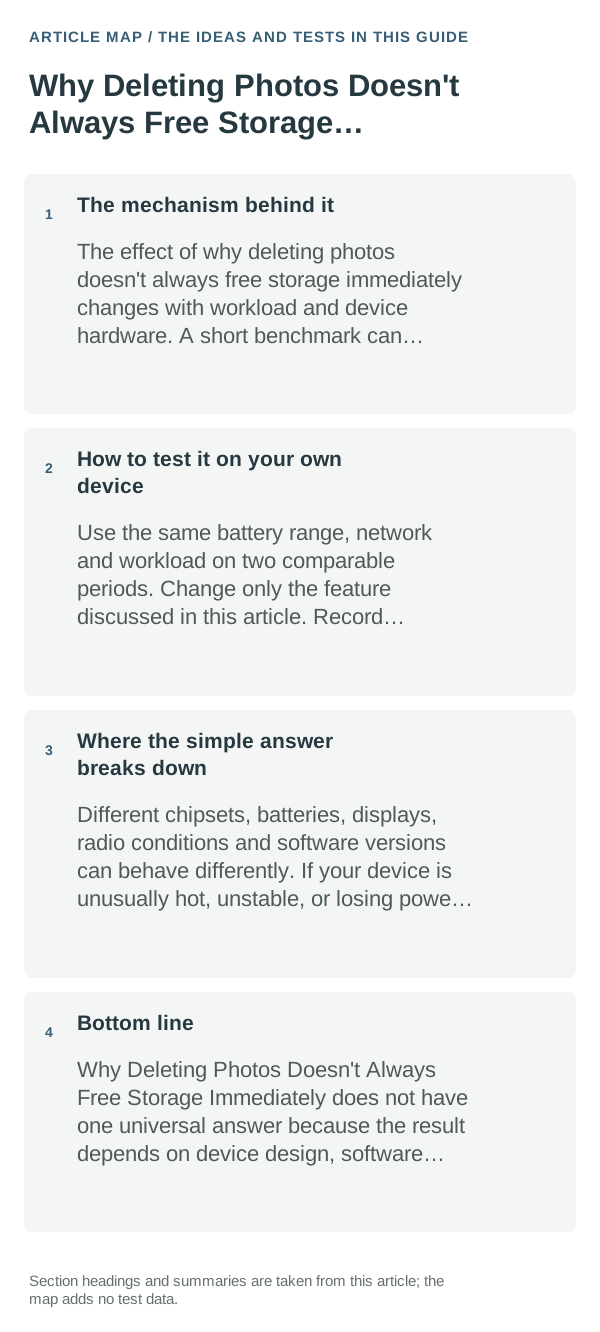
The mechanism behind it
Many gallery apps make deletion recoverable first. Google Photos also distinguishes removing a backed-up copy from the phone from deleting the item in the cloud library; actions can sync across devices. Storage numbers may update after the app or device refreshes its index.
What I would change first
- Change only the setting directly related to why deleting photos doesn't always free storage immediately and observe the result.
- Use the device normally for long enough to see a pattern, not a five-minute snapshot.
- Prefer the platform’s built-in controls over third-party “optimizer” apps.
- Restore the original setting if the change makes the device less useful without a measurable benefit.
How to test it on your own device
Choose one backed-up, nonessential photo and verify it opens from the cloud on another device before using a space-saving feature. Confirm whether the intended action removes only the local copy or deletes it from the synced library.
Where the simple answer breaks down
Trash retention, backup status and sync behavior vary by Gallery app and service. Emptying Trash or deleting from the cloud can be permanent; do not do it until the photo is backed up and the intended copy is clear.
Bottom line
Check Trash, backup status, local device storage and cloud quota separately. Verify the surviving copy before emptying Trash or deleting synced photos permanently.
Check where deleted photos still live
Many gallery and photo apps move deleted items to Trash or Recently Deleted first. Those files can continue using local space until that folder is emptied; cloud services may also keep a separate copy or synchronize a deletion, depending on the app and its settings.
Check the phone's storage screen and the app's trash separately. Confirm important photos are backed up and accessible in the correct account before permanently deleting anything. After emptying the right trash folder, give the storage screen a moment to recalculate or reopen it before judging the result.
| What you see | Likely explanation | Next check |
|---|---|---|
| Deleted photos remain in Trash | They have not been permanently removed from local storage yet | Review the folder, then empty it only after confirming a backup |
| Phone space changes but cloud quota does not | Local storage and cloud storage are different totals | Check each service's storage page and account |
| Free space appears unchanged | The files may be cached, synced, or still awaiting a storage refresh | Reopen the storage view and check the app's local and cloud folders |
Frequently asked questions
Do deleted photos stay in Trash?
Many gallery and cloud apps keep deleted items temporarily, and retention differs by service. Check the app’s Trash or Recently Deleted folder before expecting the space to return.
Can I use Google Photos’ Free up space safely?
It is intended to remove local copies that Google Photos says are backed up. Confirm the correct account and backup status first, and remember that the files may no longer be available offline on that device.
Official sources and further reading
Google Photos guidance applies to Google Photos accounts and Android behavior described there; your phone maker’s Gallery app may use different Trash rules.