Check the storage dashboard for the same Google Account used by Drive. Drive, Gmail, and Google Photos share account storage, and the displayed total may take time to reflect recent deletions.
On Android, menu names vary by maker, so use Settings search when a path in a guide does not match your phone exactly.
Why this can happen
The phone's free space is separate from Google Account quota. Gmail attachments, Drive files, and backed-up Photos can consume the shared cloud limit; items in trash may also remain until removed permanently.
The practical troubleshooting sequence
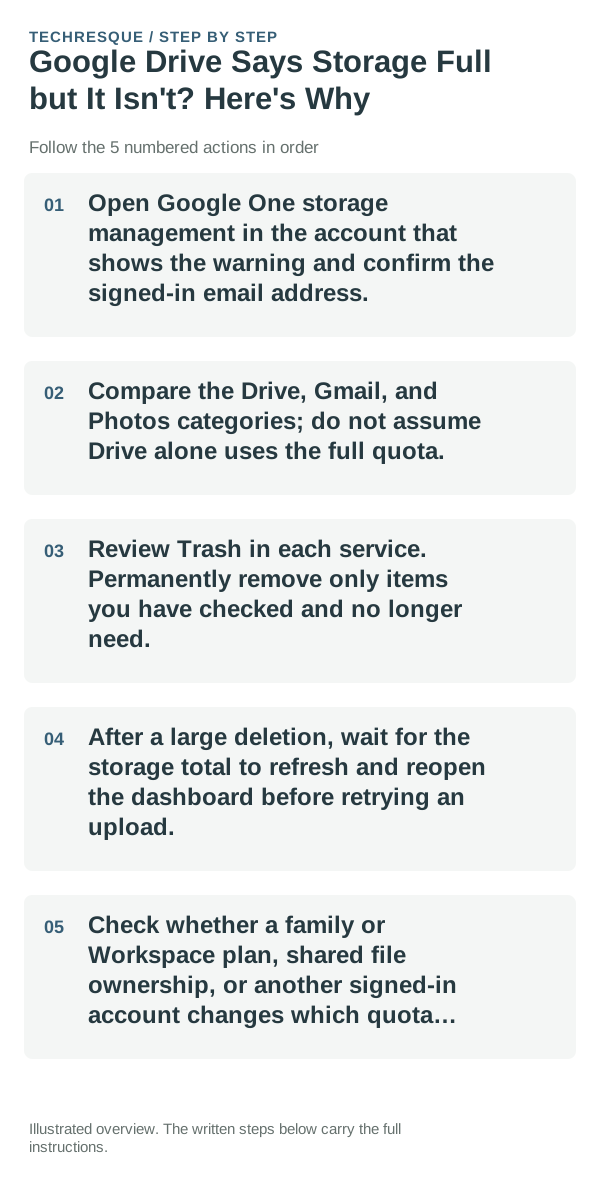
- Open Google One storage management in the account that shows the warning and confirm the signed-in email address.
- Compare the Drive, Gmail, and Photos categories; do not assume Drive alone uses the full quota.
- Review Trash in each service. Permanently remove only items you have checked and no longer need.
- After a large deletion, wait for the storage total to refresh and reopen the dashboard before retrying an upload.
- Check whether a family or Workspace plan, shared file ownership, or another signed-in account changes which quota applies.
Isolate the failing layer
If the storage dashboard also says full, investigate the listed service categories. If it shows space but Drive still warns, confirm the account and allow time for the quota display to refresh.
Do not bulk-delete Gmail, Drive, or Photos items just to clear a warning. Google Account storage is shared, and deleted items may be difficult to restore after trash is emptied.
What success should look like
The same account's storage dashboard should show available space, and a small test file should upload. Confirm the correct account avatar before concluding the warning is stale.
When to use support or repair
If the dashboard and Drive continue to disagree after refreshing and waiting, contact Google One or Workspace support with the account type and exact warning.
Frequently asked questions
Should I reset the whole device immediately?
Usually not. Check which quota is full and confirm a backup before removing originals; clearing the wrong storage can lose files.
How do I know when the fix is real?
The same account's storage dashboard should show available space, and a small test file should upload. Confirm the correct account avatar before concluding the warning is stale.