Check whether the restart follows a specific app, low charge, heat, or a recent iOS update. Back up the iPhone while it is stable and note any panic or analytics logs before considering recovery.
On iPhone, prefer Apple’s built-in Settings and reset options; use “Reset All Settings” or a full erase only when a narrower fix has failed and you have a backup.
Where this problem usually comes from
An iPhone can restart because of an app crash, a software issue, a depleted or aging battery, overheating, or hardware damage. A single restart differs from a repeated loop or shutdown under light use.
Work through these checks
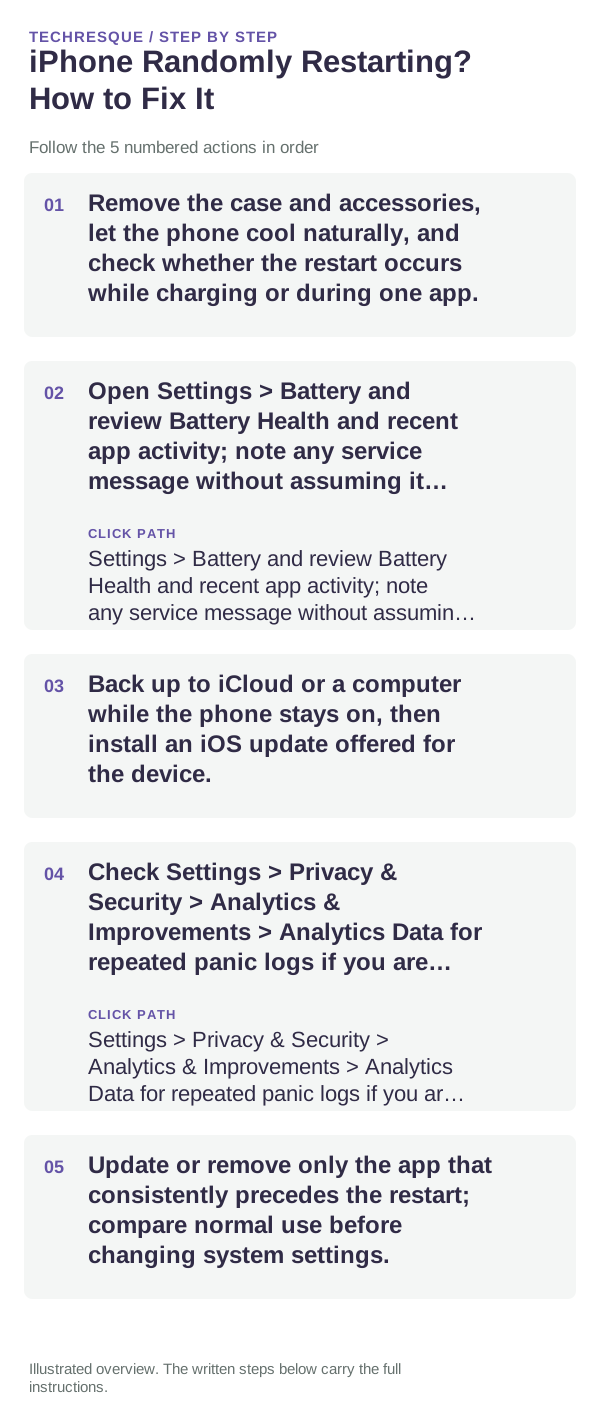
- Remove the case and accessories, let the phone cool naturally, and check whether the restart occurs while charging or during one app.
- Open Settings > Battery and review Battery Health and recent app activity; note any service message without assuming it proves the cause.
- Back up to iCloud or a computer while the phone stays on, then install an iOS update offered for the device.
- Check Settings > Privacy & Security > Analytics & Improvements > Analytics Data for repeated panic logs if you are comfortable reviewing them.
- Update or remove only the app that consistently precedes the restart; compare normal use before changing system settings.
How to tell which cause applies
A restart tied to one app suggests a software trigger. Repeated restarts across apps, while idle, or during charging point more toward iOS, battery, power, or hardware and need a service check.
Changes to avoid until you know the cause
Do not erase the iPhone or use recovery mode before confirming a backup. Stop using it and seek service if the battery is swollen, the device is unusually hot, or it was exposed to liquid.
Confirm that the problem is actually gone
Use the same app or activity that previously caused the restart and monitor it through a normal session. Confirm the backup timestamp is current before any further recovery step.
When to use support or repair
Contact Apple or an authorized service provider if restarts continue across multiple apps, a battery service warning appears, or the phone cannot stay on long enough to back up.
Frequently asked questions
Should I reset the whole device immediately?
Usually not. Check the affected app, accessory or setting first. Reset All Settings or erase the phone only after a backup.
How do I know when the fix is real?
Use the same app or activity that previously caused the restart and monitor it through a normal session. Confirm the backup timestamp is current before any further recovery step.