
Stop the heavy task and let the device cool naturally. Then disconnect charging if the device is unusually hot.
On iPhone, prefer Apple’s built-in Settings and reset options; use “Reset All Settings” or a full erase only when a narrower fix has failed and you have a backup.
Why this can happen
- heavy camera, gaming or navigation load is keeping the processor busy
- fast or wireless charging is adding heat while the phone is in use
- weak mobile signal is making the modem work harder
- a background app is syncing, locating or uploading continuously
- sunlight, a hot room or an insulating case is limiting heat dissipation
The practical troubleshooting sequence
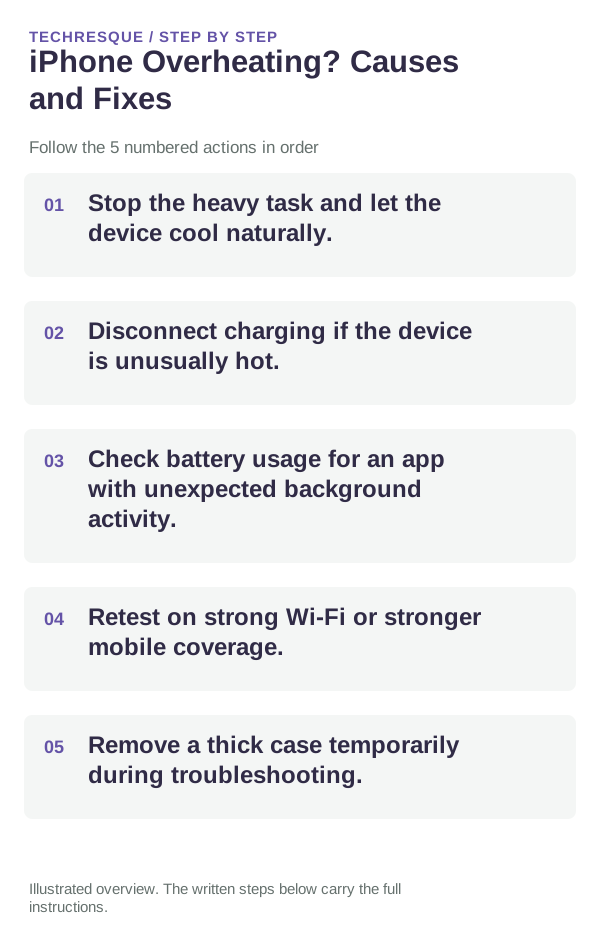
- Stop the heavy task and let the device cool naturally.
- Disconnect charging if the device is unusually hot.
- Check battery usage for an app with unexpected background activity.
- Retest on strong Wi-Fi or stronger mobile coverage.
- Remove a thick case temporarily during troubleshooting.
Isolate the failing layer
Repeat the same action in the same iPhone app after one change. Check another app before resetting network or privacy settings.
Changes to avoid until you know the cause
Verify before you move on
Normal warmth should fall when the workload stops; persistent heat during light use needs deeper investigation.
When to use support or repair
If the issue persists across apps or networks after updates and model-specific checks, contact Apple Support with the model and iOS version.
Record iPhone model, iOS version, affected app or setting, exact message and whether it follows one network. Hide personal details in screenshots.
Frequently asked questions
Should I reset the whole device immediately?
Usually not. Check the affected app, accessory or setting first. Reset All Settings or erase the phone only after a backup.
How do I know when the fix is real?
Normal warmth should fall when the workload stops; persistent heat during light use needs deeper investigation.
Official sources and further reading
iPhone settings labels can move between iOS versions. Use Settings search if a path differs, and check whether the symptom affects one app or the whole device.