In Google Photos, open your profile picture > Photos settings > Backup > Mobile data usage. Set a daily limit, turn off video backup over mobile data, and disable backup while roaming if you do not want uploads to use those connections. Then check Android's data-usage screen to see whether Photos is still using mobile data.
Google Photos backup controls vary by app version and carrier. A daily limit, video setting, and roaming setting control different parts of the upload.
Find out whether Photos is using mobile data
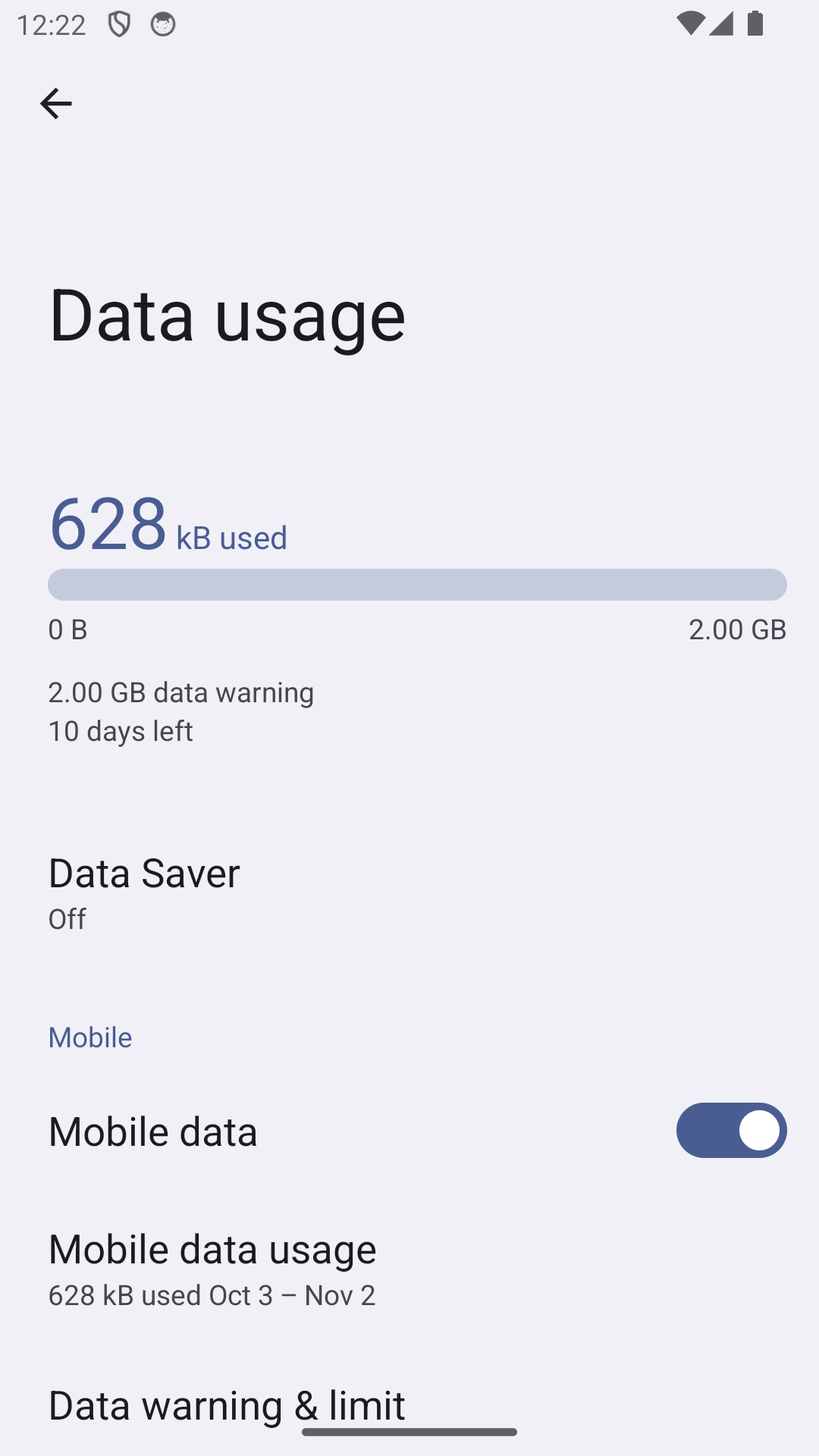
Compare the phone's mobile-data usage for Google Photos with the same billing or usage period shown by your carrier. Android's counters may reset on a different date from the carrier's billing cycle, so the totals will not always match exactly. Also check whether the usage is foreground activity while Photos is open or background backup.
Limit backup over cellular data
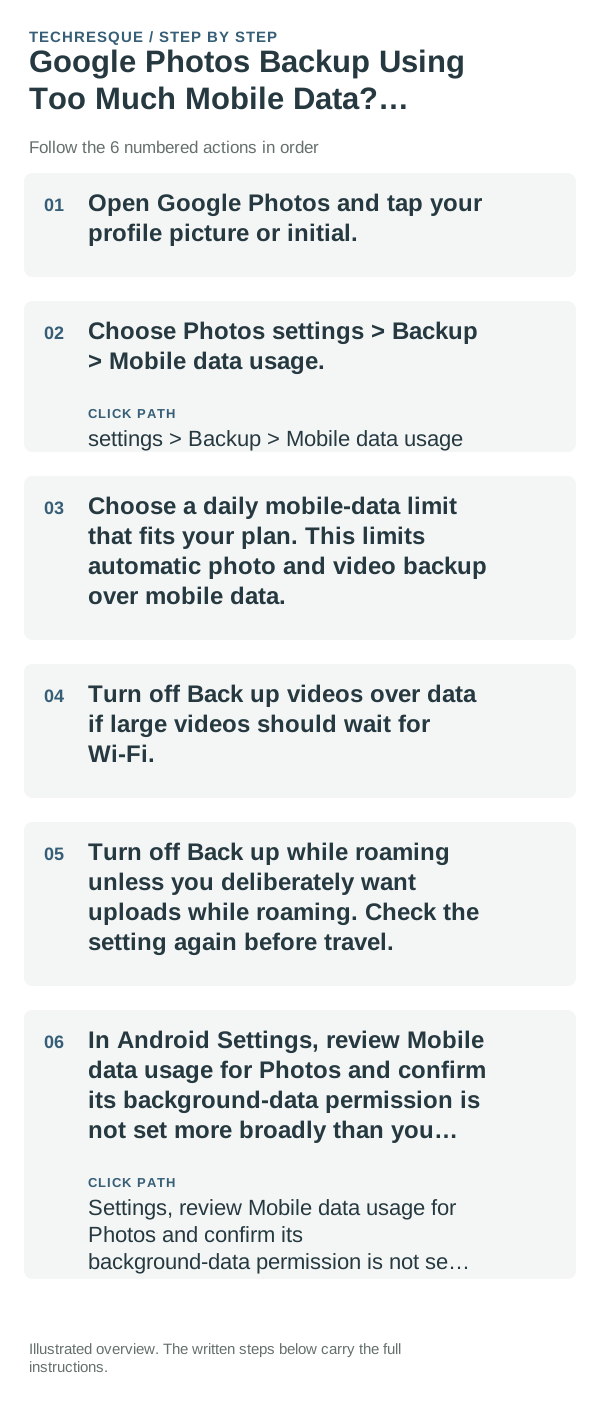
- Open Google Photos and tap your profile picture or initial.
- Choose Photos settings > Backup > Mobile data usage.
- Choose a daily mobile-data limit that fits your plan. This limits automatic photo and video backup over mobile data.
- Turn off Back up videos over data if large videos should wait for Wi-Fi.
- Turn off Back up while roaming unless you deliberately want uploads while roaming. Check the setting again before travel.
- In Android Settings, review Mobile data usage for Photos and confirm its background-data permission is not set more broadly than you intend.
Make sure the backup still completes when you want it to
If you limit mobile data, Photos may wait until Wi-Fi is available. Open Photos on Wi-Fi and check the backup status at the top of the library. If some folders should never upload, review Back up device folders separately; that control decides which folders are backed up, while Mobile data usage decides when uploads can use cellular data.
Before switching backup off entirely, confirm which Google Account is selected and whether the originals are safely stored on the phone. A mobile-data limit does not delete local files, but deleting photos from Google Photos can affect cloud and device copies depending on the action.
Check whether the change worked
After adjusting one mobile-data control, let a small test upload run on Wi-Fi and then check the same Android data-usage period again later. Google Photos and Android counters may update with a delay. If data continues to rise, inspect other apps and tethering separately before blaming Photos.
When the setting is missing
Update Google Photos from its official app store and search Photos settings for Backup or Mobile data usage. Some options depend on the app version, device, or carrier. If the phone is managed by an organization, its administrator may also control data access.
Frequently asked questions
Can I stop videos but still back up photos over mobile data?
Google Photos offers a Back up videos over data control under Backup > Mobile data usage. Turn it off and review the daily limit for other automatic uploads.
Does turning off mobile-data backup delete photos?
No. It changes when Google Photos may upload over mobile data. Check backup status on Wi-Fi and keep the local originals until you confirm the cloud copies are complete.
Why do Android and my carrier show different data totals?
The phone and carrier may use different reset dates, rounding, or measurement rules. Compare the same date range and treat the phone meter as an app-level clue rather than a billing statement.
Official sources and further reading
Google Photos labels and mobile-data options can vary by app version and carrier. Review backup status separately from the phone’s data counter.