Restart Windows once after saving work, then try opening Chrome from the Start menu.
On Windows 11, menu names vary by build. Use built-in Settings and Microsoft Support guidance before registry edits or third-party repair tools.
Likely causes to check first
- one extension or profile is misbehaving
- cached site data is stale
- memory pressure is forcing tabs to reload
- DNS/network problems affect only some sites
- security software or a proxy is intercepting connections
Use this order so you can identify the cause
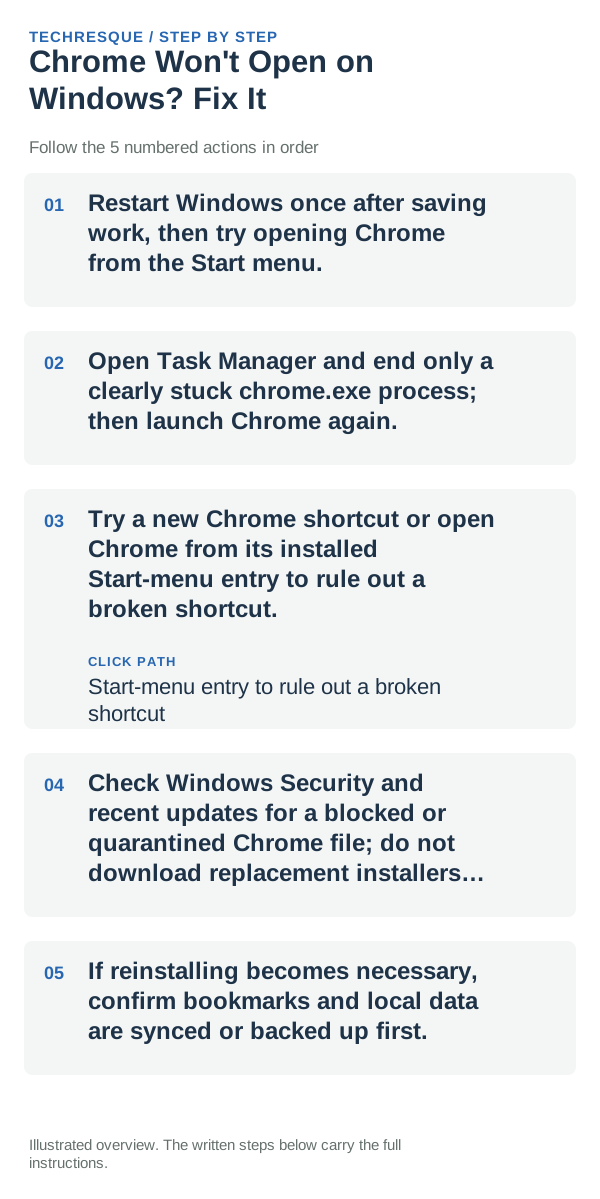
- Restart Windows once after saving work, then try opening Chrome from the Start menu.
- Open Task Manager and end only a clearly stuck chrome.exe process; then launch Chrome again.
- Try a new Chrome shortcut or open Chrome from its installed Start-menu entry to rule out a broken shortcut.
- Check Windows Security and recent updates for a blocked or quarantined Chrome file; do not download replacement installers from third-party sites.
- If reinstalling becomes necessary, confirm bookmarks and local data are synced or backed up first.
Isolate the failing layer
If Chrome opens after ending a stuck process, the browser was still running in the background. If Windows blocks it or reports a missing file, check the security history and use Google’s official installer. Do not delete the Default profile folder to force Chrome to start.
Shortcuts that usually waste time
What success should look like
Launch Chrome from Start after a restart and confirm a normal window opens and stays open. If it still closes, check Windows Security and Reliability Monitor before reinstalling.
When to use support or repair
If the same page fails in another browser, contact the site or network owner; if only Chrome fails, report its version and reproduction steps.
Record Chrome version, device/OS, profile and extension state, and the affected page without private tokens or account data.
Frequently asked questions
Should I reset the whole device immediately?
Usually not. Compare a private window and another browser first. Reset Chrome only after checking the profile, extensions and sync.
How do I know when the fix is real?
Launch Chrome from Start after a restart and confirm a normal window opens and stays open. If it still closes, check Windows Security and Reliability Monitor before reinstalling.
Official sources and further reading
Chrome menu labels can change with releases. Search Settings for the named control if its location differs.