Update Chrome and restart the computer after saving open work.
Likely causes to check first
- one extension or profile is misbehaving
- cached site data is stale
- memory pressure is forcing tabs to reload
- DNS/network problems affect only some sites
- security software or a proxy is intercepting connections
Fix it in this order
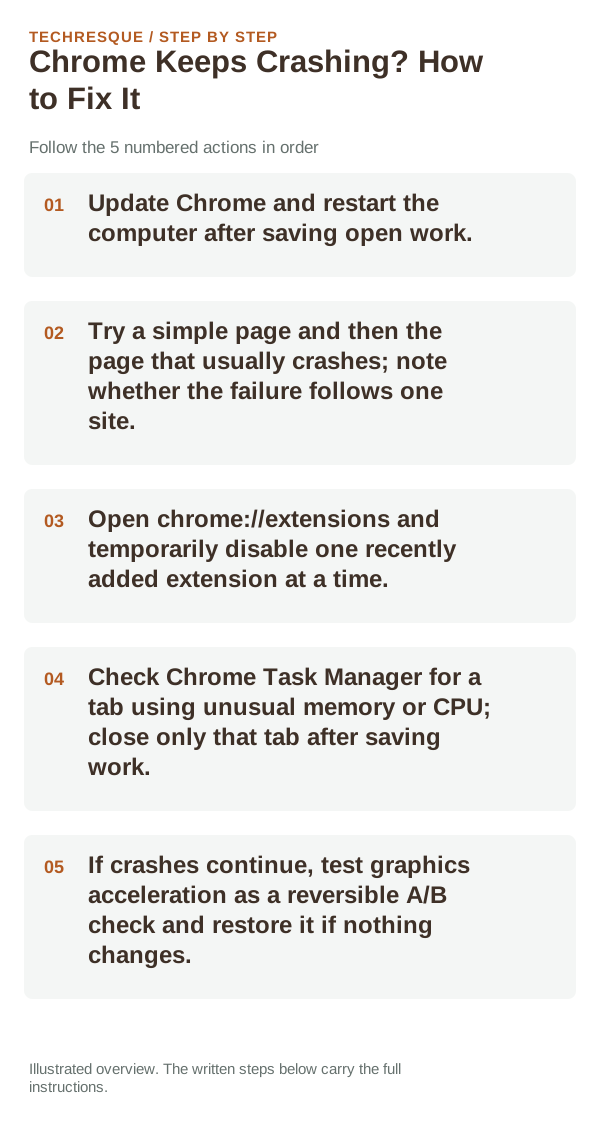
- Update Chrome and restart the computer after saving open work.
- Try a simple page and then the page that usually crashes; note whether the failure follows one site.
- Open chrome://extensions and temporarily disable one recently added extension at a time.
- Check Chrome Task Manager for a tab using unusual memory or CPU; close only that tab after saving work.
- If crashes continue, test graphics acceleration as a reversible A/B check and restore it if nothing changes.
A quick way to narrow it down
One page crashing points toward the site or its content; every page crashing points more toward Chrome, an extension, memory pressure, or graphics. Test a second profile only after confirming important bookmarks and local data are backed up.
What not to change first
What success should look like
Repeat the action that caused Chrome to close, then browse a second site after restarting. If the browser crashes again, note the page, extension state, and Chrome version.
When to use support or repair
If the same page fails in another browser, contact the site or network owner; if only Chrome fails, report its version and reproduction steps.
Record Chrome version, device/OS, profile and extension state, and the affected page without private tokens or account data.
Frequently asked questions
Should I reset the whole device immediately?
Usually not. Compare a private window and another browser first. Reset Chrome only after checking the profile, extensions and sync.
How do I know when the fix is real?
Repeat the action that caused Chrome to close, then browse a second site after restarting. If the browser crashes again, note the page, extension state, and Chrome version.
Official sources and further reading
Chrome menu labels can change with releases. Search Settings for the named control if its location differs.