
Open a second, known-good PDF in Chrome; if only one file fails, the document may be damaged or protected.
Why this can happen
- one extension or profile is misbehaving
- cached site data is stale
- memory pressure is forcing tabs to reload
- DNS/network problems affect only some sites
- security software or a proxy is intercepting connections
The practical troubleshooting sequence
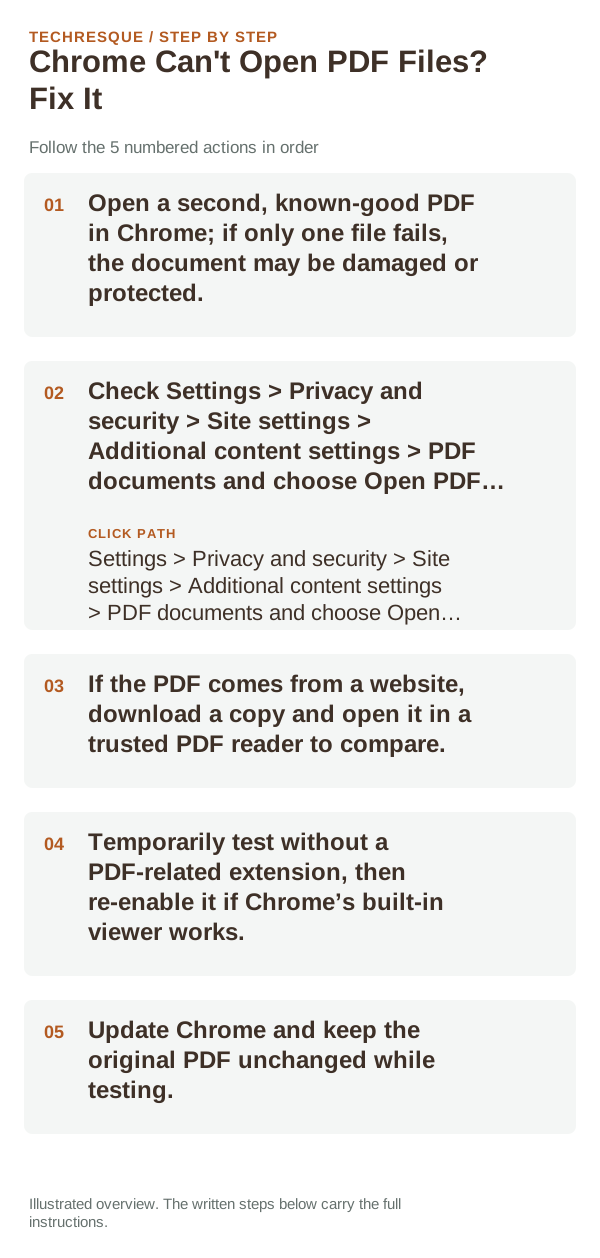
- Open a second, known-good PDF in Chrome; if only one file fails, the document may be damaged or protected.
- Check Settings > Privacy and security > Site settings > Additional content settings > PDF documents and choose Open PDFs in Chrome or Download PDFs.
- If the PDF comes from a website, download a copy and open it in a trusted PDF reader to compare.
- Temporarily test without a PDF-related extension, then re-enable it if Chrome’s built-in viewer works.
- Update Chrome and keep the original PDF unchanged while testing.
A quick way to narrow it down
If a downloaded copy opens in another reader but not Chrome, investigate the browser’s PDF setting or an extension. If the same file fails in multiple readers, ask the sender for a new copy. A site can also require a download instead of in-browser preview.
Do not make troubleshooting harder
Confirm that the problem is actually gone
Open one small local PDF and one trusted online PDF. Confirm pages render and can be scrolled, then compare whether the problem follows the file or Chrome’s PDF setting.
When to use support or repair
If the same page fails in another browser, contact the site or network owner; if only Chrome fails, report its version and reproduction steps.
Record Chrome version, device/OS, profile and extension state, and the affected page without private tokens or account data.
Frequently asked questions
Should I reset the whole device immediately?
Usually not. Compare a private window and another browser first. Reset Chrome only after checking the profile, extensions and sync.
How do I know when the fix is real?
Open one small local PDF and one trusted online PDF. Confirm pages render and can be scrolled, then compare whether the problem follows the file or Chrome’s PDF setting.
Official sources and further reading
Chrome’s download destination and PDF handling are separate settings; preserve the original file while testing.