An app using Android’s Photo Picker can receive access to the photos you select without getting broad permission to your entire library. Other apps may request Photos and videos access; review the grant shown in Settings and revoke it if it is broader than the feature needs.
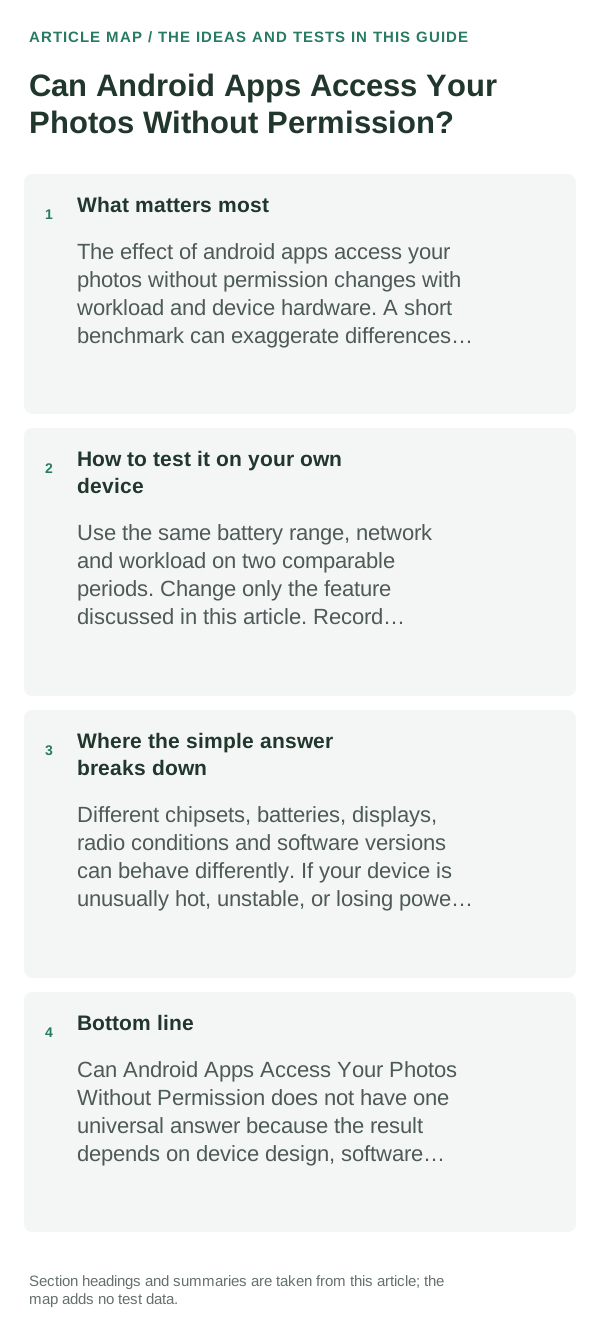
What matters most
“No permission prompt” does not always mean an app can read everything. Android can pass a user-selected photo through the system picker, while broad media permission, older Android behavior, app-created files, cloud-backed pickers and manufacturer software follow different rules.
What I would change first
- Change only the setting directly related to android apps access your photos without permission and observe the result.
- Use the device normally for long enough to see a pattern, not a five-minute snapshot.
- Prefer the platform’s built-in controls over third-party “optimizer” apps.
- Restore the original setting if the change makes the device less useful without a measurable benefit.
How to test it on your own device
Choose one harmless image through the system picker, then revisit the app’s Photos and videos permission page. Confirm whether the system recorded a broad permission or only the selected-item access that the picker provided.
Where the simple answer breaks down
Photo Picker behavior, cloud-media integration and permission labels vary by Android version, app and phone maker. Access already granted earlier may remain until you revoke it; a picker selection is not proof about an app’s separate network practices.
Bottom line
Use the Android Photo Picker for selected images and check the app’s Photos and videos permission for broader library access. Revoke access you no longer want and retest the feature.
Use the least permission that still enables the feature
Android lets you review permissions per app and, for some sensitive permissions, choose limited or one-time access. If a feature works without broader access, keep the narrower setting.
Permission history is only one privacy signal. Also consider what account the app uses, whether data leaves the device, and whether the app’s core function still works when optional access is denied.
A permission should map to a feature you understand. Camera access makes sense for scanning a document; location may be needed for navigation; neither should be granted simply because an app refuses to explain why it wants access.
| What you observe | What it points to | Best next check |
|---|---|---|
| Feature fails after denial | Permission may be required | Review app explanation before granting |
| Permission matches a feature you use | Likely necessary access | Grant the narrowest available option |
| Permission seems unrelated | Optional or questionable access | Deny and test the feature |
Frequently asked questions
Does Android’s Photo Picker expose my whole gallery?
The picker is designed to share the items you select. That is different from granting broad Photos and videos permission; review the permission page if you are unsure what an app can access.
Can an app keep a photo after I revoke permission?
Revoking access stops future access through that permission, but it cannot recall a photo you already uploaded or copied. Check the app’s account and deletion controls for data already shared.
Official sources and further reading
The linked Android documentation explains system permission and Photo Picker behavior; it does not determine how a specific third-party app handles data after you share it.