For a dedicated Android app, Hysoft’s Motion Relief puts adjustable motion cues at the screen edge; Google’s Motion Assist and Apple’s Vehicle Motion Cues are built-in options on supported devices. These features may ease discomfort for some passengers, but they are not a treatment or a guarantee. Never use a phone while driving.
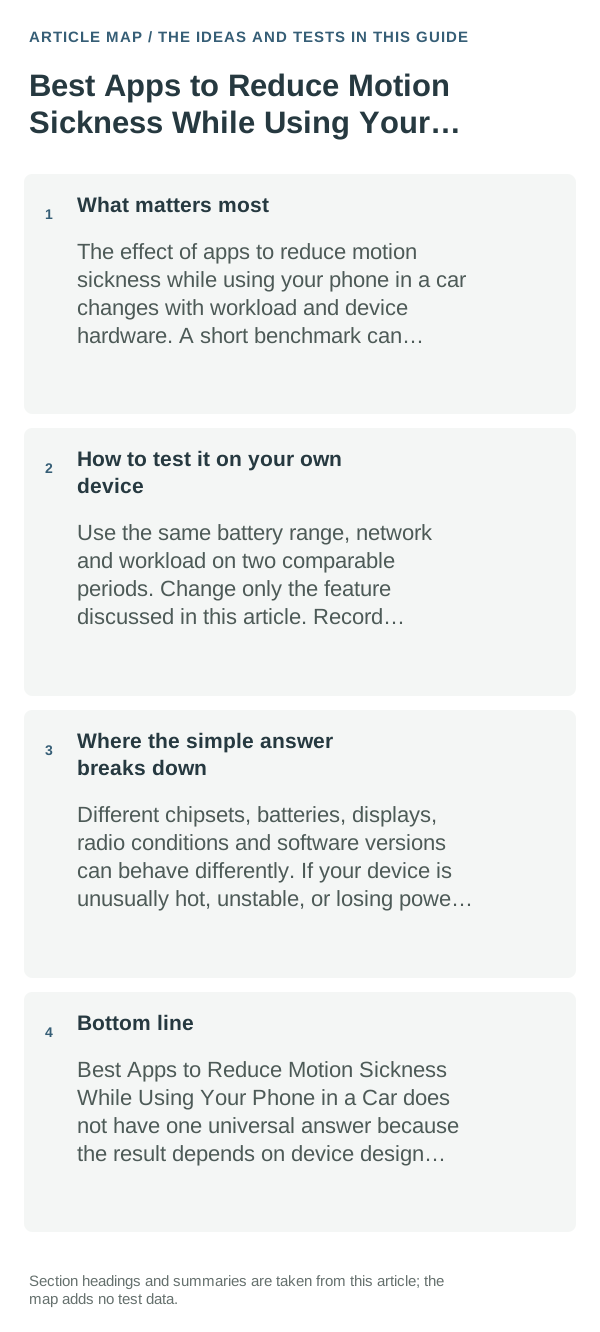
What matters most
Reading fixes your eyes on a nearby screen while your body senses turns, acceleration and braking. Edge cues try to make some of that movement visible. The mechanism is plausible, but comfort differs by person, vehicle, seat position, cue style and device support.
The sensible everyday approach
- Check for the built-in option first: Android Motion Assist requires Android 17 or later with updated Google Play services; on iPhone, look under Settings → Accessibility → Motion → Vehicle Motion Cues.
- If you want a dedicated Android app, Motion Relief is Hysoft’s paid option. Its Play listing describes adjustable edge and floating cues; verify the current price, overlay permission and compatibility before buying.
- Set up or adjust cues while parked. As a passenger, try a short trip in your usual seat and stop if the display makes you feel worse.
- If cues are unavailable or uncomfortable, reduce close-up reading, look toward the road or horizon, take a screen break, and sit facing forward where possible.
How to test it on your own device
Compare a short, similar passenger trip with and without cues. Keep your seat and phone use similar, note whether symptoms start later or feel milder, and stop the comparison as soon as discomfort increases. That is a personal comfort check, not a medical test.
Where the simple answer breaks down
Android’s built-in Motion Assist needs a supported Android 17 device and current Google Play services; Apple’s setting is specific to supported iPhone software. Third-party apps can differ in overlay access, appearance and device support. No screen cue makes phone use safe for a driver.
Bottom line
Try the built-in feature on your phone first. If you want a separate Android app, Motion Relief is the Hysoft option to compare; check its current price and permissions, and judge it only by your own passenger comfort.
Reduce the sensory trigger instead of only changing app settings
For eye strain, brightness, viewing distance, text size and long uninterrupted sessions usually matter more than a single “eye comfort” toggle. Adjust the environment as well as the screen.
If symptoms are strong, persistent or occur without the expected trigger, stop the activity and seek medical advice rather than treating a phone setting as a diagnosis.
Motion sickness while using a phone in a moving vehicle is commonly linked to a mismatch between what your eyes see and what your balance system senses. Reducing close-up screen time and looking toward a stable distant reference can help.
| What you observe | What it points to | Best next check |
|---|---|---|
| Symptoms persist away from trigger | May not be a device-setting issue | Stop and seek appropriate medical guidance |
| Symptoms start only in moving vehicle | Visual/vestibular mismatch | Reduce screen use and look at stable distant reference |
| Eyes feel tired after long reading | Viewing distance, size, brightness, breaks | Increase text size and take regular breaks |
Frequently asked questions
Can motion cues stop motion sickness completely?
No. They may make screen use more comfortable for some passengers, but they do not work for everyone or replace taking a break. Stop if symptoms worsen.
Can I use a cue app while driving?
No. Set it up while parked and use screen cues only as a passenger. A driver should keep attention on the road and never look down to adjust an app.
Official sources and further reading
- Motion Relief — Google Play listing
- Android Help — Use Motion Assist
- Apple Support — Use iPhone more comfortably while riding in a vehicle
Publisher disclosure: Techresque is affiliated with Hysoft, which publishes Motion Relief. This guide compares stated product features and platform documentation; it does not claim a clinical or device-by-device efficacy test. Prices and compatibility can change.