Android limits unknown-app installation per source app, and the control can move between versions. A missing option is often a policy or source-app difference, not a global switch that should be bypassed. Search Settings for Install unknown apps and identify the exact browser/file manager launching the package. Read the app's warning and verify the developer and download source independently before allowing that source.
Android Settings labels differ across Pixel, Samsung, and other brands; search Settings for the named control and change one item at a time.
Start by narrowing the cause
Android limits unknown-app installation per source app, and the control can move between versions. A missing option is often a policy or source-app difference, not a global switch that should be bypassed.
- The setting is granted to the browser or file manager that opened the installer, not to Android globally.
- The menu moved in the current Android release or manufacturer skin.
- A work administrator or parental-control policy blocks sideloading.
- The requested APK is blocked by Play Protect or is incompatible.
- The source app has not requested install permission yet.
Use this order so you can identify the cause
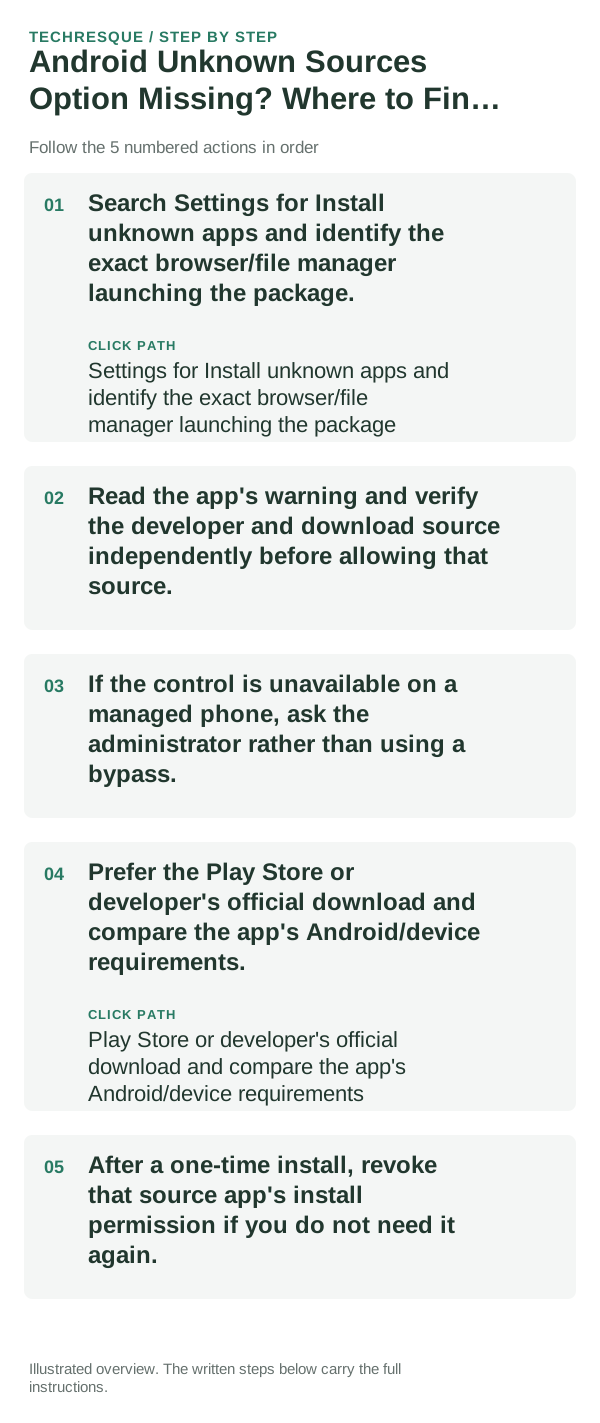
- Search Settings for Install unknown apps and identify the exact browser/file manager launching the package.
- Read the app's warning and verify the developer and download source independently before allowing that source.
- If the control is unavailable on a managed phone, ask the administrator rather than using a bypass.
- Prefer the Play Store or developer's official download and compare the app's Android/device requirements.
- After a one-time install, revoke that source app's install permission if you do not need it again.
How to tell which cause applies
Check the permission for the exact installer source and confirm whether the device is managed. Menu paths and policy behavior differ by Android version.
Check the permission for the exact installer source and confirm whether the device is managed. Menu paths and policy behavior differ by Android version.
Do not make troubleshooting harder
- Do not disable Play Protect or grant install access to every app.
- Never install an APK from an unsolicited link.
Confirm that the problem is actually gone
Check the permission for the exact installer source and confirm whether the device is managed. Menu paths and policy behavior differ by Android version.
When to use support or repair
If several apps fail after updates and a restart, compare Safe Mode if supported. Swelling, unusual heat, damaged ports or shutdowns need service.
Note the phone model, Android version, affected app or setting, exact message and whether restarting or Safe Mode changes the result.
Frequently asked questions
What should I check first?
Search Settings for Install unknown apps and identify the exact browser/file manager launching the package. Read the app's warning and verify the developer and download source independently before allowing that source. If the control is unavailable on a managed phone, ask the administrator rather than using a bypass.
Should I reset the whole device immediately?
Usually not. Test the affected feature with a built-in tool or second app first. Back up local-only files before clearing app storage or considering a factory reset.
How do I know when the fix is real?
Check the permission for the exact installer source and confirm whether the device is managed. Menu paths and policy behavior differ by Android version.