Protect data first. If the phone keeps restarting before Android loads, remove accessories and follow the maker's model-specific recovery steps; do not choose Wipe data or Factory reset without a verified backup.
On Android, menu names vary by maker, so use Settings search when a path in a guide does not match your phone exactly.
Likely causes to check first
A boot loop can follow a failed update, low storage, a damaged button, a new app, or a hardware fault. The safest next step depends on whether the device reaches the lock screen, recovery menu, or only the logo.
The practical troubleshooting sequence
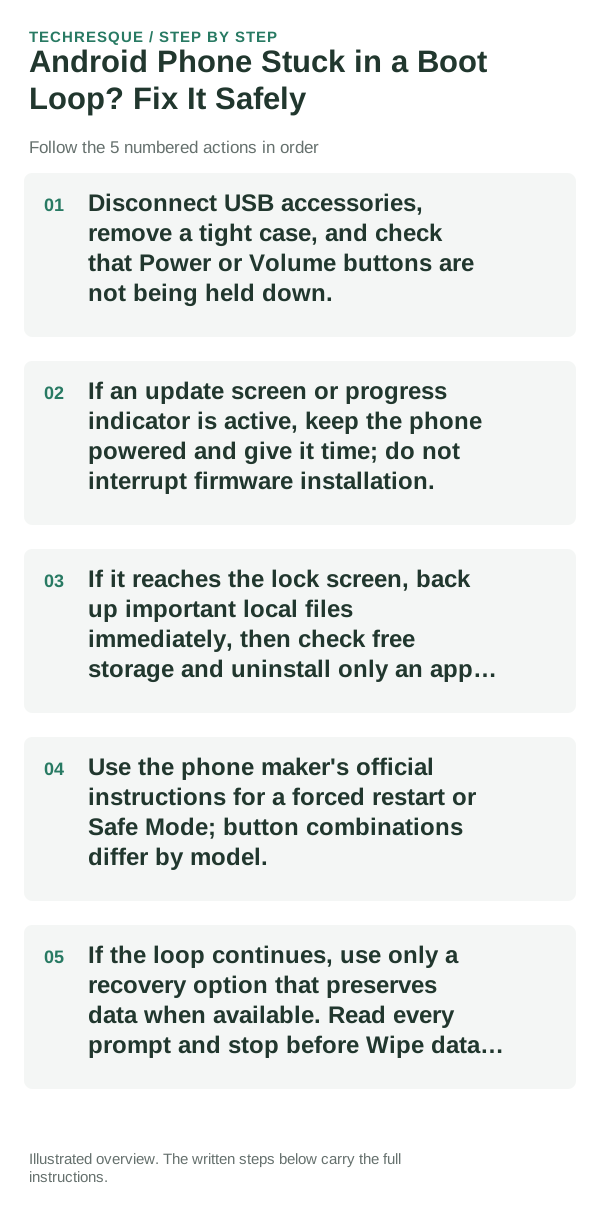
- Disconnect USB accessories, remove a tight case, and check that Power or Volume buttons are not being held down.
- If an update screen or progress indicator is active, keep the phone powered and give it time; do not interrupt firmware installation.
- If it reaches the lock screen, back up important local files immediately, then check free storage and uninstall only an app added just before the loop.
- Use the phone maker's official instructions for a forced restart or Safe Mode; button combinations differ by model.
- If the loop continues, use only a recovery option that preserves data when available. Read every prompt and stop before Wipe data, Erase, or Factory reset.
What each result tells you
A loop that began after an app installation and reaches Android may be app-related. A logo-only loop after an interrupted update, a stuck hardware key, or repeated recovery errors needs model-specific service guidance.
Shortcuts that usually waste time
Do not repeatedly force power off during an update, unlock the bootloader, flash firmware, or factory-reset before checking backup status. These actions can erase data or make recovery harder.
What success should look like
If Android starts, confirm the phone can remain on, make a backup, and check the same app or update that preceded the problem. If it does not start, do not count a temporary logo change as a fix.
When to use support or repair
Contact the phone maker or an authorized repair provider if the phone never reaches Android or recovery reports errors. Give the exact model, recent update, boot screen, and backup state.
Frequently asked questions
Should I reset the whole device immediately?
Usually not. Test the affected feature with a built-in tool or second app first. Back up local-only files before clearing app storage or considering a factory reset.
How do I know when the fix is real?
If Android starts, confirm the phone can remain on, make a backup, and check the same app or update that preceded the problem. If it does not start, do not count a temporary logo change as a fix.