Charge both AirPods, turn on Bluetooth, and check the iPhone audio-output list. If the AirPods are absent, open the case and use the pairing action for that case: newer models can use front-case taps, while many older models have a setup button on the back.
Pairing animation, button location, and minimum iOS support vary by AirPods generation.
Check power, Bluetooth, and audio output
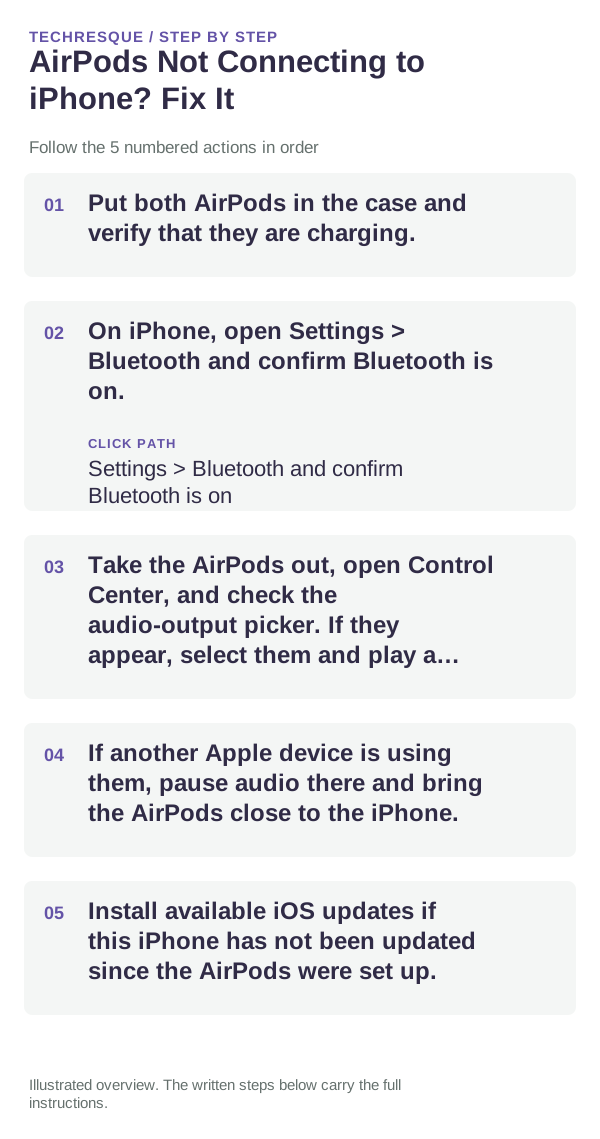
- Put both AirPods in the case and verify that they are charging.
- On iPhone, open Settings > Bluetooth and confirm Bluetooth is on.
- Take the AirPods out, open Control Center, and check the audio-output picker. If they appear, select them and play a short test.
- If another Apple device is using them, pause audio there and bring the AirPods close to the iPhone.
- Install available iOS updates if this iPhone has not been updated since the AirPods were set up.
Pair the AirPods again
Put both earbuds in the case, close the lid briefly, then open it near the iPhone. For AirPods 4/5 and AirPods Pro 3, double-tap the front of the case until the light flashes white. For many earlier models, press and hold the setup button on the back until it flashes white. Follow the iPhone's on-screen prompt. Check Apple's model guide if your case uses a different control.
If they appear but do not connect
In Settings > Bluetooth, tap the Info button next to the AirPods and choose Forget This Device, then pair again. This can remove the AirPods from devices associated with the same Apple Account, so be ready to reconnect them where needed.
Reset only after pairing fails
Resetting is a stronger step and clears custom AirPods settings. Use Apple's reset sequence for the exact generation, then hold the open case near the iPhone and complete setup again.
When to contact support
If the AirPods do not appear on more than one updated device, or the status light never enters pairing mode after charging, contact Apple with the model and exact step that fails.
Frequently asked questions
Why are my AirPods not appearing in Bluetooth?
Check their charge, open the case, and start pairing mode using the control for that generation. If they still do not appear, test with another supported Apple device.
Does forgetting AirPods affect other Apple devices?
It can remove them from devices signed in to the same Apple Account. You may need to pair them again where you use them.
Should I reset them first?
No. Check charge, Bluetooth, the output picker, and model-specific pairing first. Reset after those steps fail.
Official sources and further reading
- Apple Support — If your AirPods or AirPods Pro will not connect
- Apple Support — Connect AirPods and AirPods Pro to iPhone
- Apple Support — Reset your AirPods and AirPods Pro
Pairing steps differ by AirPods generation. Confirm the case model before using its pairing or reset control.