Charge the case first, then put each AirPod in its matching position and check their battery levels separately. If one stays low, reseat it and look for visible debris around the case contact and earbud stem. Clean only with Apple's model-specific guidance; do not scrape the contacts.
This guide covers earbuds that do not gain charge while in the case. If the case itself will not charge, use the separate case-charging guide.
Identify which part is failing
Open the case near a paired iPhone or iPad and check the left AirPod, right AirPod, and case levels. If both earbuds remain low, the case may need charging. If only one fails, focus on its seating and contact rather than the case cable.
Try these checks in order
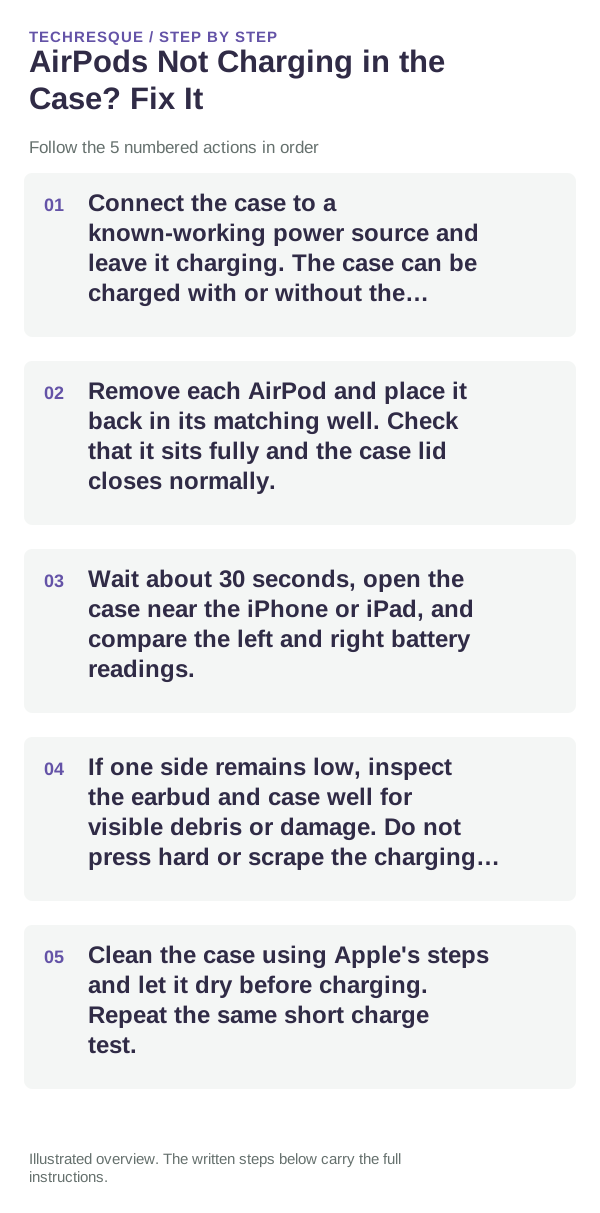
- Connect the case to a known-working power source and leave it charging. The case can be charged with or without the AirPods inside.
- Remove each AirPod and place it back in its matching well. Check that it sits fully and the case lid closes normally.
- Wait about 30 seconds, open the case near the iPhone or iPad, and compare the left and right battery readings.
- If one side remains low, inspect the earbud and case well for visible debris or damage. Do not press hard or scrape the charging contacts.
- Clean the case using Apple's steps and let it dry before charging. Repeat the same short charge test.
If the charge level still does not change
Put both earbuds in the case and confirm that the case has power. Restart or reset the AirPods only after the seating, charge, and cleaning checks; reset steps differ for older button cases and newer cases that use taps on the front.
Separate a charging issue from a sound issue
If the battery percentage rises but one AirPod remains silent, follow the one-sided audio checks instead. A fully charged AirPod can still have a sound, microphone, or connection problem.
When to contact Apple
Contact Apple if the same AirPod still does not gain charge in a powered, clean case after the model-specific reset, or if the case contact is bent or damaged. Stop charging if the case becomes unusually hot or shows physical damage.
Frequently asked questions
Why does one AirPod charge but not the other?
The failing earbud may not be seated, the case contact may be obstructed, or that side may need service. Check the battery reading and clean only as Apple directs.
Should I charge with the case lid open?
For a charge test, seat both AirPods and close the lid. Check status again after a short uninterrupted interval.
Can I use a pin to clean the charging contacts?
No. Avoid sharp tools and liquids. Follow Apple’s cleaning instructions for the case and allow it to dry.
Official sources and further reading
- Apple Support — Charge your AirPods and check charge status
- Apple Support — If your left or right AirPod is not working
- Apple Support — How to clean your AirPods
Check charge status for each AirPod separately. Case designs and indicator locations vary by generation.