With Bluetooth Classic, music usually uses A2DP for stereo playback, while using the headset microphone during a call may switch the connection to HFP for two-way voice. That profile change can make media sound narrower or lower fidelity; newer Bluetooth LE Audio can behave differently when both devices support it.
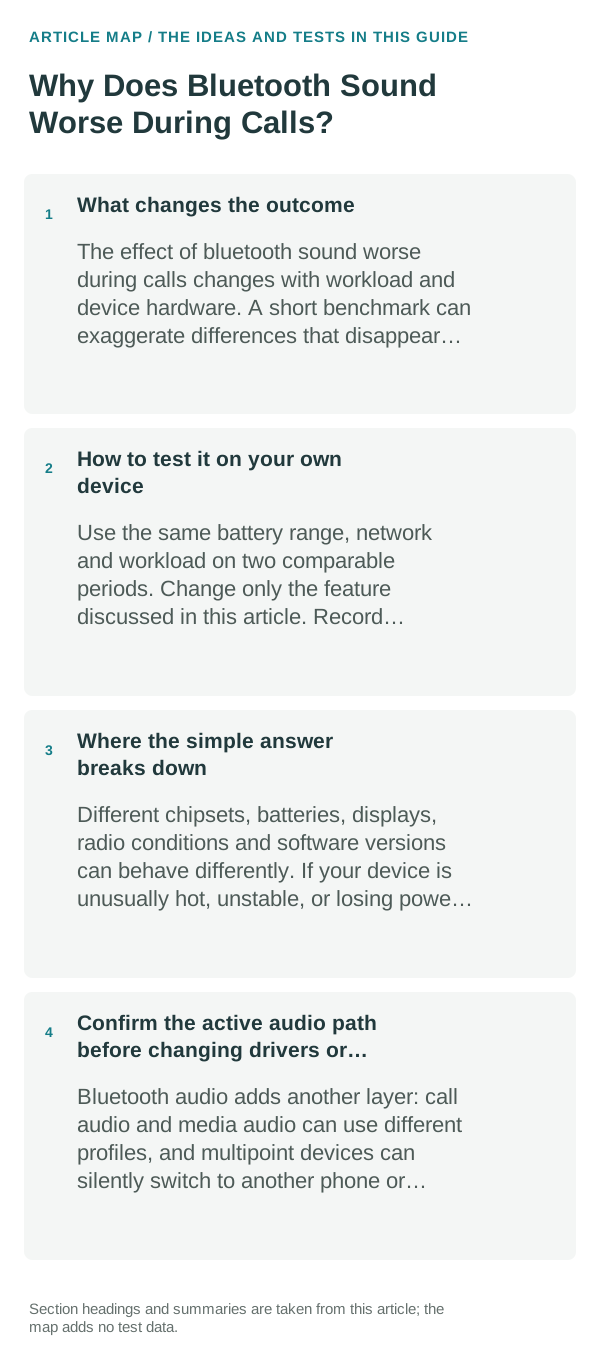
What changes the outcome
The headset is balancing microphone capture and playback. The active profile depends on the computer/phone, headset, OS version and whether a calling app opens the headset microphone. The call can also select a different output device or audio-processing mode.
The sensible everyday approach
- Play music with no call active and note the selected Bluetooth output; then start a call and check which speaker and microphone the app selected.
- If the headset microphone is not essential, test the phone or computer’s built-in microphone while keeping the headset for output. This can let some Bluetooth Classic systems return to the music profile.
- Close other apps that may be using the headset microphone, then end and rejoin the call once to see whether the profile returns to normal.
- Check whether both host and headset support Bluetooth LE Audio and whether their current software enables it; do not assume a Bluetooth version number alone guarantees LE Audio.
How to test it on your own device
Compare the same audio before, during and after a call. If quality drops only when the headset mic is active, profile switching is likely; if it stays poor outside calls, check codec support, distance, battery and the selected output separately.
Where the simple answer breaks down
A2DP/HFP switching applies to Bluetooth Classic. LE Audio, operating-system versions, headset firmware and app routing change the result; exact controls differ between Windows, Android, iOS and macOS.
Bottom line
First check whether the call is using the headset microphone and switching Bluetooth profiles. Test the host microphone or another supported audio mode before resetting pairings or replacing the headset.
Confirm the active audio path before changing drivers or apps
Bluetooth audio adds another layer: call audio and media audio can use different profiles, and multipoint devices can silently switch to another phone or computer. Disconnect extra devices during testing.
For microphones and cameras, permission can be granted at both the operating-system level and inside the app or browser. A correct hardware connection will still fail if either permission layer blocks access.
A device can be paired without being the active input or output. Check the selected microphone, speaker or Bluetooth profile first, then reproduce the problem in a second app so you know whether the fault follows the accessory or only one application.
| What you observe | What it points to | Best next check |
|---|---|---|
| Works in one app only | App permission or app-specific routing | Compare permissions and selected device |
| Paired but silent | Wrong output/profile or another device took focus | Select output manually and disconnect extras |
| Cuts out or crackles | Signal, codec, driver or hardware path | Test closer, wired, or with another known-good device |
Frequently asked questions
Why does music sound worse when a call starts?
Many Bluetooth devices use a different profile for two-way call audio than for one-way stereo playback. Test with the headset microphone disabled or another input device to see whether the profile change is the cause.
Can I keep stereo quality and use the headset microphone at the same time?
It depends on the headset and operating system. Some newer devices support better simultaneous modes, while classic profiles may trade audio quality for microphone use.
Official sources and further reading
The Windows documentation below describes Bluetooth Classic and LE Audio behavior on Windows; other platforms use their own routing and profile rules.