Check whether the headset supports multipoint and which device currently owns audio. Multipoint does not mean both devices play sound at once; calls and media can preempt each other by headset design.
Where this problem usually comes from
Some headphones maintain two Bluetooth connections but switch active audio when a call starts or a device begins playback. Other models support only one active source or require multipoint to be enabled in the maker's app.
Work through these checks
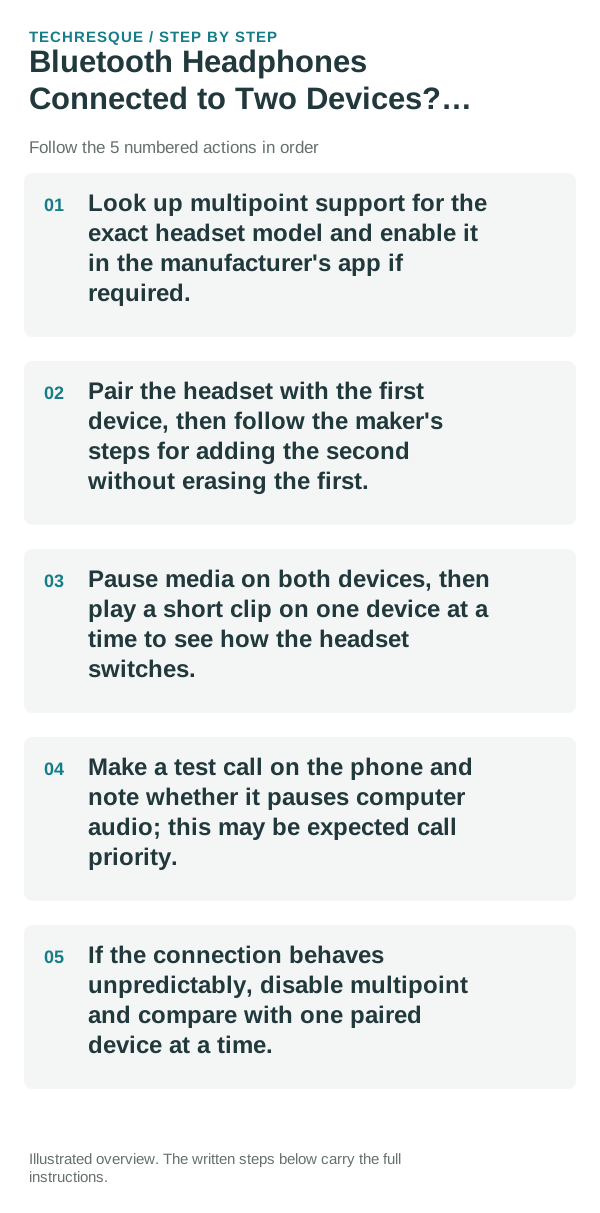
- Look up multipoint support for the exact headset model and enable it in the manufacturer's app if required.
- Pair the headset with the first device, then follow the maker's steps for adding the second without erasing the first.
- Pause media on both devices, then play a short clip on one device at a time to see how the headset switches.
- Make a test call on the phone and note whether it pauses computer audio; this may be expected call priority.
- If the connection behaves unpredictably, disable multipoint and compare with one paired device at a time.
How to tell which cause applies
Both devices listed but only one audible is normal for many multipoint models. A device repeatedly disconnecting may exceed the model's connection limit or use an unsupported switching pattern.
Changes to avoid until you know the cause
Do not factory-reset both devices or remove every pairing before checking the headset's supported device count. Keep a note of the original multipoint setting.
Verify before you move on
Confirm the headset stays connected to both devices and switches as the maker describes when a call or media session begins.
When to use support or repair
If it will not maintain the documented number of connections after firmware updates, contact the headset maker with both device models.
Pairing and audio are separate tests
First prove that the devices can pair. Then prove that the intended profile—media, calls, microphone or input—works. Solving the wrong layer is why many Bluetooth fixes appear inconsistent.
Confirm the active audio path before changing drivers or apps
For microphones and cameras, permission can be granted at both the operating-system level and inside the app or browser. A correct hardware connection will still fail if either permission layer blocks access.
A device can be paired without being the active input or output. Check the selected microphone, speaker or Bluetooth profile first, then reproduce the problem in a second app so you know whether the fault follows the accessory or only one application.
Bluetooth audio adds another layer: call audio and media audio can use different profiles, and multipoint devices can silently switch to another phone or computer. Disconnect extra devices during testing.
| What you observe | What it points to | Best next check |
|---|---|---|
| Cuts out or crackles | Signal, codec, driver or hardware path | Test closer, wired, or with another known-good device |
| Works in one app only | App permission or app-specific routing | Compare permissions and selected device |
| Paired but silent | Wrong output/profile or another device took focus | Select output manually and disconnect extras |
Frequently asked questions
What should I check first for bluetooth headphones connected to two devices? how multipoint works?
Disconnect the accessory from other devices, forget the pairing on both sides, pair again, then confirm the correct audio/input profile is selected.
Should I reset the whole device immediately?
Usually not. Recheck charge, distance and the current pairing first; remove only the affected pairing before resetting devices.
How do I know when the fix is real?
For microphones and cameras, permission can be granted at both the operating-system level and inside the app or browser. A correct hardware connection will still fail if either permission layer blocks access.