A PDF is designed to preserve page layout, but it can still look different when fonts are missing or substituted, a viewer handles transparency or color differently, a font is not embedded, or you are viewing a reflow/accessibility mode rather than the fixed page.
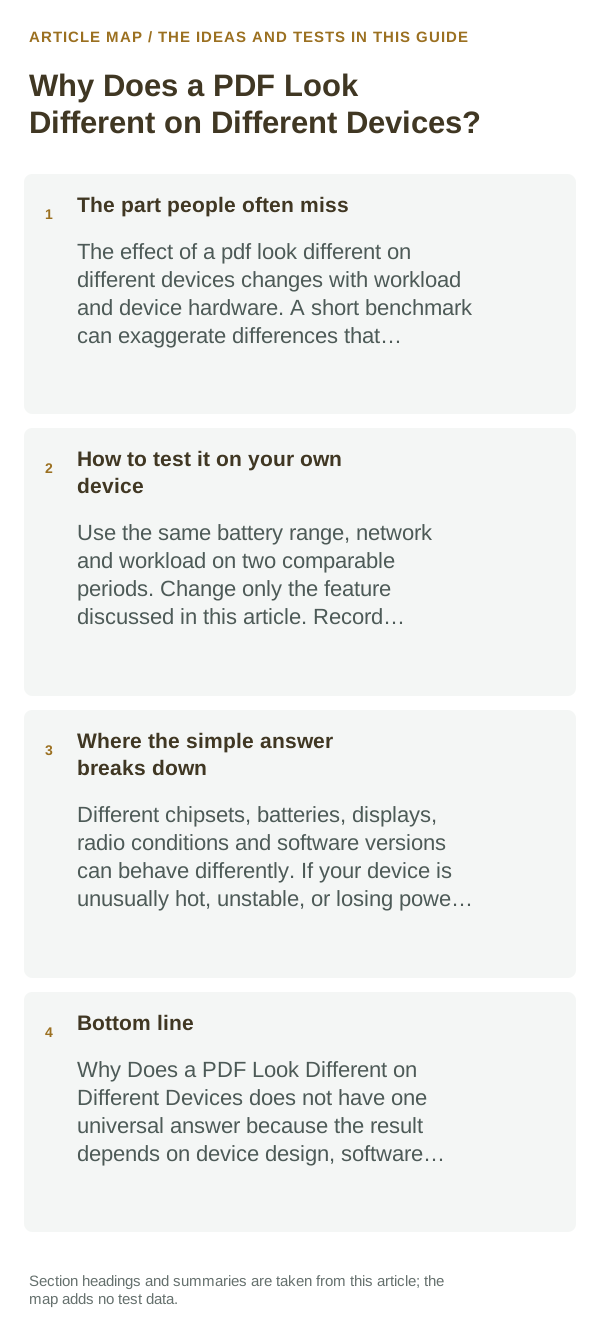
The part people often miss
The file carries page instructions and may embed fonts and images. If a required font is absent or not embedded, a viewer can substitute another font and change line breaks or spacing. Different viewers can also render forms, layers, annotations and color settings differently.
The sensible everyday approach
- Confirm both devices opened the same file version, not a re-export, converted copy or cloud preview. Compare the same page at the same zoom in a second PDF viewer.
- Check whether the PDF viewer has reflow, liquid mode, accessibility text or night mode enabled; switch back to page view to compare the fixed layout.
- If you created the PDF, export from the source app with fonts embedded where licensing allows, and avoid converting the PDF to another format for comparison.
- For a print-critical document, use the same print size and color settings and inspect the exported PDF, not just the source document preview.
How to test it on your own device
Open the same downloaded PDF in two viewers on one device, then in the viewer on the second device. If the difference follows one viewer, inspect its display settings; if it follows the file, check the source/export and embedded fonts.
Where the simple answer breaks down
A PDF’s appearance may still vary with missing fonts, viewer bugs, form support, color management or accessibility settings. Embedding fonts improves consistency but cannot correct a malformed source or a viewer rendering defect.
Bottom line
Verify that you are comparing the same PDF in fixed-page view, then isolate the viewer, font and export settings. If you created the file, re-export with compatible embedded fonts and inspect the actual output.
Readream fits naturally here
an offline Android EPUB and PDF reader with local library management, reading progress, search, bookmarks, highlights, notes, adjustable reading layout and offline text-to-speech. Its Play listing states no ads, no registration and no developer-operated analytics.
View Readream on Google Play →Match the document format to the job you are doing
For editing or conversion, keep an untouched copy before changing pages, compression or signatures. A visually successful edit can still alter searchable text, form fields or image quality in ways that only appear later.
When comparing reader apps, test the same real file. Large PDFs, scanned documents and complex EPUB books can expose performance or rendering differences that a simple sample book will not.
PDF is designed to preserve page layout, while EPUB is designed to reflow text to the reader’s screen. That difference affects zooming, annotations, text-to-speech and how comfortable long reading sessions feel on a phone.
| What you observe | What it points to | Best next check |
|---|---|---|
| Text should resize to screen | Reflowable ebook workflow | Prefer EPUB where the source supports it |
| Exact page layout matters | Fixed-layout document workflow | Prefer PDF and verify zoom/readability |
| Editing/signing is the goal | Document tool compatibility | Test on a copy and verify the saved output |
Frequently asked questions
Why does the same PDF look different in two apps?
Viewers can render fonts, forms, transparency and color differently. Open the same local file in both apps and compare their display or accessibility settings before re-exporting it.
Will converting a PDF to EPUB preserve its layout?
Usually not. EPUB text can reflow to fit a screen, while PDF is page-based. Keep the original if exact page layout matters and inspect the converted copy before sharing it.
Official sources and further reading
- Adobe Acrobat Help — PDF settings overview
- Adobe Acrobat Help — PDF looks different from source document
Adobe’s guidance below covers font embedding and PDF export settings; actual rendering also depends on the source document and the viewer on each device.