PDF text size is controlled by the viewer's zoom and the document's layout. A scanned page cannot reflow like a web article, so zooming and navigation may matter more than font settings. Use pinch-to-zoom or the viewer's zoom controls and select Fit Width for a single-page reading view. Try landscape orientation or crop margins if the PDF has wide blank edges.
Reader controls and DRM support depend on the app and publisher; keep the source file unchanged and test a trusted local copy.
Likely causes to check first
PDF text size is controlled by the viewer's zoom and the document's layout. A scanned page cannot reflow like a web article, so zooming and navigation may matter more than font settings.
- The page is fit-to-width or fit-to-page at a small scale.
- The PDF is a fixed-layout scan rather than selectable/reflowable text.
- The viewer's accessibility/text-reflow mode is off or unsupported.
- System display/text scaling changes menus but not the PDF page content.
- A two-page/landscape layout is shrinking each page.
Work through these checks
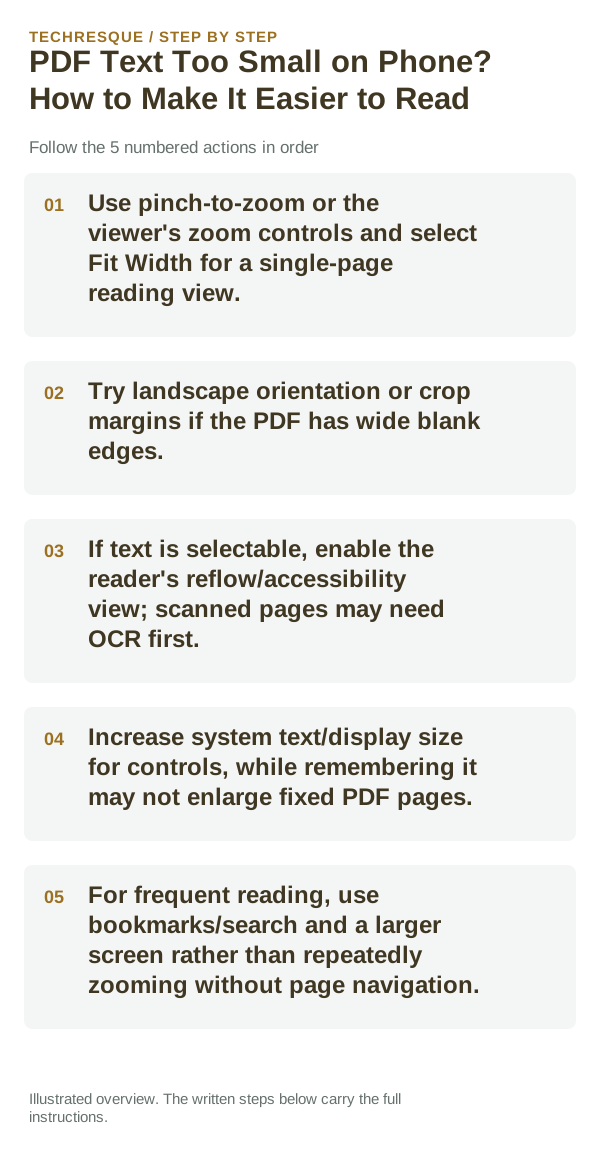
- Use pinch-to-zoom or the viewer's zoom controls and select Fit Width for a single-page reading view.
- Try landscape orientation or crop margins if the PDF has wide blank edges.
- If text is selectable, enable the reader's reflow/accessibility view; scanned pages may need OCR first.
- Increase system text/display size for controls, while remembering it may not enlarge fixed PDF pages.
- For frequent reading, use bookmarks/search and a larger screen rather than repeatedly zooming without page navigation.
What each result tells you
Test Fit Width on one page and verify that text remains readable without hiding page controls.
Use a copy of the same PDF or EPUB in the same reader. If it works elsewhere, focus on reader settings rather than the original file.
Changes to avoid until you know the cause
- Do not expect reflow to work on every scanned PDF.
- Avoid uploading confidential documents to unknown OCR services.
How to confirm the fix
Test Fit Width on one page and verify that text remains readable without hiding page controls.
When to use support or repair
If one file fails in multiple readers but other files open, request a clean copy. If one reader fails for many files, contact its developer.
Record reader app/version, device/OS, file type and the action that fails. Test a copy; do not share private documents.
Readream fits naturally here
an offline Android EPUB and PDF reader with local library management, reading progress, search, bookmarks, highlights, notes, adjustable reading layout and offline text-to-speech. Its Play listing states no ads, no registration and no developer-operated analytics.
View Readream on Google Play →Frequently asked questions
What should I check first?
Use pinch-to-zoom or the viewer's zoom controls and select Fit Width for a single-page reading view. Try landscape orientation or crop margins if the PDF has wide blank edges. If text is selectable, enable the reader's reflow/accessibility view; scanned pages may need OCR first.
Should I reset the whole device immediately?
Usually not. Test a copy in another reader first. If one file fails, check its access, password or integrity before resetting the app.
How do I know when the fix is real?
Test Fit Width on one page and verify that text remains readable without hiding page controls.
Official sources and further reading
Reader controls and sync options depend on the app and file type. Test the same file in another reader before changing the original.