Measure the phone's own mobile-data speed first, then test one nearby hotspot client. Signal quality, carrier congestion, hotspot band, distance, and background downloads can each limit throughput.
Likely causes to check first
A hotspot shares the phone's cellular connection, so a slow phone connection cannot become fast for the laptop. Even with good cellular service, weak Wi-Fi between the phone and client can reduce speed.
Work through these checks
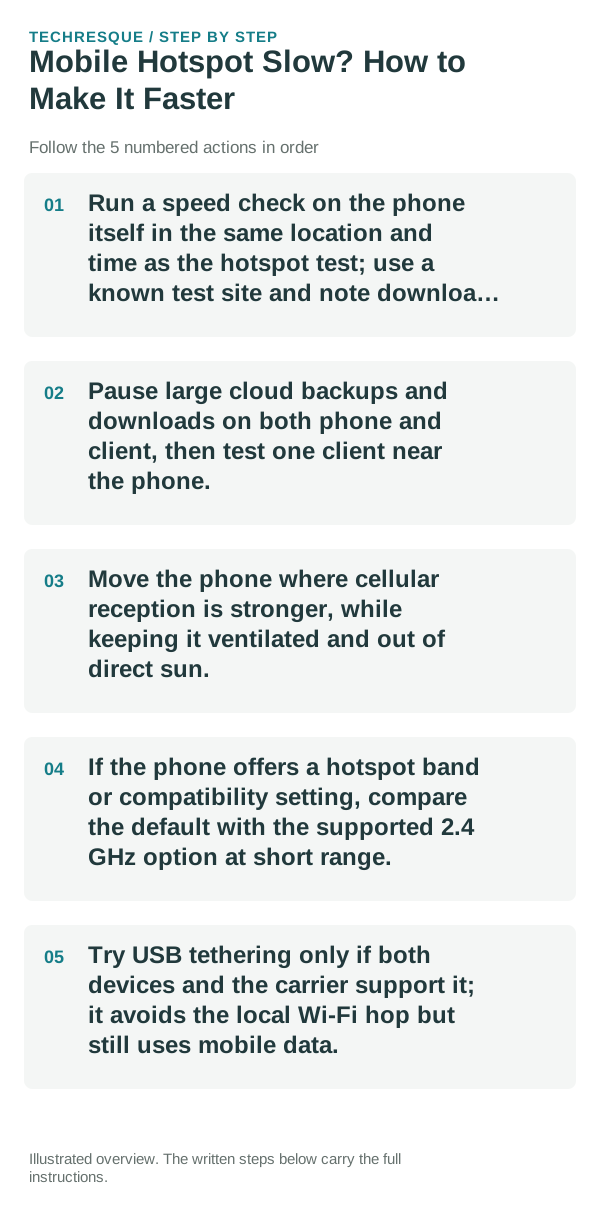
- Run a speed check on the phone itself in the same location and time as the hotspot test; use a known test site and note download and upload results.
- Pause large cloud backups and downloads on both phone and client, then test one client near the phone.
- Move the phone where cellular reception is stronger, while keeping it ventilated and out of direct sun.
- If the phone offers a hotspot band or compatibility setting, compare the default with the supported 2.4 GHz option at short range.
- Try USB tethering only if both devices and the carrier support it; it avoids the local Wi-Fi hop but still uses mobile data.
A quick way to narrow it down
Slow on the phone and client suggests cellular signal, congestion, or plan limits. Fast on the phone but slow on a nearby client suggests the hotspot's Wi-Fi band, interference, or client adapter.
Shortcuts that usually waste time
Tethering may have separate carrier limits or charges. Monitor data use, use a hotspot password, and do not disable security to chase speed.
What success should look like
Repeat the same test with one client close to the phone and no large downloads. Compare the phone's cellular result with the client result so you know which link changed.
When to use support or repair
If mobile data is fast on the phone but all hotspot clients remain slow, contact the carrier about tethering limits or the phone maker about hotspot compatibility.
Frequently asked questions
Should I reset the whole device immediately?
Usually not. Compare another device on the same network and this device on a second network before resetting equipment.
How do I know when the fix is real?
Repeat the same test with one client close to the phone and no large downloads. Compare the phone's cellular result with the client result so you know which link changed.