
The iPhone keyboard may be hidden by the active text field, a connected hardware keyboard, or a third-party keyboard. Compare a basic Apple app before changing keyboard data. Tap a plain text field in Notes and compare with the app where the keyboard is missing. Disconnect Bluetooth keyboards and check Settings > General > Keyboard > Keyboards.
iOS and macOS menu names can change by release; use Settings search and confirm whether the issue affects one app, one contact, or the entire device.
Likely causes to check first
The iPhone keyboard may be hidden by the active text field, a connected hardware keyboard, or a third-party keyboard. Compare a basic Apple app before changing keyboard data.
- The field is secure or app-specific and does not show a standard keyboard.
- A Bluetooth keyboard is connected and suppresses the on-screen keyboard.
- The selected third-party keyboard crashed or is disabled.
- Keyboard settings or an iOS update changed the active input method.
- The issue is limited to one app or one language keyboard.
The practical troubleshooting sequence
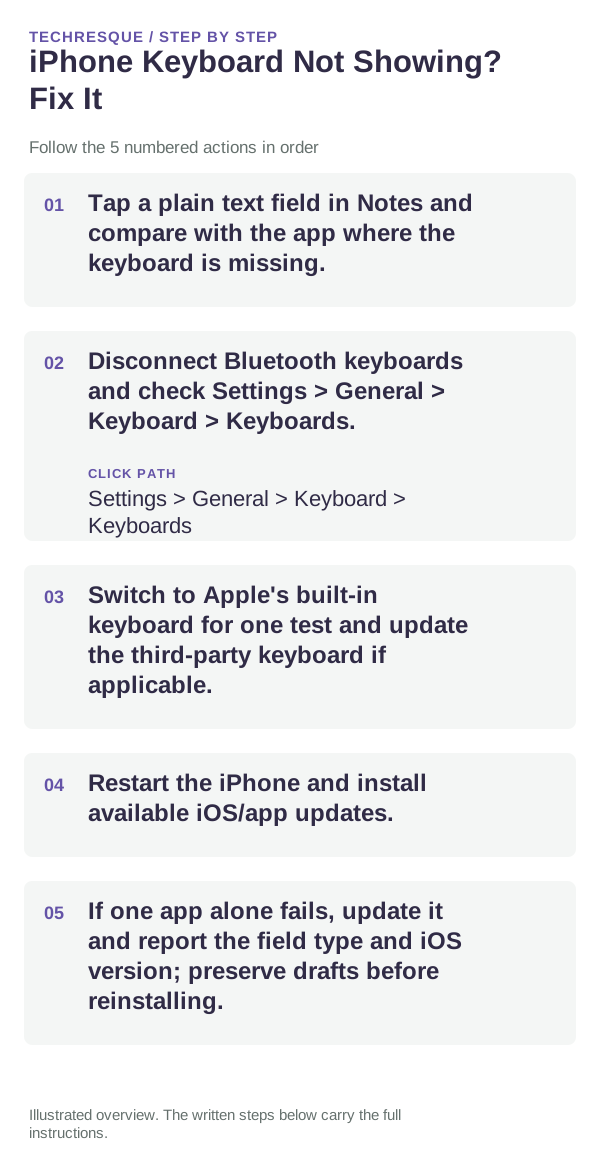
- Tap a plain text field in Notes and compare with the app where the keyboard is missing.
- Disconnect Bluetooth keyboards and check Settings > General > Keyboard > Keyboards.
- Switch to Apple's built-in keyboard for one test and update the third-party keyboard if applicable.
- Restart the iPhone and install available iOS/app updates.
- If one app alone fails, update it and report the field type and iOS version; preserve drafts before reinstalling.
Use a clean A/B test
Test the same simple text field in Notes and the affected app; secure fields may behave differently on purpose.
Test the same simple text field in Notes and the affected app; secure fields may behave differently on purpose.
Shortcuts that usually waste time
- Do not remove all keyboards at once or clear saved text replacements before checking a single app.
Retest the original failure
Test the same simple text field in Notes and the affected app; secure fields may behave differently on purpose.
When to use support or repair
If the issue persists across apps or networks after updates and model-specific checks, contact Apple Support with the model and iOS version.
Record iPhone model, iOS version, affected app or setting, exact message and whether it follows one network. Hide personal details in screenshots.
Frequently asked questions
What should I check first?
Tap a plain text field in Notes and compare with the app where the keyboard is missing. Disconnect Bluetooth keyboards and check Settings > General > Keyboard > Keyboards. Switch to Apple's built-in keyboard for one test and update the third-party keyboard if applicable.
Should I reset the whole device immediately?
Usually not. Check the affected app, accessory or setting first. Reset All Settings or erase the phone only after a backup.
How do I know when the fix is real?
Test the same simple text field in Notes and the affected app; secure fields may behave differently on purpose.
Official sources and further reading
iPhone settings labels can move between iOS versions. Use Settings search if a path differs, and check whether the symptom affects one app or the whole device.