Open Settings → Battery and look for a Slow Charger or temperature message. Use a compatible higher-power charger and cable, keep the iPhone cool and remember that charging naturally slows near 80–100%.
Start with the simplest reversible checks before moving to resets or repair.
Why this happens
Do not assume the most expensive failure first. This problem usually becomes much easier once you separate a settings problem from a connection, app, accessory or hardware problem.
- A low-power wired or wireless charger can charge normally but slowly.
- iPhone slows charging as it gets fuller to reduce battery stress.
- High or low temperature can make iOS slow or pause charging.
- Optimized Battery Charging or a charge limit can intentionally stop or delay charging above a set level.
- A dirty/damaged cable, adapter or port can reduce power.
Fix it in this order
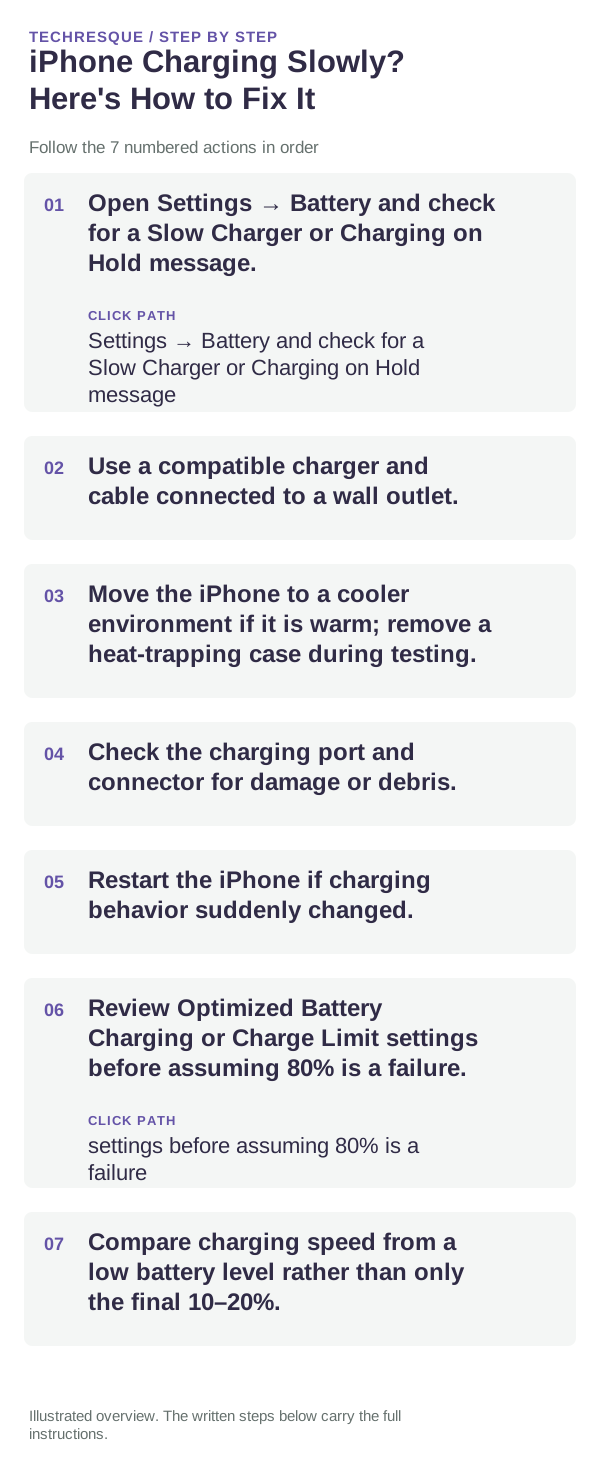
- Open Settings → Battery and check for a Slow Charger or Charging on Hold message.
- Use a compatible charger and cable connected to a wall outlet.
- Move the iPhone to a cooler environment if it is warm; remove a heat-trapping case during testing.
- Check the charging port and connector for damage or debris.
- Restart the iPhone if charging behavior suddenly changed.
- Review Optimized Battery Charging or Charge Limit settings before assuming 80% is a failure.
- Compare charging speed from a low battery level rather than only the final 10–20%.
How to identify the real cause
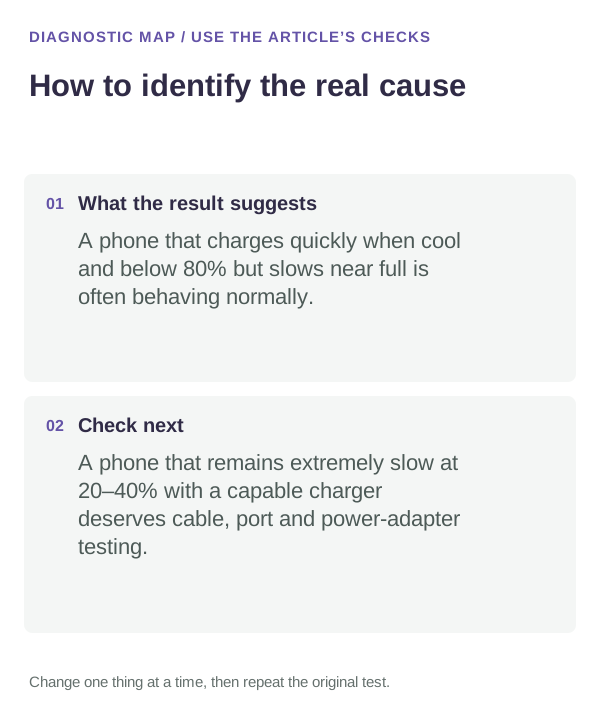
A phone that charges quickly when cool and below 80% but slows near full is often behaving normally. A phone that remains extremely slow at 20–40% with a capable charger deserves cable, port and power-adapter testing.
Common mistakes that waste time
- Treating the final 20% as if it should charge at the same speed as the first 20%.
- Using a weak computer USB port and comparing it with fast wall charging.
- Cooling a hot iPhone with ice or a freezer.
- Turning off battery-health features without first understanding why charging paused.
When this is probably not a settings problem
Seek service if multiple known-good chargers/cables fail, the port is loose or damaged, liquid/corrosion is present, or the phone becomes abnormally hot during ordinary charging.
If you need repair or manufacturer support, write down what you already tested. A short list of known-good cables, devices, networks or apps you tried is much more useful than saying only that the feature “doesn't work.”
Use Battery settings as evidence
Recent iOS versions can surface charging information such as a Slow Charger or temperature-related message. That is more useful than estimating speed by feel. Pair that message with a controlled 15-minute test at a lower battery percentage.
Heat changes the result
Fast charging generates heat, and iPhone may reduce power when temperature rises. A charger can therefore be capable of fast charging at first and then slow later. Test in a normal indoor environment before concluding that the adapter is defective.
Frequently asked questions
Why does iPhone slow down charging after 80%?
Apple says charging slows near full to reduce battery stress, and optimized charging can delay charging beyond 80%.
What does Slow Charger mean?
Apple shows this when the connected charger is not providing optimal power for a fast-charge-capable iPhone.
Can heat pause iPhone charging?
Yes. iOS can slow or pause charging until temperature returns to a normal range.
Is wireless charging always slower?
Charging speed depends on the charger, standard, alignment, power level and iPhone model.