
On a supported Galaxy phone, open Samsung Members > Support or Discover > Diagnostics > Phone diagnostics > Battery status. Labels and menus vary by model, region, and Samsung Members version. The status result is not the same as today's charge percentage or screen-on time.
Use Samsung's own diagnostic for the exact Galaxy model; not every phone exposes the same test.
Before you start
Confirm the Galaxy model and update Samsung Members if needed. Connect to the internet if the app needs to load diagnostics. Battery status is a diagnostic result; battery usage by app and current charge are separate readings.
Run the Battery status check
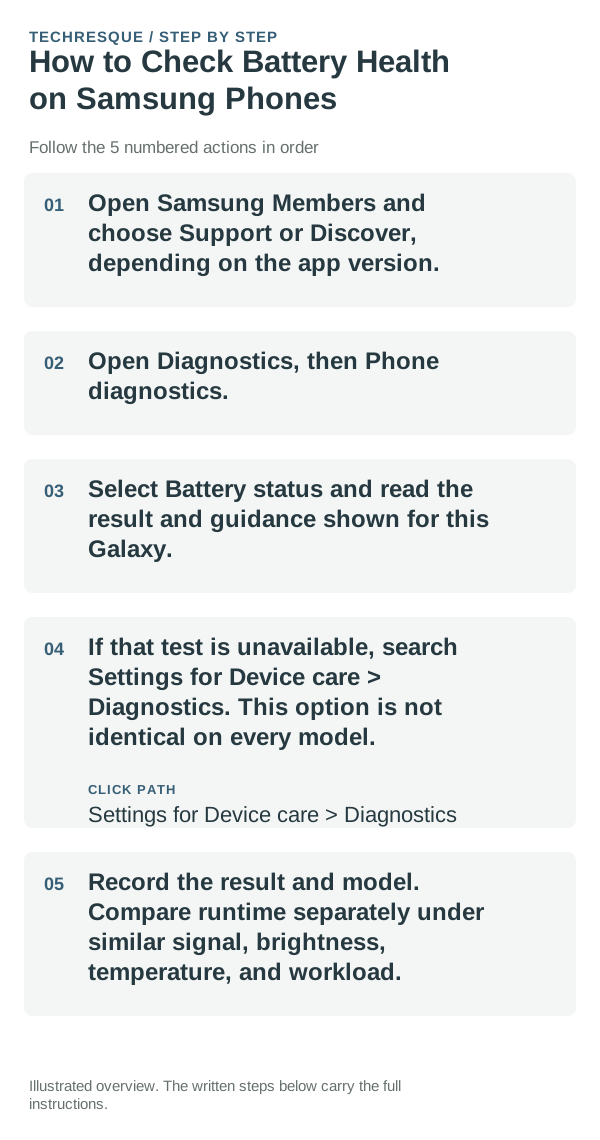
- Open Samsung Members and choose Support or Discover, depending on the app version.
- Open Diagnostics, then Phone diagnostics.
- Select Battery status and read the result and guidance shown for this Galaxy.
- If that test is unavailable, search Settings for Device care > Diagnostics. This option is not identical on every model.
- Record the result and model. Compare runtime separately under similar signal, brightness, temperature, and workload.
If the test is missing
Update Samsung Members from Galaxy Store or Google Play, then reopen diagnostics. If the Battery status test still does not appear, check Samsung's support page for your model and region; do not use a different Galaxy's menu as proof.
What a result can and cannot tell you
Use the status and advice that Samsung Members displays. A normal result does not explain every short-term drain event, and app battery usage does not replace the status test.
Keep troubleshooting focused
The Battery status test is read-only. If you change a power-saving setting during a separate drain investigation, note its original value and restore it if notifications or background sync change unexpectedly.
When to contact Samsung
Contact Samsung support or an authorized service provider if the diagnostic flags a problem, the phone repeatedly shuts down under ordinary use, or the battery is swollen or unusually hot. Stop using a swollen or damaged device.
Frequently asked questions
Where is Samsung battery status?
In Samsung Members, open Support or Discover > Diagnostics > Phone diagnostics > Battery status. Menu names can vary by Galaxy model and app version.
What do the diagnostic results mean?
Follow the result and guidance shown in Samsung Members. Available tests and labels can differ by model, region, and software.
When should I visit Samsung support?
Seek help if the diagnostic flags a problem, the phone shuts down unexpectedly, or the battery is swollen or unusually hot.
Official sources and further reading
- Samsung Support — Check Galaxy device status and run diagnostics
- Samsung Support — Check battery status on a Galaxy phone
Samsung Members and Device care availability, menu names, and results vary by Galaxy model and software.