Check the hotspot's automatic timeout, battery-saving mode, mobile-data connection, and whether a client is still connected. Menu names and timeout behavior differ by phone maker and carrier.
What this symptom usually means
Phones may turn a hotspot off after idle time to save power, when battery saver is active, or when mobile data is unavailable. Some carriers also limit tethering or change which devices can connect.
Work through these checks
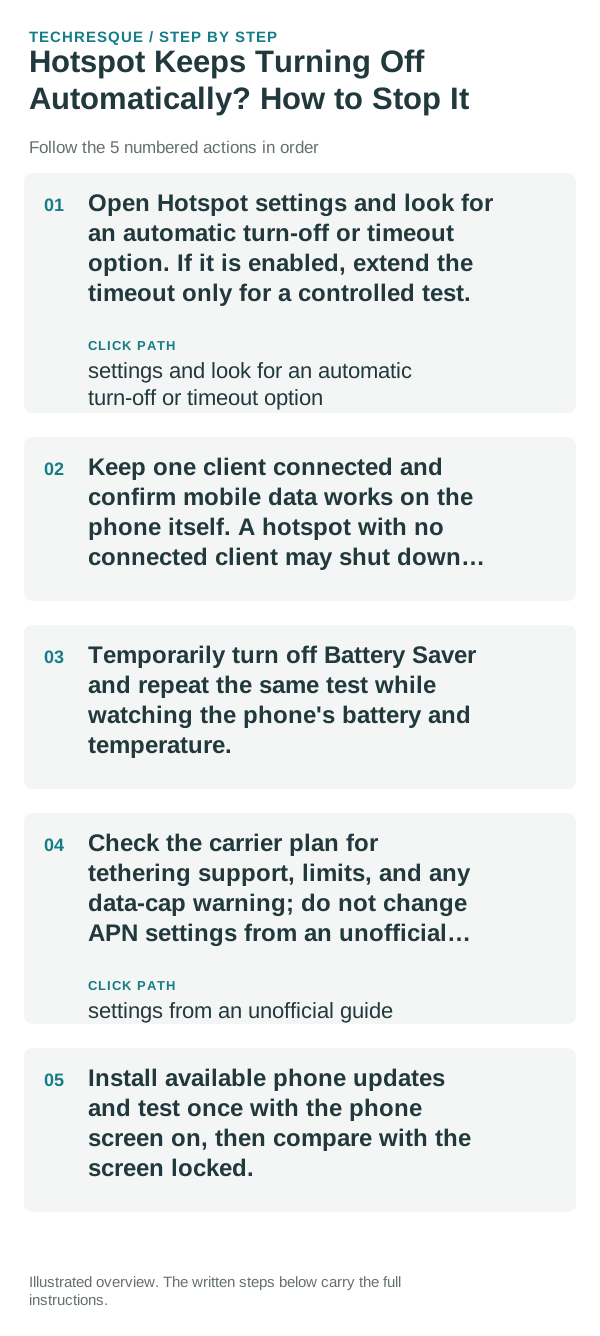
- Open Hotspot settings and look for an automatic turn-off or timeout option. If it is enabled, extend the timeout only for a controlled test.
- Keep one client connected and confirm mobile data works on the phone itself. A hotspot with no connected client may shut down by design.
- Temporarily turn off Battery Saver and repeat the same test while watching the phone's battery and temperature.
- Check the carrier plan for tethering support, limits, and any data-cap warning; do not change APN settings from an unofficial guide.
- Install available phone updates and test once with the phone screen on, then compare with the screen locked.
How to tell which cause applies
If it shuts off only when no client is connected, the idle timeout is likely. If it drops with an active client, compare phone mobile data, Battery Saver, heat, and carrier restrictions one at a time.
What not to change first
A hotspot can use substantial battery and mobile data. Use a strong password, avoid leaving it enabled in public, and stop the test if the phone becomes uncomfortably hot.
Verify before you move on
Leave one client connected for longer than the previous failure interval and confirm it can still load a page. Then lock the phone and observe whether the same timeout returns.
When to use support or repair
If the hotspot turns off with an active client and stable mobile data, contact the phone maker or carrier with the model, OS version, carrier, and approximate time before shutdown.
Frequently asked questions
Should I reset the whole device immediately?
Usually not. Compare another device on the same network and this device on a second network before resetting equipment.
How do I know when the fix is real?
Leave one client connected for longer than the previous failure interval and confirm it can still load a page. Then lock the phone and observe whether the same timeout returns.