Separate the phone's cellular connection from the hotspot link: confirm the phone can load a page on mobile data, then test a second client and check carrier tethering support.
Why this can happen
A client can join the hotspot's Wi-Fi while the phone has no usable mobile data. A carrier restriction, exhausted data allowance, private DNS/VPN, or a temporary network handoff can also block internet access.
Troubleshoot from low-risk to high-risk
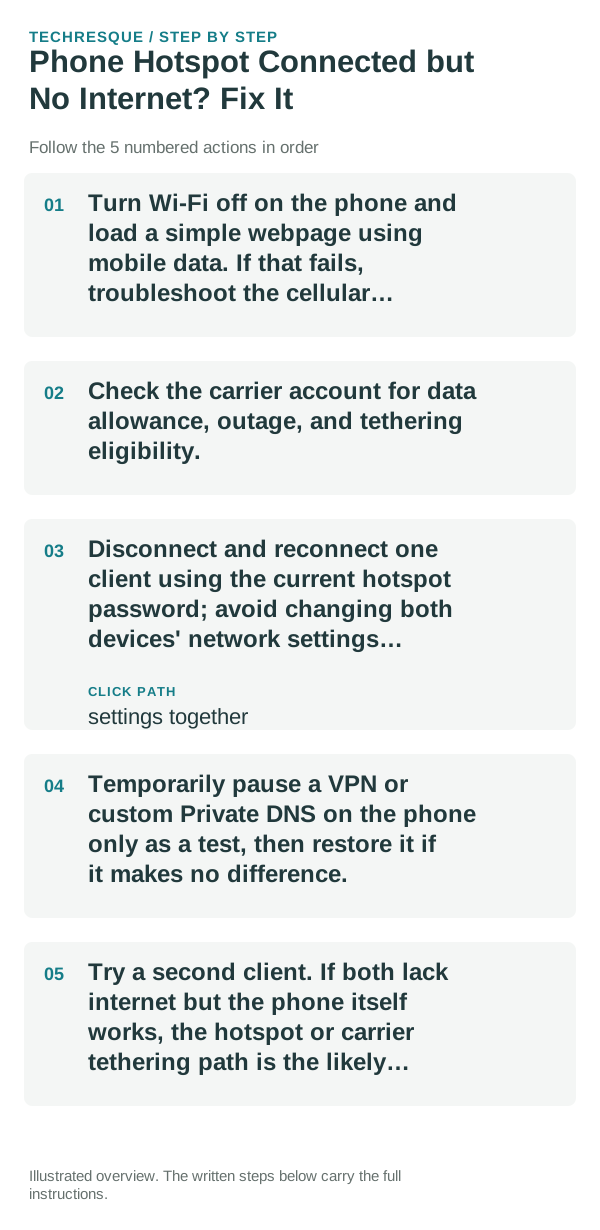
- Turn Wi-Fi off on the phone and load a simple webpage using mobile data. If that fails, troubleshoot the cellular connection before the hotspot.
- Check the carrier account for data allowance, outage, and tethering eligibility.
- Disconnect and reconnect one client using the current hotspot password; avoid changing both devices' network settings together.
- Temporarily pause a VPN or custom Private DNS on the phone only as a test, then restore it if it makes no difference.
- Try a second client. If both lack internet but the phone itself works, the hotspot or carrier tethering path is the likely boundary.
Use a clean A/B test
No internet on the phone means the hotspot is not the root problem. Phone internet works but every client fails points to tethering policy or phone hotspot settings; one failing client points to that device's saved network or DNS.
Shortcuts that usually waste time
Do not edit APN values from forums or disable hotspot security. Record any VPN or DNS setting before a temporary comparison so you can restore it.
Confirm that the problem is actually gone
Confirm the phone can browse on mobile data and one client can browse through the hotspot. Test the second client only if the first still fails.
When to use support or repair
If mobile data works but tethered clients do not, contact the carrier with the plan and device details; tethering may require a plan feature or carrier-side configuration.
Frequently asked questions
Should I reset the whole device immediately?
Usually not. Compare another device on the same network and this device on a second network before resetting equipment.
How do I know when the fix is real?
Confirm the phone can browse on mobile data and one client can browse through the hotspot. Test the second client only if the first still fails.