On Windows or Linux, press F11 to toggle the Chrome window; on macOS, use the window’s green control or the system shortcut.
Where this problem usually comes from
- one extension or profile is misbehaving
- cached site data is stale
- memory pressure is forcing tabs to reload
- DNS/network problems affect only some sites
- security software or a proxy is intercepting connections
Use this order so you can identify the cause
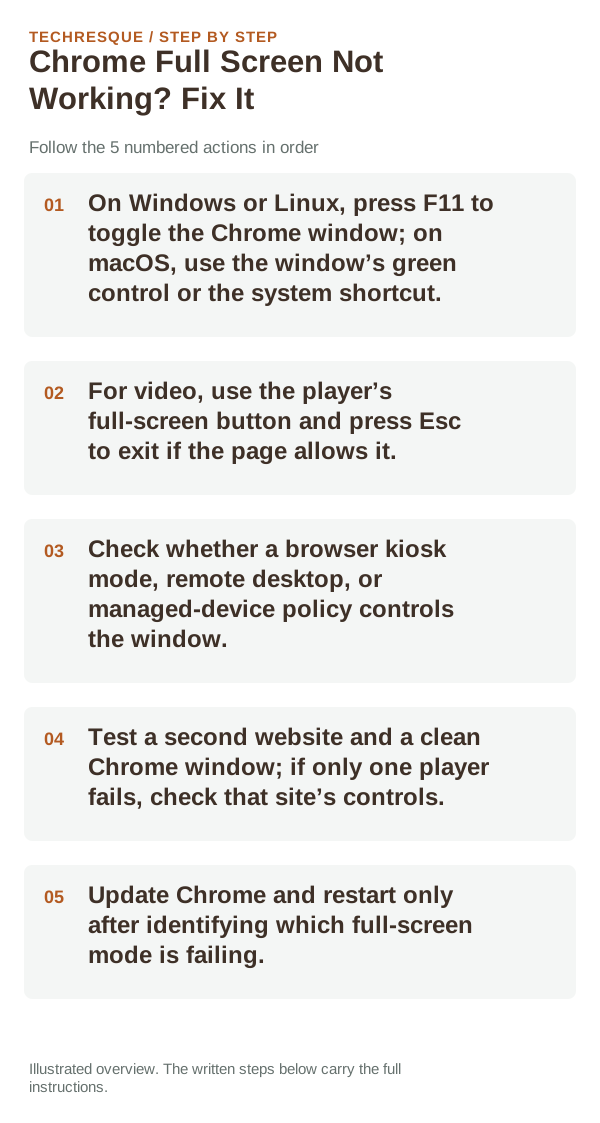
- On Windows or Linux, press F11 to toggle the Chrome window; on macOS, use the window’s green control or the system shortcut.
- For video, use the player’s full-screen button and press Esc to exit if the page allows it.
- Check whether a browser kiosk mode, remote desktop, or managed-device policy controls the window.
- Test a second website and a clean Chrome window; if only one player fails, check that site’s controls.
- Update Chrome and restart only after identifying which full-screen mode is failing.
Isolate the failing layer
If F11 changes the browser frame but the video stays small, the page’s player owns that control. If no Chrome window responds to the shortcut, check the operating system, keyboard function-key mode, or kiosk policy.
What not to change first
Retest the original failure
Test F11 on a regular browser window and the page’s own full-screen button separately. Use Escape to exit each mode and confirm the browser controls return.
When to use support or repair
If the same page fails in another browser, contact the site or network owner; if only Chrome fails, report its version and reproduction steps.
Record Chrome version, device/OS, profile and extension state, and the affected page without private tokens or account data.
Frequently asked questions
Should I reset the whole device immediately?
Usually not. Compare a private window and another browser first. Reset Chrome only after checking the profile, extensions and sync.
How do I know when the fix is real?
Test F11 on a regular browser window and the page’s own full-screen button separately. Use Escape to exit each mode and confirm the browser controls return.
Official sources and further reading
Chrome menu labels can change with releases. Search Settings for the named control if its location differs.