Check the full address for a typo and reload once.
What this symptom usually means
- one extension or profile is misbehaving
- cached site data is stale
- memory pressure is forcing tabs to reload
- DNS/network problems affect only some sites
- security software or a proxy is intercepting connections
Fix it in this order
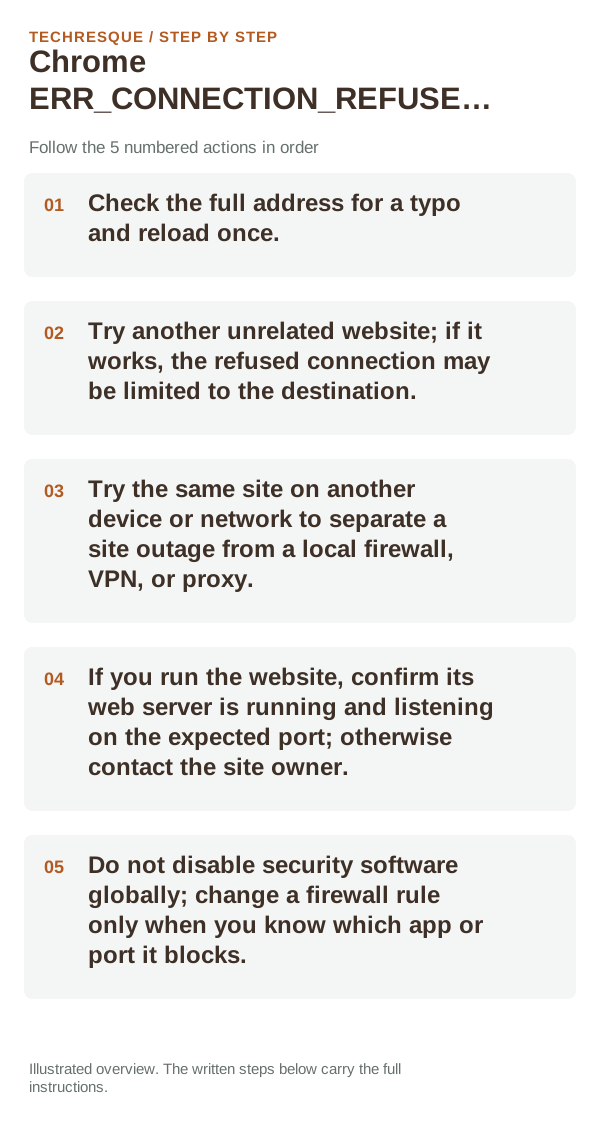
- Check the full address for a typo and reload once.
- Try another unrelated website; if it works, the refused connection may be limited to the destination.
- Try the same site on another device or network to separate a site outage from a local firewall, VPN, or proxy.
- If you run the website, confirm its web server is running and listening on the expected port; otherwise contact the site owner.
- Do not disable security software globally; change a firewall rule only when you know which app or port it blocks.
How to tell which cause applies
If the same site refuses connections on multiple devices and networks, the site or its server is the likely source. If it fails only on this computer, check a personal VPN, proxy, or firewall rule. A Chrome cache reset cannot make a remote server accept a connection.
What not to change first
Confirm that the problem is actually gone
Retry the same site in another browser and on another network. If the refusal follows the site across both tests, the server or network owner needs to check the connection.
When to use support or repair
If the same page fails in another browser, contact the site or network owner; if only Chrome fails, report its version and reproduction steps.
Record Chrome version, device/OS, profile and extension state, and the affected page without private tokens or account data.
Frequently asked questions
Should I reset the whole device immediately?
Usually not. Compare a private window and another browser first. Reset Chrome only after checking the profile, extensions and sync.
How do I know when the fix is real?
Retry the same site in another browser and on another network. If the refusal follows the site across both tests, the server or network owner needs to check the connection.
Official sources and further reading
Use the exact Chrome error code to narrow the cause. Never bypass a certificate warning for sensitive sites.