Download the same safe file type once and open Chrome’s recent download menu.
Start by narrowing the cause
- one extension or profile is misbehaving
- cached site data is stale
- memory pressure is forcing tabs to reload
- DNS/network problems affect only some sites
- security software or a proxy is intercepting connections
Fix it in this order
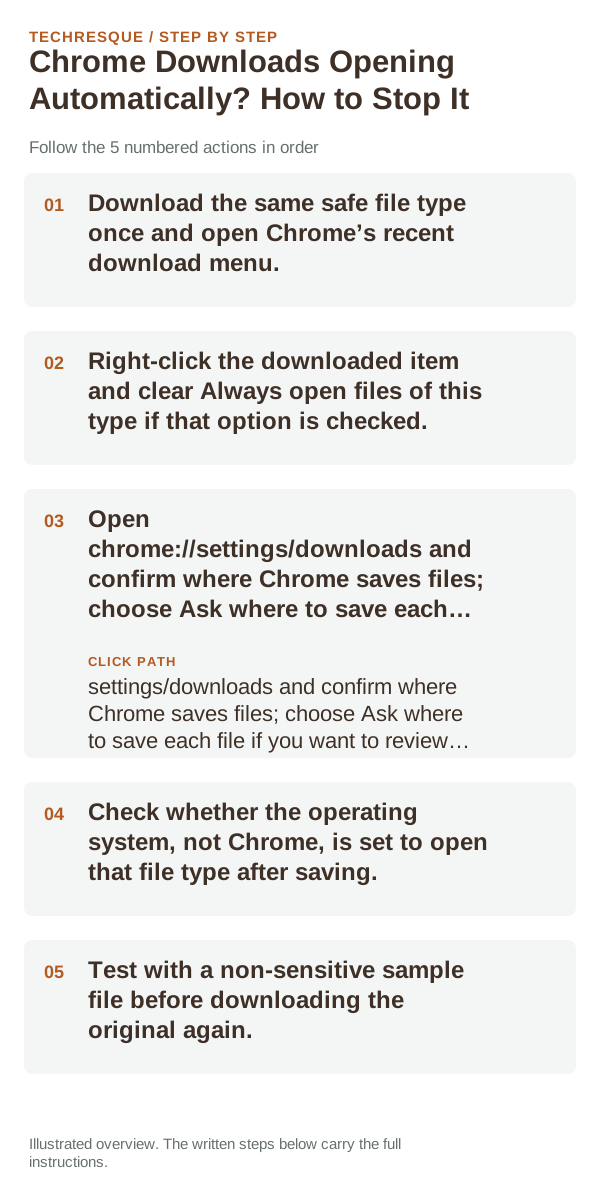
- Download the same safe file type once and open Chrome’s recent download menu.
- Right-click the downloaded item and clear Always open files of this type if that option is checked.
- Open chrome://settings/downloads and confirm where Chrome saves files; choose Ask where to save each file if you want to review each destination.
- Check whether the operating system, not Chrome, is set to open that file type after saving.
- Test with a non-sensitive sample file before downloading the original again.
Isolate the failing layer
If only PDFs or one file type opens, Chrome’s remembered file-type choice is the likely cause. If every download opens, check the operating system’s default-app association. Avoid disabling downloads or changing browser security to control an automatic open preference.
Do not make troubleshooting harder
How to confirm the fix
Download one test file of the affected type and confirm it stays in the Downloads folder instead of opening automatically. Recheck after restarting Chrome.
When to use support or repair
If the same page fails in another browser, contact the site or network owner; if only Chrome fails, report its version and reproduction steps.
Record Chrome version, device/OS, profile and extension state, and the affected page without private tokens or account data.
Frequently asked questions
Should I reset the whole device immediately?
Usually not. Compare a private window and another browser first. Reset Chrome only after checking the profile, extensions and sync.
How do I know when the fix is real?
Download one test file of the affected type and confirm it stays in the Downloads folder instead of opening automatically. Recheck after restarting Chrome.
Official sources and further reading
Chrome’s download destination and PDF handling are separate settings; preserve the original file while testing.