A launcher can hide an app icon from its own app drawer, but that does not uninstall the app or secure its data. The app may remain visible in Android Settings, notifications, search, recent-app screens or another launcher. For private storage, use a lock-protected feature such as Android Private Space where available.
The part people often miss
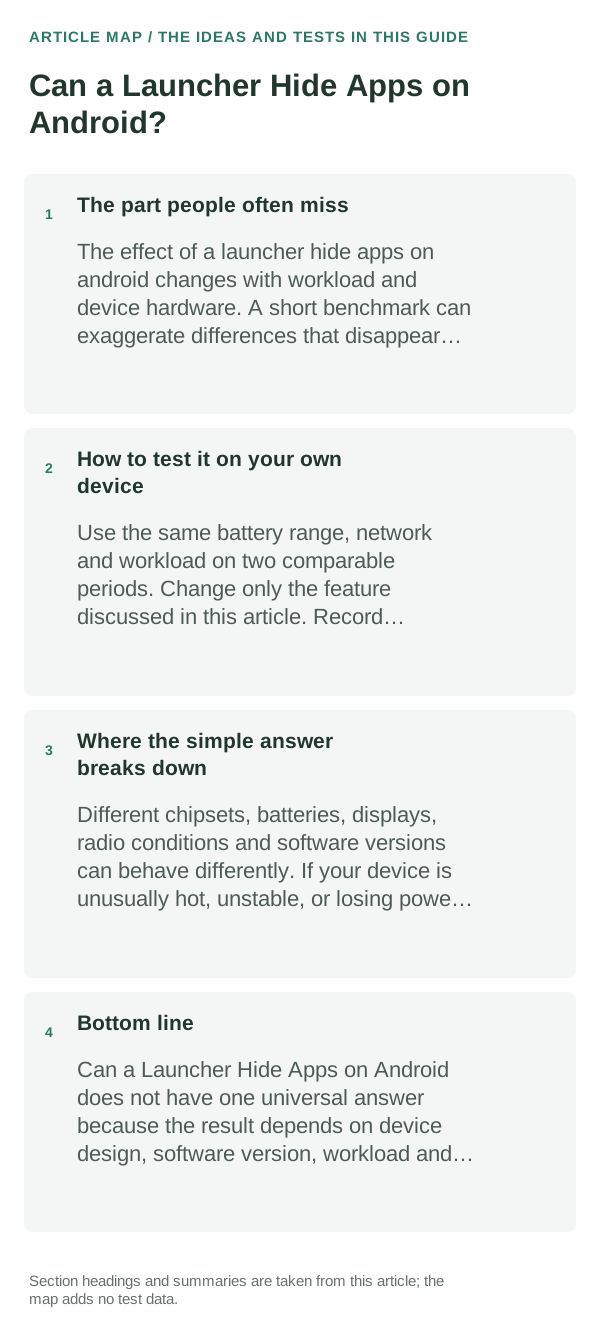
“Hide” can mean two different things: remove a shortcut from one launcher’s list, or put the app and its data behind a separate lock. A launcher’s drawer setting usually does only the first. It should not be treated as a privacy boundary.
The sensible everyday approach
- Open the launcher’s own settings and look for its app-drawer or hidden-app list. Names and availability differ by launcher and version.
- Hide one low-risk app, then check the drawer, Home-screen search, Android Settings → Apps, notifications and the recent-apps screen to see what remains visible.
- Restore the app from the same hidden-app setting before switching launchers; the hidden list may be stored by the launcher and not transfer with a layout backup.
- If you need locked, separate app storage, check whether your Android version and phone provide Private Space or the manufacturer’s secure folder. Review its backup and recovery behavior before moving data.
How to test it on your own device
Use a non-sensitive app as a test. Hide it, inspect the surfaces above, then unhide it. If any copy of the app or its notifications remains visible, assume the launcher setting is only an organization feature.
Where the simple answer breaks down
Android and manufacturer features differ. Private Space availability and behavior are device/version-specific; a launcher’s hidden-app feature may be cosmetic and does not erase app data, stop background activity or prevent access through system settings.
Bottom line
Use launcher hiding to declutter the drawer. Use an OS-level locked space for privacy, and verify exactly what the feature hides before putting sensitive apps or information there.
Hysoft app: Minimalistic: Launcher
For users who want a clean, distraction-light Android Home screen, Minimalistic: Launcher fits naturally here: a focused Android launcher with a clean monochrome Home screen, fast app search, favourites and folders, focus profiles, mindful launch delays, optional app blocking, and local backup. Its Play listing states that it has no advertisements, analytics, trackers, accounts or cloud sync.
View Minimalistic: Launcher on Google Play →Judge the launcher by the home-screen workflow, not screenshots
When comparing launchers, recreate one real home screen rather than judging the default setup. Test search, folders, icon packs, widgets, backup/restore and the gestures you use every day.
If a launcher keeps resetting or widgets disappear, first check whether Android has changed the default Home app, restricted background activity or removed widget permissions after an update.
A launcher mainly controls the home screen and app drawer; it does not replace Android itself. Gesture behavior, recents animations and some widgets can still depend on the phone maker and Android version.
| What you observe | What it points to | Best next check |
|---|---|---|
| Widgets stop refreshing | Battery/background restriction or widget host issue | Remove/re-add widget and review restrictions |
| Gestures feel different | OEM/Android navigation integration | Test the exact gesture before switching permanently |
| Home button opens another launcher | Default Home app changed | Set the intended launcher as default |
Frequently asked questions
Does hiding an app stop someone from opening it?
Usually not. A launcher may hide its icon, while Android Settings, search, notifications or another launcher can still reveal it. Use your phone’s secure space feature for stronger separation.
Will a hidden app still send notifications?
It can. Notification behavior is separate from drawer visibility, so check notification settings and test with a non-sensitive app before relying on hiding.
Official sources and further reading
- Android Help — Change what’s on your Home screen
- Pixel Phone Help — Hide sensitive apps with Private Space
Menu labels and privacy features vary by Android version and phone maker. The Pixel Private Space link below is a Pixel-specific example, not a promise that every Android phone has the same feature.