A replacement Android launcher normally changes the Home screen and app drawer, not the operating system’s secure lock screen. It may offer a matching wallpaper or widget, but a separate lock-screen app or overlay is not the same as replacing the system lock screen or its credential protection.
What changes the outcome
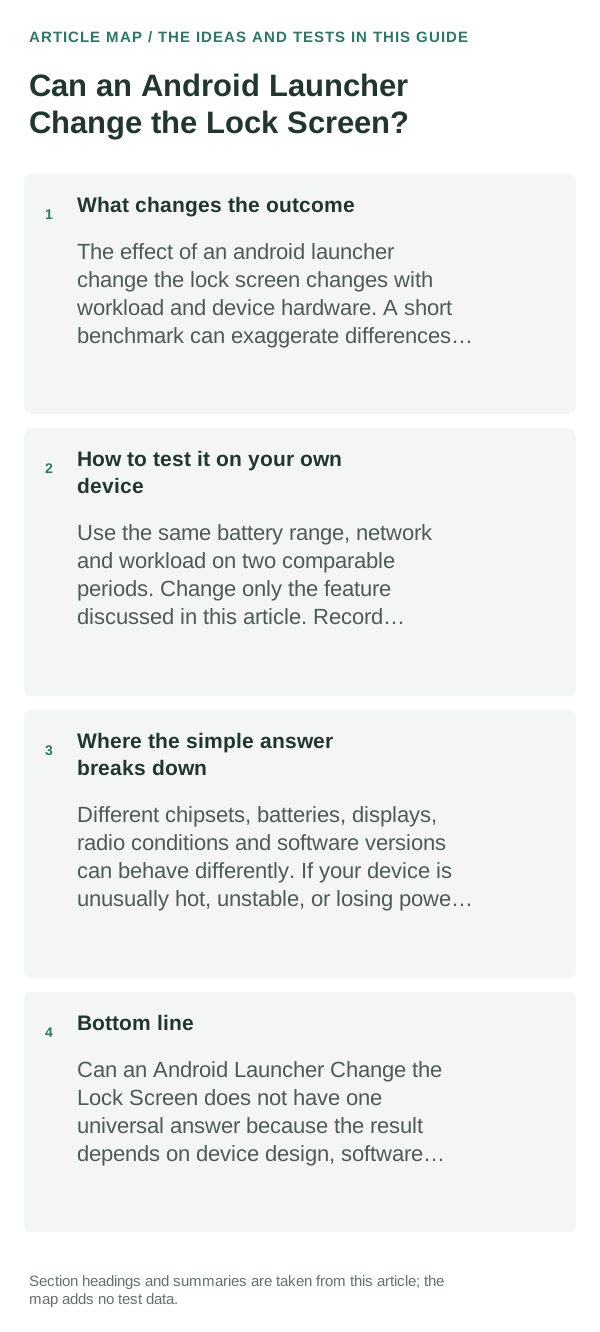
Android treats the Home screen and device lock as different system surfaces. The launcher appears after you unlock the phone; the lock screen, PIN/password handling and biometric checks remain controlled by Android and often by the phone maker.
A practical way to use this
- Check the phone maker’s Settings for Lock screen, Wallpaper & style, Always-on display or lock-screen shortcuts; the exact controls depend on the model.
- If you install a launcher, test its Home-screen changes after unlocking and separately lock the device to confirm the actual lock screen and unlock method are unchanged.
- Treat apps requesting Accessibility, device-admin, notification or display-over-other-apps access with care. Read why the feature needs that access before enabling it.
- Keep your existing screen lock enabled. Do not enter your device PIN into a third-party screen that imitates the Android unlock screen.
How to test it on your own device
Change only a Home-screen wallpaper or shortcut, lock the phone, then unlock it normally. This makes it clear whether the change affected the launcher or the manufacturer’s lock-screen settings.
Where the simple answer breaks down
Lock-screen customization varies substantially across Android versions and brands. Third-party apps may draw an overlay or notification panel, but that should not be assumed to replace Android’s secure lock screen.
Bottom line
Choose a launcher for the Home screen. Use the phone’s own Settings for lock-screen and security changes, and keep Android’s normal PIN, password or biometric lock in place.
Hysoft app: Minimalistic: Launcher
For users who want a clean, distraction-light Android Home screen, Minimalistic: Launcher fits naturally here: a focused Android launcher with a clean monochrome Home screen, fast app search, favourites and folders, focus profiles, mindful launch delays, optional app blocking, and local backup. Its Play listing states that it has no advertisements, analytics, trackers, accounts or cloud sync.
View Minimalistic: Launcher on Google Play →Judge the launcher by the home-screen workflow, not screenshots
A launcher mainly controls the home screen and app drawer; it does not replace Android itself. Gesture behavior, recents animations and some widgets can still depend on the phone maker and Android version.
When comparing launchers, recreate one real home screen rather than judging the default setup. Test search, folders, icon packs, widgets, backup/restore and the gestures you use every day.
If a launcher keeps resetting or widgets disappear, first check whether Android has changed the default Home app, restricted background activity or removed widget permissions after an update.
| What you observe | What it points to | Best next check |
|---|---|---|
| Home button opens another launcher | Default Home app changed | Set the intended launcher as default |
| Widgets stop refreshing | Battery/background restriction or widget host issue | Remove/re-add widget and review restrictions |
| Gestures feel different | OEM/Android navigation integration | Test the exact gesture before switching permanently |
Frequently asked questions
Can I install a launcher that replaces Android’s lock screen?
Most launchers cannot replace the system’s secure lock screen. Apps that imitate one may not provide the same device security, so keep the built-in lock method enabled.
Can a launcher change lock-screen shortcuts or widgets?
That depends on Android version and phone maker. Check the system’s Lock screen settings; Home-screen widgets and launcher themes do not automatically apply there.
Official sources and further reading
Android’s Home-screen guidance is linked below. For lock-screen appearance and available settings, use support instructions for the exact phone model and software version.