Check the phone's media slider and the headset's own controls while audio plays. Absolute-volume behavior differs by phone and headset, so change one volume control at a time.
Where this problem usually comes from
Some Bluetooth devices link the phone and headset volume sliders; others keep them separate. Hearing-protection limits, app volume, and a low source recording can also make playback seem quiet.
The practical troubleshooting sequence
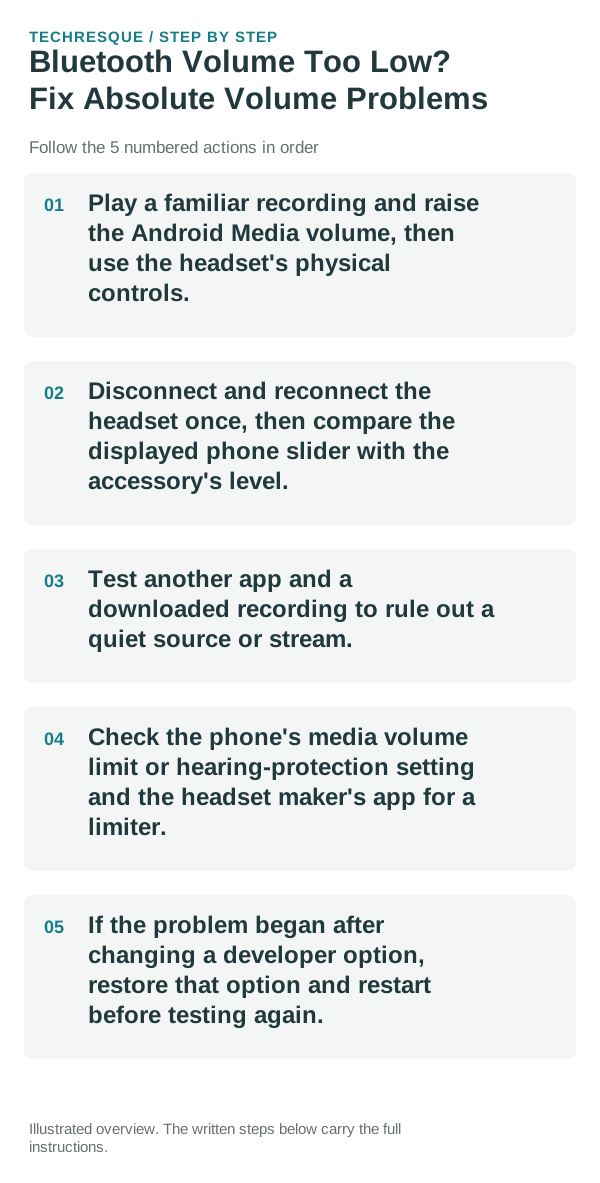
- Play a familiar recording and raise the Android Media volume, then use the headset's physical controls.
- Disconnect and reconnect the headset once, then compare the displayed phone slider with the accessory's level.
- Test another app and a downloaded recording to rule out a quiet source or stream.
- Check the phone's media volume limit or hearing-protection setting and the headset maker's app for a limiter.
- If the problem began after changing a developer option, restore that option and restart before testing again.
What each result tells you
Phone slider changes that move headset level together indicate linked volume. One app quiet points to its source level; all Bluetooth audio quiet while the phone speaker is normal points to the headset or its limiter.
Do not make troubleshooting harder
Do not disable safe-listening protections or use volume boosters to force higher output. A developer option can make volume control less predictable.
Verify before you move on
Repeat the same recording at a comfortable level and confirm the phone and headset controls behave consistently across two apps.
When to use support or repair
If the headset remains quiet on multiple phones at full safe volume, contact the accessory maker and check its firmware and limiter settings.
Pairing and audio are separate tests
First prove that the devices can pair. Then prove that the intended profile—media, calls, microphone or input—works. Solving the wrong layer is why many Bluetooth fixes appear inconsistent.
Confirm the active audio path before changing drivers or apps
A device can be paired without being the active input or output. Check the selected microphone, speaker or Bluetooth profile first, then reproduce the problem in a second app so you know whether the fault follows the accessory or only one application.
Bluetooth audio adds another layer: call audio and media audio can use different profiles, and multipoint devices can silently switch to another phone or computer. Disconnect extra devices during testing.
For microphones and cameras, permission can be granted at both the operating-system level and inside the app or browser. A correct hardware connection will still fail if either permission layer blocks access.
| What you observe | What it points to | Best next check |
|---|---|---|
| Works in one app only | App permission or app-specific routing | Compare permissions and selected device |
| Paired but silent | Wrong output/profile or another device took focus | Select output manually and disconnect extras |
| Cuts out or crackles | Signal, codec, driver or hardware path | Test closer, wired, or with another known-good device |
Frequently asked questions
What should I check first for bluetooth volume too low? fix absolute volume problems?
Disconnect the accessory from other devices, forget the pairing on both sides, pair again, then confirm the correct audio/input profile is selected.
Should I reset the whole device immediately?
Usually not. Recheck charge, distance and the current pairing first; remove only the affected pairing before resetting devices.
How do I know when the fix is real?
A device can be paired without being the active input or output. Check the selected microphone, speaker or Bluetooth profile first, then reproduce the problem in a second app so you know whether the fault follows the accessory or only one application.