Compare the battery widget with Settings > Battery and the device's status bar. If those are current, refresh the widget or its companion app; if they disagree too, troubleshoot battery reporting first.
On Android, menu names vary by maker, so use Settings search when a path in a guide does not match your phone exactly.
Likely causes to check first
A battery widget can show cached data, require a companion app, or lack background access. Some widgets report connected accessories, while Android's built-in battery view reports the phone itself.
Fix it in this order
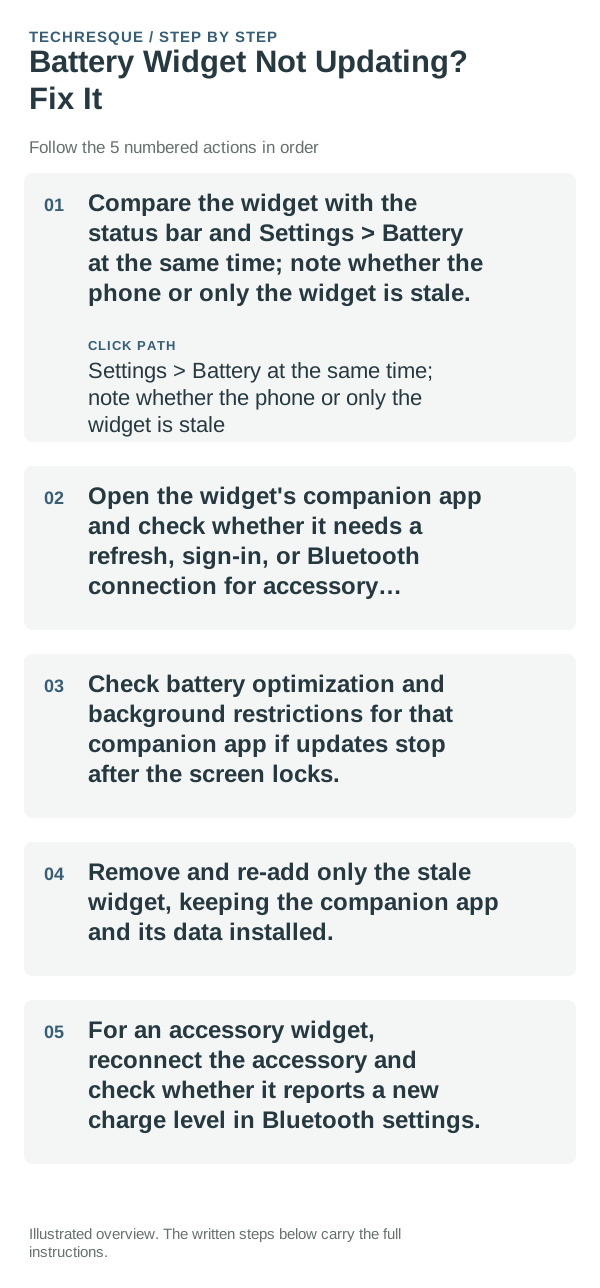
- Compare the widget with the status bar and Settings > Battery at the same time; note whether the phone or only the widget is stale.
- Open the widget's companion app and check whether it needs a refresh, sign-in, or Bluetooth connection for accessory readings.
- Check battery optimization and background restrictions for that companion app if updates stop after the screen locks.
- Remove and re-add only the stale widget, keeping the companion app and its data installed.
- For an accessory widget, reconnect the accessory and check whether it reports a new charge level in Bluetooth settings.
How to tell which cause applies
Phone battery reading current but widget stale indicates the widget provider or launcher. An accessory reading missing while phone battery is right points to Bluetooth or accessory support.
Shortcuts that usually waste time
Do not install a second battery monitor that requests broad permissions just to compare one value. Avoid clearing companion-app storage if it contains device setup.
Retest the original failure
Watch the widget through one charge change and confirm it updates to the same value shown by Android or the accessory settings.
When to use support or repair
If the companion app also reports the wrong level, contact its publisher or accessory maker with the phone and accessory models.
Widgets: Pixel Theme
a pixel-inspired widget app with clock, weather, battery, music, photo, app-shortcut, device-information and productivity widgets plus matching wallpapers. Its Play listing states no data is shared or collected. It is most relevant here when the goal is a coordinated Android Home screen rather than a system-level troubleshooting fix.
View Widgets: Pixel Theme on Google Play →Frequently asked questions
Should I reset the whole device immediately?
Usually not. Undo the last setting or app change first, and back up the layout before any reset.
How do I know when the fix is real?
Watch the widget through one charge change and confirm it updates to the same value shown by Android or the accessory settings.