Raise the volume category that matches the sound while it is playing, then check the output route, app slider, and accessibility balance. Avoid volume-booster apps that distort audio.
On Android, menu names vary by maker, so use Settings search when a path in a guide does not match your phone exactly.
Likely causes to check first
Android separates media, call, ring, notification, and alarm volume. The side buttons can adjust a different category when no media is playing, and Bluetooth devices may have their own volume control.
Work through these checks
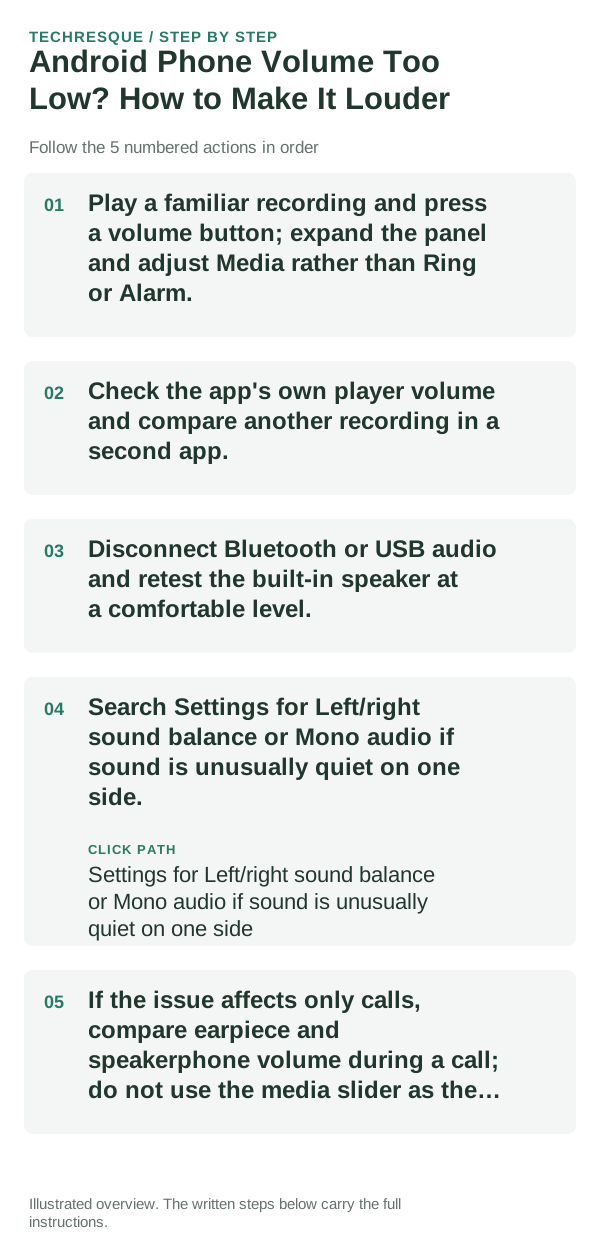
- Play a familiar recording and press a volume button; expand the panel and adjust Media rather than Ring or Alarm.
- Check the app's own player volume and compare another recording in a second app.
- Disconnect Bluetooth or USB audio and retest the built-in speaker at a comfortable level.
- Search Settings for Left/right sound balance or Mono audio if sound is unusually quiet on one side.
- If the issue affects only calls, compare earpiece and speakerphone volume during a call; do not use the media slider as the only test.
Isolate the failing layer
All apps quiet from the speaker suggests an output, balance, or hardware issue. One app quiet suggests its player or source recording; calls quiet only at the earpiece is a separate path.
What not to change first
Do not install unofficial booster apps or push output to painful levels. They can clip audio and do not repair a blocked or damaged speaker.
How to confirm the fix
Compare the same recording at the same slider level before and after one change. Restore the original setting if balance or audio routing makes the sound worse.
When to use support or repair
If the phone remains quiet across local media, calls, and alarms with a clear speaker opening, contact the phone maker for a hardware check.
Frequently asked questions
Should I reset the whole device immediately?
Usually not. Test the affected feature with a built-in tool or second app first. Back up local-only files before clearing app storage or considering a factory reset.
How do I know when the fix is real?
Compare the same recording at the same slider level before and after one change. Restore the original setting if balance or audio routing makes the sound worse.