Turn Bluetooth off and play a known-good local recording, then test ringtone and speakerphone separately. If only one app is silent, keep the repair inside that app.
On Android, menu names vary by maker, so use Settings search when a path in a guide does not match your phone exactly.
What this symptom usually means
Android can route sound to Bluetooth, USB audio, a cast device, or a connected accessory while the built-in speaker appears silent. Media, call, alarm, and ring volumes are separate controls.
Use this order so you can identify the cause
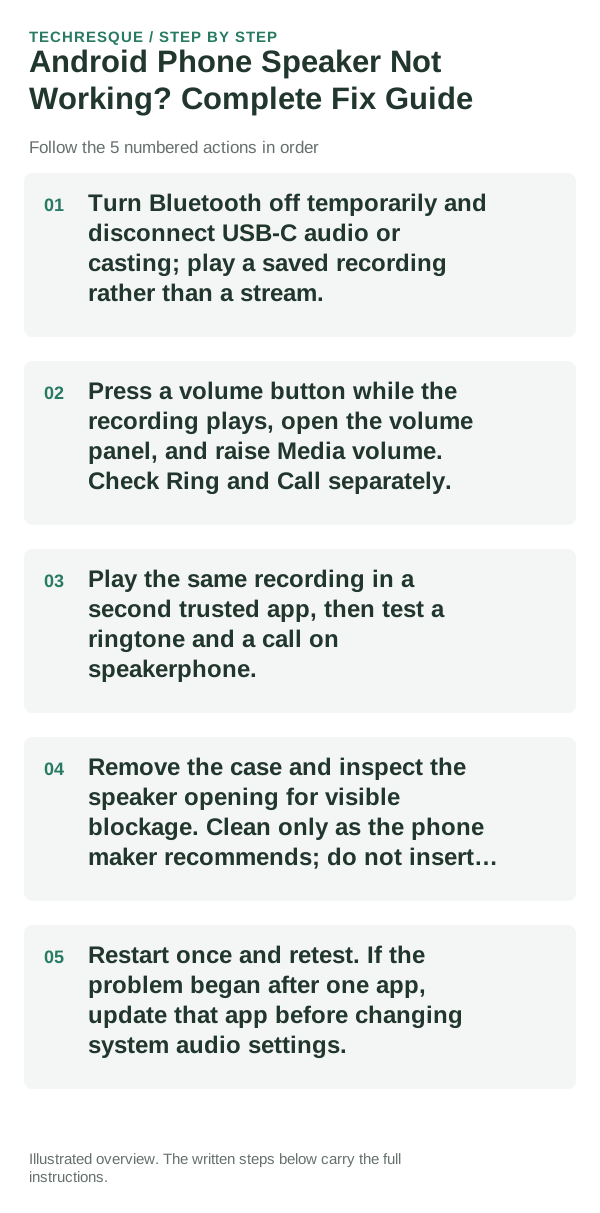
- Turn Bluetooth off temporarily and disconnect USB-C audio or casting; play a saved recording rather than a stream.
- Press a volume button while the recording plays, open the volume panel, and raise Media volume. Check Ring and Call separately.
- Play the same recording in a second trusted app, then test a ringtone and a call on speakerphone.
- Remove the case and inspect the speaker opening for visible blockage. Clean only as the phone maker recommends; do not insert pins or liquid.
- Restart once and retest. If the problem began after one app, update that app before changing system audio settings.
A quick way to narrow it down
No sound from every app and ringtone with Bluetooth off points toward the phone's output route, software, or speaker hardware. One silent app points toward its mute, media, or app setting.
Do not make troubleshooting harder
Do not max volume for long tests or poke the speaker grille. Stop if the phone is wet, damaged, or unusually hot and arrange service instead.
What success should look like
A local recording should play from the phone speaker at a moderate level, and ringtone/call audio should behave independently. Re-enable Bluetooth after confirming the built-in speaker.
When to use support or repair
If all system sounds stay silent with accessories disconnected, contact the phone maker with the model and whether the earpiece, speakerphone, and media speaker each work.
Frequently asked questions
Should I reset the whole device immediately?
Usually not. Test the affected feature with a built-in tool or second app first. Back up local-only files before clearing app storage or considering a factory reset.
How do I know when the fix is real?
A local recording should play from the phone speaker at a moderate level, and ringtone/call audio should behave independently. Re-enable Bluetooth after confirming the built-in speaker.