Location combines a device-wide switch, per-app access, accuracy options, and the environment around the phone. An app losing location can differ from the phone's location switch turning off. Turn on Location in Quick Settings/Settings and test the phone's built-in map outdoors with a clear view of the sky. Open App info > Permissions > Location and select the narrowest access that supports the feature; check Precise location only if needed.
Android Settings labels differ across Pixel, Samsung, and other brands; search Settings for the named control and change one item at a time.
Likely causes to check first
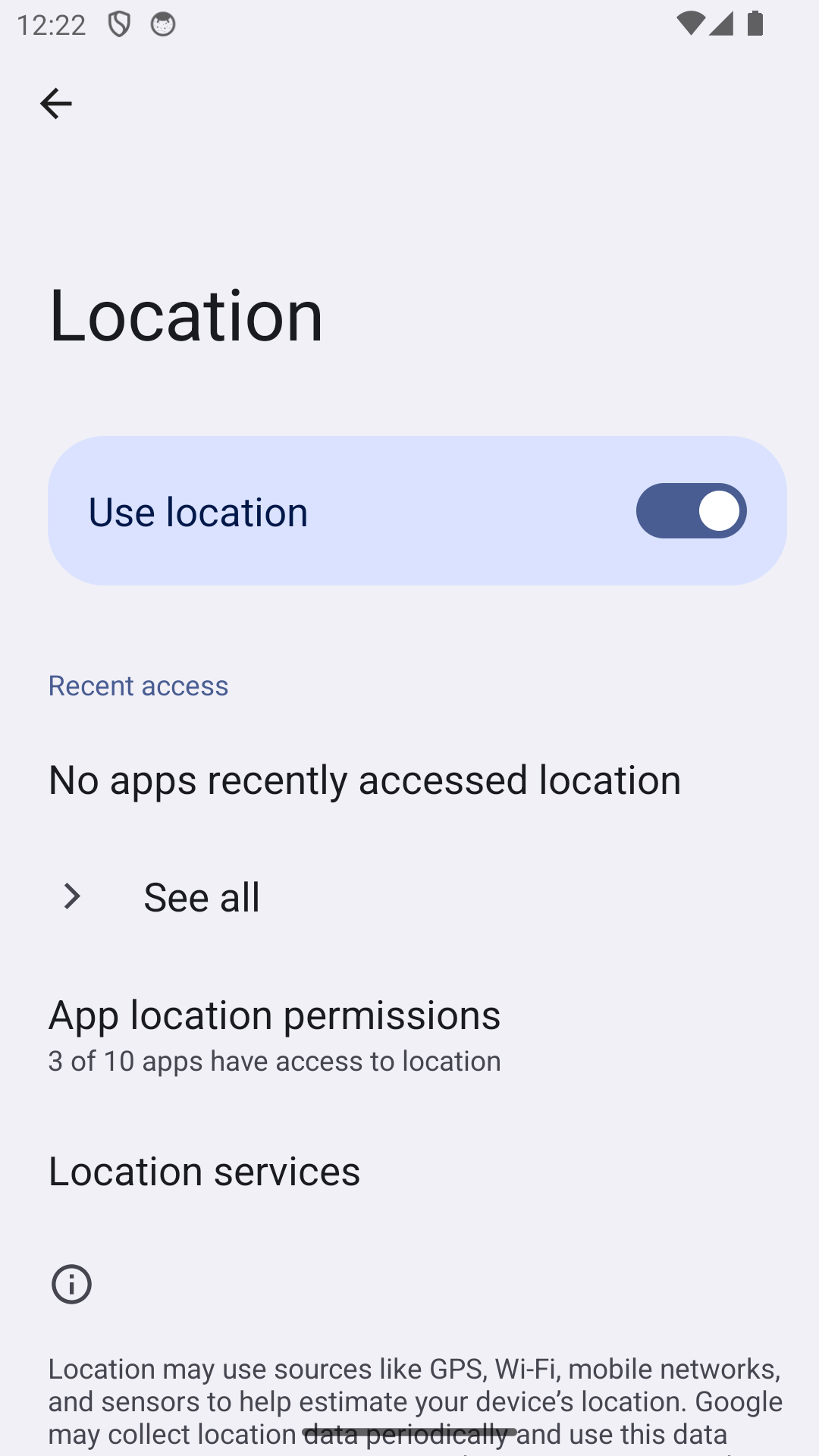
Location combines a device-wide switch, per-app access, accuracy options, and the environment around the phone. An app losing location can differ from the phone's location switch turning off.
- The device-wide Location switch or Quick Settings tile is off.
- The app has only approximate or while-in-use access, or unused-app reset removed access.
- Battery restrictions or a background limit pause location when the app is closed.
- Indoor conditions, tall buildings, or disabled Wi-Fi/Bluetooth scanning reduce accuracy.
- A work profile, administrator, or parental control manages location settings.
Use this order so you can identify the cause
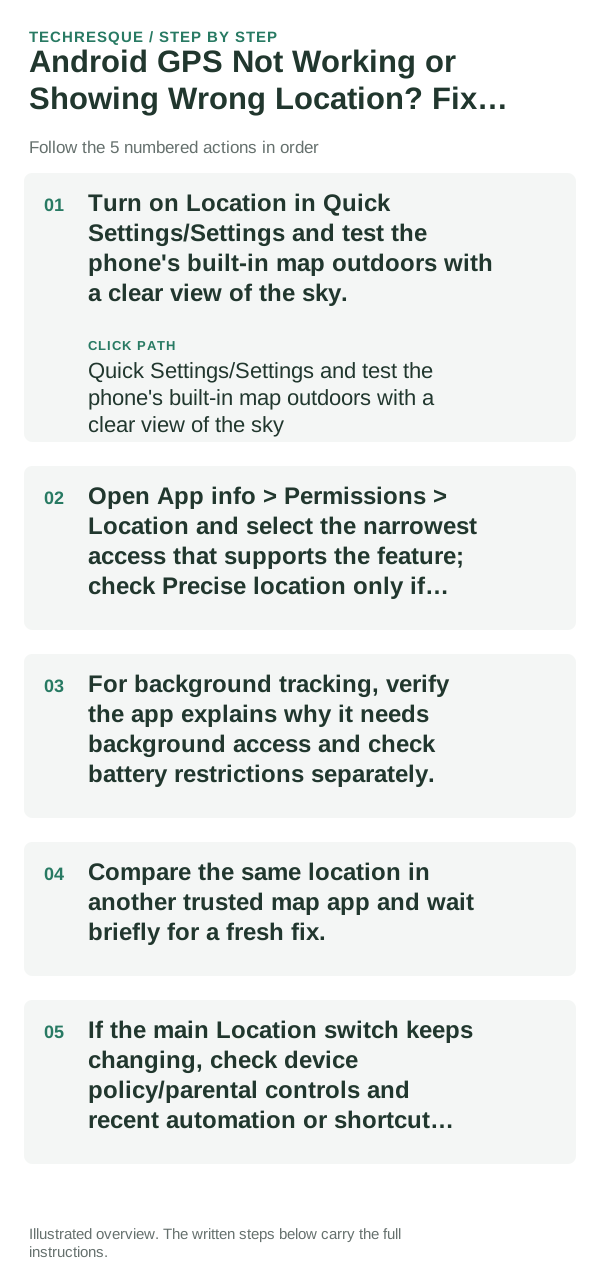
- Turn on Location in Quick Settings/Settings and test the phone's built-in map outdoors with a clear view of the sky.
- Open App info > Permissions > Location and select the narrowest access that supports the feature; check Precise location only if needed.
- For background tracking, verify the app explains why it needs background access and check battery restrictions separately.
- Compare the same location in another trusted map app and wait briefly for a fresh fix.
- If the main Location switch keeps changing, check device policy/parental controls and recent automation or shortcut changes.
Use a clean A/B test
Compare device Location state with one app's permission and one outdoor map fix. Android brand skins label accuracy and scanning controls differently.
Repeat the same location task in the same app. Check app permission and device Location separately before changing another setting.
Avoid these common mistakes
- Do not grant background or precise location to every app.
- Do not share a location screenshot that exposes home or work addresses.
Confirm that the problem is actually gone
Compare device Location state with one app's permission and one outdoor map fix. Android brand skins label accuracy and scanning controls differently.
When to use support or repair
If several location apps fail outdoors with Location enabled, check system updates; if only one app fails, contact its developer.
Record phone model, Android version, affected app, permission state and whether another location app works. Do not share location history.
Frequently asked questions
What should I check first?
Turn on Location in Quick Settings/Settings and test the phone's built-in map outdoors with a clear view of the sky. Open App info > Permissions > Location and select the narrowest access that supports the feature; check Precise location only if needed. For background tracking, verify the app explains why it needs background access and check battery restrictions separately.
Should I reset the whole device immediately?
Usually not. Check the Location toggle, app permission and another location app before resetting network or device settings.
How do I know when the fix is real?
Compare device Location state with one app's permission and one outdoor map fix. Android brand skins label accuracy and scanning controls differently.
Official sources and further reading
Check the device Location switch and the affected app permission separately; both can change which location features are available.