Check Play Store's update queue, Google Account storage, network, and whether one app or every app is affected. Keep the original app and account intact until the error is clear.
On Android, menu names vary by maker, so use Settings search when a path in a guide does not match your phone exactly.
Start by narrowing the cause
A Play Store update can wait behind another download, fail on a connection or storage limit, or be unavailable for the device or account. One app failing is different from the whole queue stopping.
Troubleshoot from low-risk to high-risk
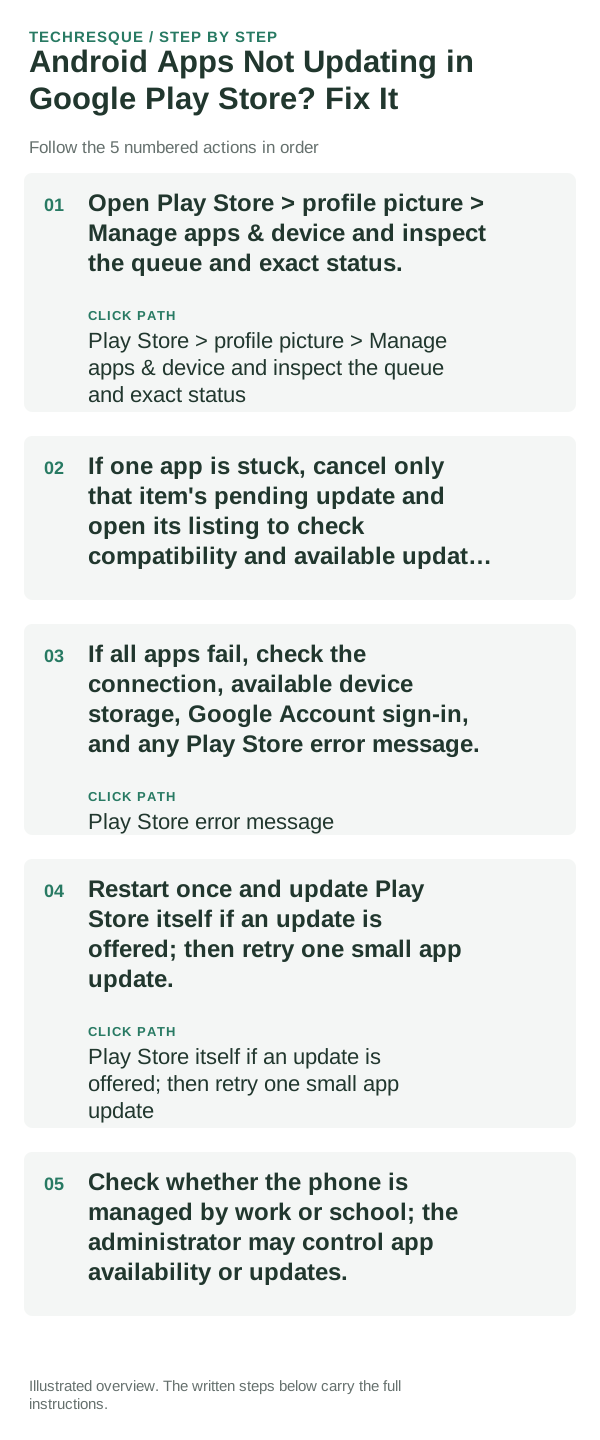
- Open Play Store > profile picture > Manage apps & device and inspect the queue and exact status.
- If one app is stuck, cancel only that item's pending update and open its listing to check compatibility and available update details.
- If all apps fail, check the connection, available device storage, Google Account sign-in, and any Play Store error message.
- Restart once and update Play Store itself if an update is offered; then retry one small app update.
- Check whether the phone is managed by work or school; the administrator may control app availability or updates.
What each result tells you
One app failing points to its compatibility, developer release, or listing. A queue-wide failure points to Play Store, network, storage, or account state; a managed profile can have a separate policy.
Do not make troubleshooting harder
Do not remove your Google Account or clear Play Store data as the first step; these can affect account state and local preferences. Avoid downloading app APKs from unofficial sites.
Confirm that the problem is actually gone
Confirm one pending app installs from Play Store, then check Manage apps & device for the remaining queue. Keep the exact error if the next item fails.
When to use support or repair
If multiple apps still fail after the queue, account, network, and storage checks, contact Google Play support with the Play Store version and error text.
Frequently asked questions
Should I reset the whole device immediately?
Usually not. Test the affected feature with a built-in tool or second app first. Back up local-only files before clearing app storage or considering a factory reset.
How do I know when the fix is real?
Confirm one pending app installs from Play Store, then check Manage apps & device for the remaining queue. Keep the exact error if the next item fails.