Both the router and client must support Wi-Fi 6E or Wi-Fi 7, and the router's region and security settings must allow a compatible 6 GHz network. A 6 GHz SSID is not visible to older Wi-Fi adapters.
Start by narrowing the cause
6 GHz has stricter device, security, and regional requirements than 2.4 or 5 GHz. The network can be absent because the client lacks 6 GHz support, the router has it disabled, or the client cannot use the configured security mode.
The practical troubleshooting sequence
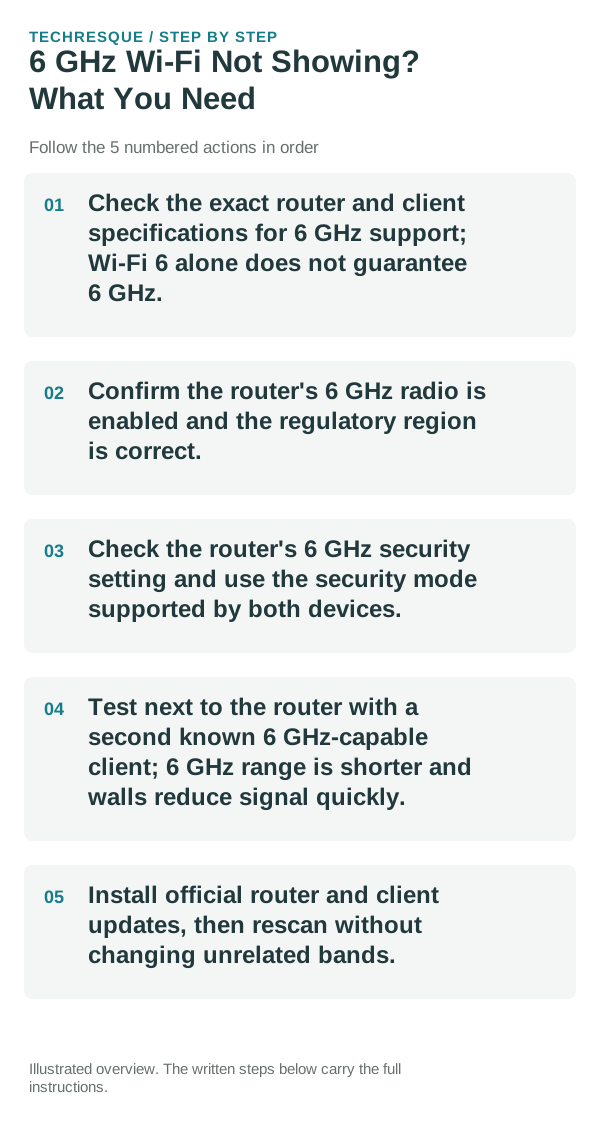
- Check the exact router and client specifications for 6 GHz support; Wi-Fi 6 alone does not guarantee 6 GHz.
- Confirm the router's 6 GHz radio is enabled and the regulatory region is correct.
- Check the router's 6 GHz security setting and use the security mode supported by both devices.
- Test next to the router with a second known 6 GHz-capable client; 6 GHz range is shorter and walls reduce signal quickly.
- Install official router and client updates, then rescan without changing unrelated bands.
A quick way to narrow it down
One capable client seeing the network but another not seeing it points to adapter, driver, or security compatibility. No 6 GHz client seeing it points to router configuration or regional availability.
What not to change first
Do not spoof a region or disable network security. Channel and power rules differ by jurisdiction, so use the router's official regional configuration.
How to confirm the fix
Confirm the 6 GHz network is listed on a supported nearby device, connects with the intended security, and remains available after a restart.
When to use support or repair
If supported devices still cannot see the band, contact the router maker with model, region, firmware, and client adapter details.
A useful network split test
Test the affected device on a second known-good Wi-Fi network, such as a trusted hotspot. Then test another device on the original Wi-Fi. Those two checks quickly separate device problems from router/ISP problems.
6 GHz requires Wi-Fi 6E or newer hardware
Wi-Fi 6 and Wi-Fi 6E are not the same thing. A Wi-Fi 6 device may support only 2.4 and 5 GHz; seeing 6 GHz generally requires Wi-Fi 6E or Wi-Fi 7 support on both the client and router, a compatible OS/driver, and availability in your regulatory region. WPA3 is also central to 6 GHz operation, so an older WPA2-only setup is not a drop-in match.
Frequently asked questions
What should I check first for 6 ghz wi-fi not showing? what you need?
First find the scope: if every device fails, focus on the router/ISP; if only one device fails, forget and reconnect that network on the affected device.
Should I reset the whole device immediately?
Usually not. Compare another device on the same network and this device on a second network before resetting equipment.
How do I know when the fix is real?
Confirm the 6 GHz network is listed on a supported nearby device, connects with the intended security, and remains available after a restart.