To reduce eye strain while reading on your phone, use a reader that supports the exact format and feature you need, keep the original file backed up, and verify that reading progress or edits persist before reorganizing the library.
Reading comfort depends on lighting, text layout, viewing distance, and the app. These suggestions are general and do not diagnose an eye condition.
Before you start
Set up a comfortable reading position before changing screen controls: hold the phone at a relaxed distance, choose a steady light level, and increase text size before leaning closer.
Do it in this order
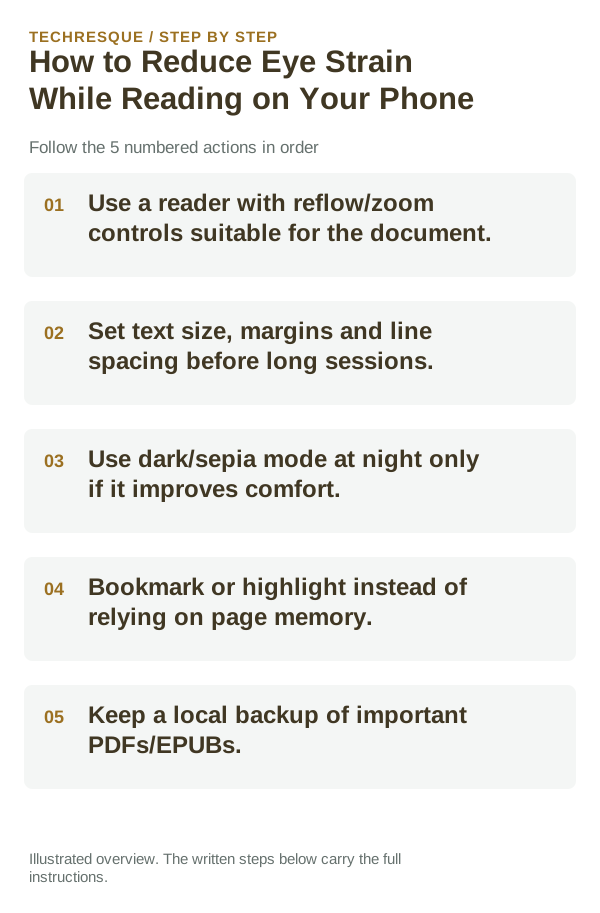
- Use a reader with reflow/zoom controls suitable for the document.
- Set text size, margins and line spacing before long sessions.
- Use dark/sepia mode at night only if it improves comfort.
- Bookmark or highlight instead of relying on page memory.
- Keep a local backup of important PDFs/EPUBs.
How to check the result
Read a familiar page for a short session and confirm text is comfortable without excessive zoom or glare. Take breaks and stop if discomfort increases.
If the option is missing
Display and accessibility controls vary by phone and app. Search Settings for text size, display size, Night Light, or Reduce Motion; a PDF/image page may not reflow with larger system text.
Keep the change easy to undo
Change one display option at a time and keep its original value. Restore it if colors, contrast, or navigation become harder to use.
What to do if it still fails
Try a larger screen, audio reading, or a different well-lit position. Persistent eye pain, blurred vision, or headaches deserve advice from an eye-care professional.
Readream fits naturally here
an offline Android EPUB and PDF reader with local library management, reading progress, search, bookmarks, highlights, notes, adjustable reading layout and offline text-to-speech. Its Play listing states no ads, no registration and no developer-operated analytics.
View Readream on Google Play →Reduce the sensory trigger instead of only changing app settings
Motion sickness while using a phone in a moving vehicle is commonly linked to a mismatch between what your eyes see and what your balance system senses. Reducing close-up screen time and looking toward a stable distant reference can help.
For eye strain, brightness, viewing distance, text size and long uninterrupted sessions usually matter more than a single “eye comfort” toggle. Adjust the environment as well as the screen.
If symptoms are strong, persistent or occur without the expected trigger, stop the activity and seek medical advice rather than treating a phone setting as a diagnosis.
| What you observe | What it points to | Best next check |
|---|---|---|
| Symptoms start only in moving vehicle | Visual/vestibular mismatch | Reduce screen use and look at stable distant reference |
| Eyes feel tired after long reading | Viewing distance, size, brightness, breaks | Increase text size and take regular breaks |
| Symptoms persist away from trigger | May not be a device-setting issue | Stop and seek appropriate medical guidance |
Before you make a bigger change
Do not force long sessions through discomfort. Adjust text and lighting, take breaks, and seek professional advice for persistent or severe symptoms.
Frequently asked questions
Should I keep increasing brightness?
Use a comfortable level that reduces glare; very high brightness is not a universal fix. Ambient light and screen reflections also affect comfort.
Will larger system text enlarge every PDF?
No. Reflowable text can respond, while scanned or fixed-layout pages usually need reader zoom or a larger screen.
When should I stop reading?
Take a break when discomfort begins. Persistent pain, blurred vision, or headaches should be discussed with an eye-care professional.
Official sources and further reading
Reader controls and sync options depend on the app and file type. Test the same file in another reader before changing the original.