On the affected site, select the site-controls icon beside the address and review Pop-ups and redirects.
Start by narrowing the cause
- one extension or profile is misbehaving
- cached site data is stale
- memory pressure is forcing tabs to reload
- DNS/network problems affect only some sites
- security software or a proxy is intercepting connections
Fix it in this order
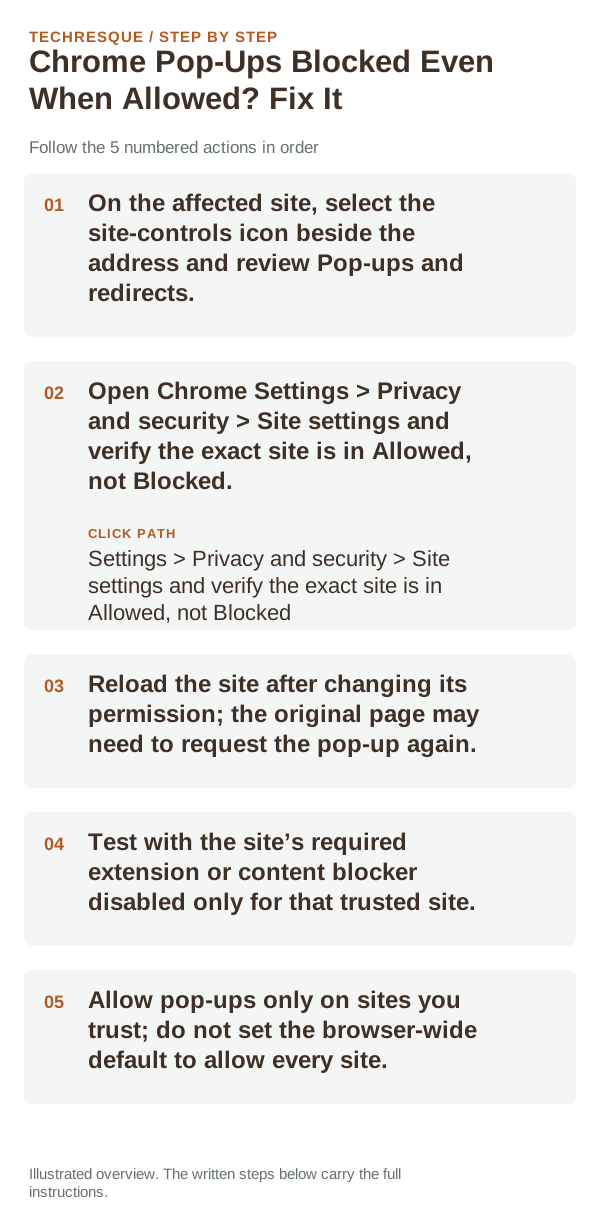
- On the affected site, select the site-controls icon beside the address and review Pop-ups and redirects.
- Open Chrome Settings > Privacy and security > Site settings and verify the exact site is in Allowed, not Blocked.
- Reload the site after changing its permission; the original page may need to request the pop-up again.
- Test with the site’s required extension or content blocker disabled only for that trusted site.
- Allow pop-ups only on sites you trust; do not set the browser-wide default to allow every site.
Use a clean A/B test
If a pop-up opens on another site but not this one, the site exception or its own button action is the likely issue. If no site can open a pop-up, check the global default, an extension, or the operating-system window setting.
Confirm that the problem is actually gone
Visit the affected site and confirm its expected pop-up appears while Chrome’s blocker stays enabled for other sites. Remove only the site-specific exception if it does not.
When to use support or repair
If the same page fails in another browser, contact the site or network owner; if only Chrome fails, report its version and reproduction steps.
Record Chrome version, device/OS, profile and extension state, and the affected page without private tokens or account data.
Frequently asked questions
Should I reset the whole device immediately?
Usually not. Compare a private window and another browser first. Reset Chrome only after checking the profile, extensions and sync.
How do I know when the fix is real?
Visit the affected site and confirm its expected pop-up appears while Chrome’s blocker stays enabled for other sites. Remove only the site-specific exception if it does not.
Official sources and further reading
Chrome menu labels can change with releases. Search Settings for the named control if its location differs.