Open Settings > Autofill and passwords > Google Password Manager and confirm Offer to save passwords is on.
What this symptom usually means
- one extension or profile is misbehaving
- cached site data is stale
- memory pressure is forcing tabs to reload
- DNS/network problems affect only some sites
- security software or a proxy is intercepting connections
Troubleshoot from low-risk to high-risk
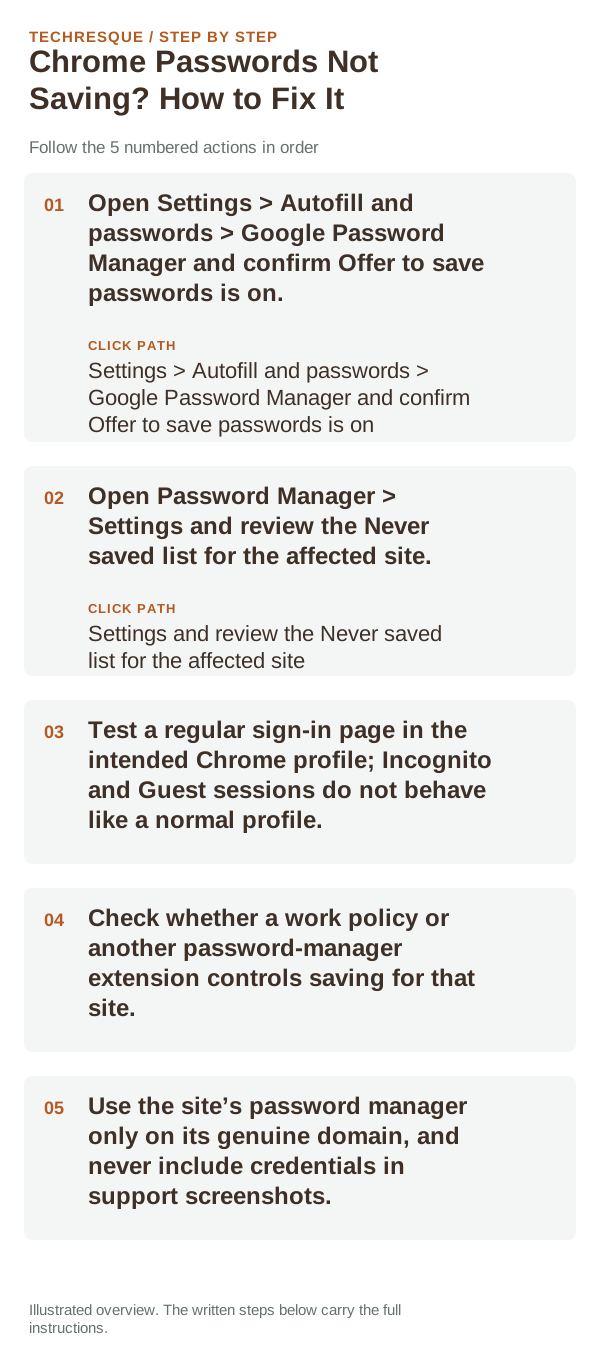
- Open Settings > Autofill and passwords > Google Password Manager and confirm Offer to save passwords is on.
- Open Password Manager > Settings and review the Never saved list for the affected site.
- Test a regular sign-in page in the intended Chrome profile; Incognito and Guest sessions do not behave like a normal profile.
- Check whether a work policy or another password-manager extension controls saving for that site.
- Use the site’s password manager only on its genuine domain, and never include credentials in support screenshots.
How to tell which cause applies
If saving works on other sites, the affected site may use a custom login flow or have been marked Never saved. If no site prompts, check the global setting, profile, and competing password manager before reinstalling Chrome.
Do not make troubleshooting harder
What success should look like
Use a non-sensitive test account to check whether Chrome offers to save the login and whether it appears in the intended profile’s Password Manager. Do not expose or share saved passwords.
When to use support or repair
If the same page fails in another browser, contact the site or network owner; if only Chrome fails, report its version and reproduction steps.
Record Chrome version, device/OS, profile and extension state, and the affected page without private tokens or account data.
Frequently asked questions
Should I reset the whole device immediately?
Usually not. Compare a private window and another browser first. Reset Chrome only after checking the profile, extensions and sync.
How do I know when the fix is real?
Use a non-sensitive test account to check whether Chrome offers to save the login and whether it appears in the intended profile’s Password Manager. Do not expose or share saved passwords.
Official sources and further reading
Sync and saved information belong to a Chrome profile; confirm the account and backup before deleting local browser data.