Battery Saver, idle drain, and background use are related but distinct. Check battery use over a comparable period before restricting an app, because navigation, weak signal, and screen-on time can dominate consumption. Open Battery settings and review the time range and top consumers; compare screen-on and background use. Check Battery Saver's switch, schedule/threshold, and any manufacturer power mode; run one short controlled test.
Android Settings labels differ across Pixel, Samsung, and other brands; search Settings for the named control and change one item at a time.
Start by narrowing the cause
Battery Saver, idle drain, and background use are related but distinct. Check battery use over a comparable period before restricting an app, because navigation, weak signal, and screen-on time can dominate consumption.
- Battery Saver is disabled, scheduled differently, or activates at an unexpected threshold.
- A high-use app, bright display, weak mobile signal, or hotspot is consuming more power.
- Background sync or location is active for an app you rarely use.
- The phone is warm, updating, or rebuilding data after a recent update.
- Battery age or a degraded cell reduces usable capacity.
Work through these checks
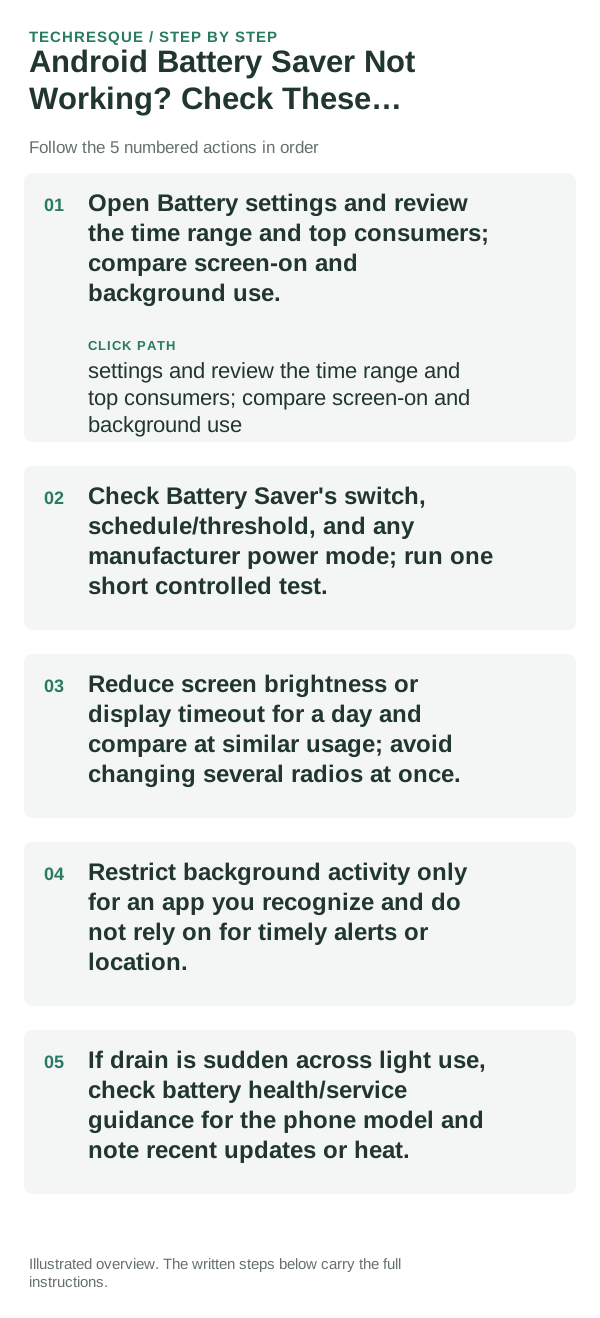
- Open Battery settings and review the time range and top consumers; compare screen-on and background use.
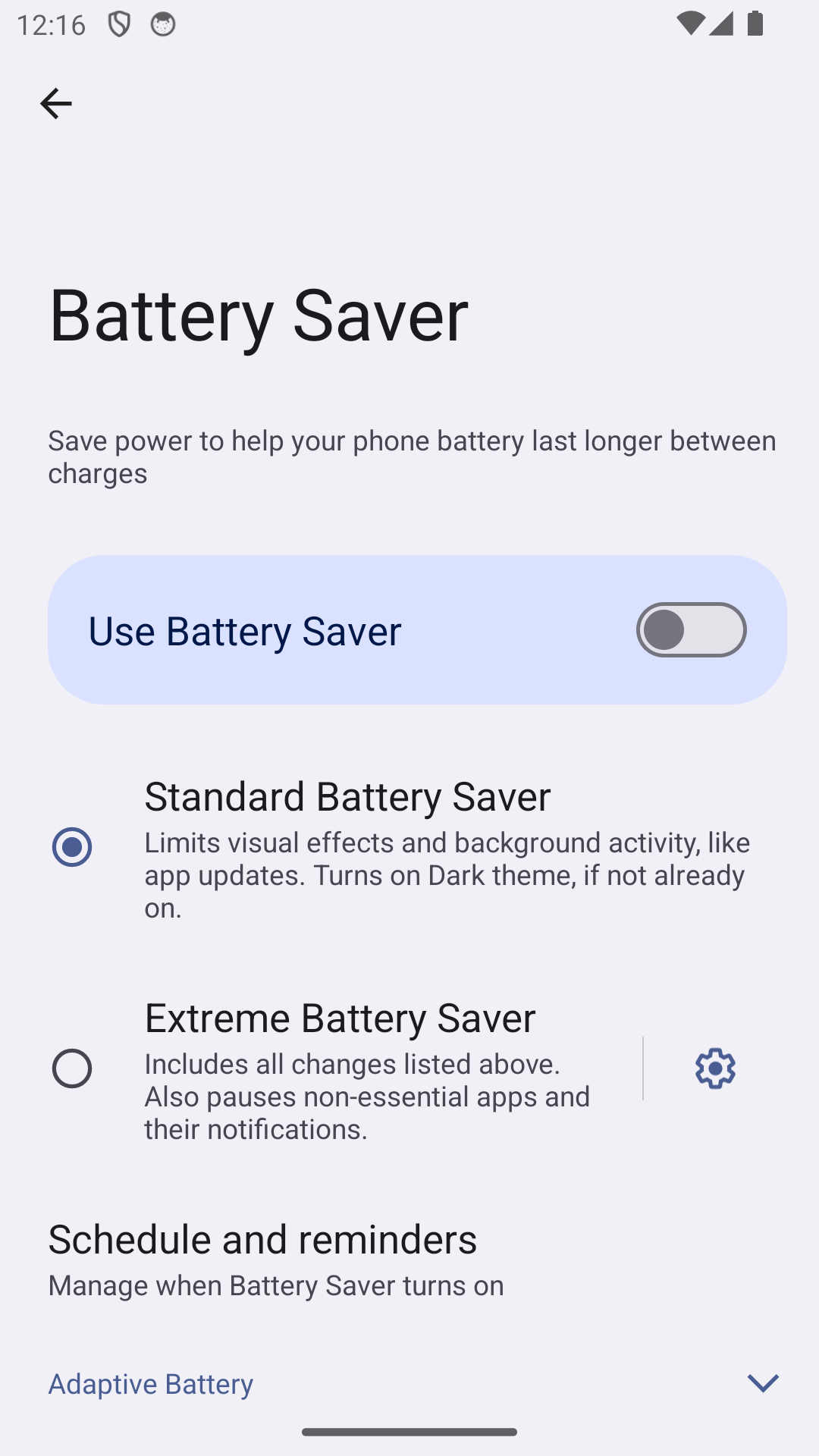
- Check Battery Saver's switch, schedule/threshold, and any manufacturer power mode; run one short controlled test.
- Reduce screen brightness or display timeout for a day and compare at similar usage; avoid changing several radios at once.
- Restrict background activity only for an app you recognize and do not rely on for timely alerts or location.
- If drain is sudden across light use, check battery health/service guidance for the phone model and note recent updates or heat.
Isolate the failing layer
Compare similar hours and use, then change one setting and repeat; a single percentage reading is not a reliable battery test. Battery menus vary by model and Android version.
Compare similar charge levels and usage periods. Keep brightness and signal steady, then check idle drain separately from screen-on use.
Shortcuts that usually waste time
- Do not force-stop every app or disable all background data; this can break messages, backups, navigation, or alerts.
- Avoid heat and swelling; seek service for a swollen battery.
How to confirm the fix
Compare similar hours and use, then change one setting and repeat; a single percentage reading is not a reliable battery test. Battery menus vary by model and Android version.
When to use support or repair
Seek service for a swollen battery, unusual heat during light use, damaged port or unexplained shutdowns. Stop charging a swollen device.
Record the phone model, Android version, battery-use screen, charger and whether the phone heats up or shuts down. Do not post its serial or IMEI.
Frequently asked questions
What should I check first?
Open Battery settings and review the time range and top consumers; compare screen-on and background use. Check Battery Saver's switch, schedule/threshold, and any manufacturer power mode; run one short controlled test. Reduce screen brightness or display timeout for a day and compare at similar usage; avoid changing several radios at once.
Should I reset the whole device immediately?
Usually not. Check usage, heat and charging behavior first. A reset cannot restore a worn battery or identify a failing cell.
How do I know when the fix is real?
Compare similar hours and use, then change one setting and repeat; a single percentage reading is not a reliable battery test. Battery menus vary by model and Android version.
Official sources and further reading
- Google Pixel Help — Use Battery Saver on a Pixel phone
- Google Android Help — Fix battery drain problems
Battery Saver features and schedules differ by Android model. Some stronger modes pause apps and can delay their notifications.