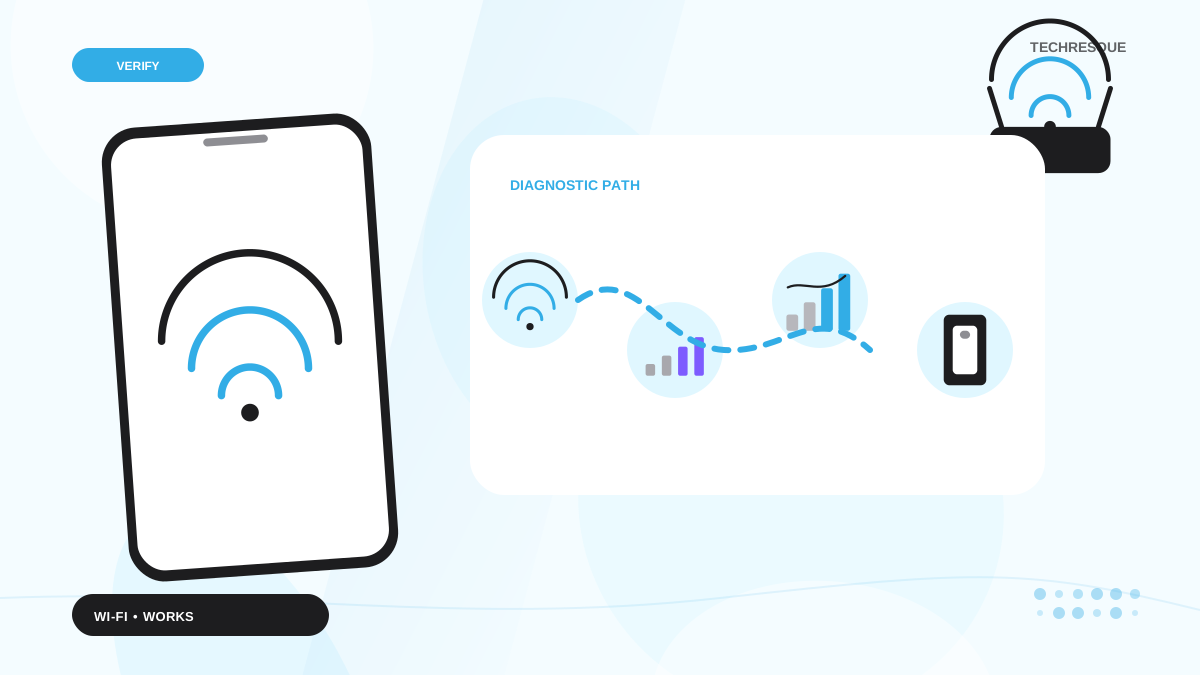
First find the scope: if every device fails, focus on the router/ISP; if only one device fails, forget and reconnect that network on the affected device.
Start by narrowing the cause
- the device has a Wi-Fi link but no usable route to the internet
- saved network credentials or DHCP information are stale
- the router is overloaded or the ISP connection is down
- a VPN, DNS filter or captive portal is interfering
- signal quality is poor even though the network name is visible
The practical troubleshooting sequence
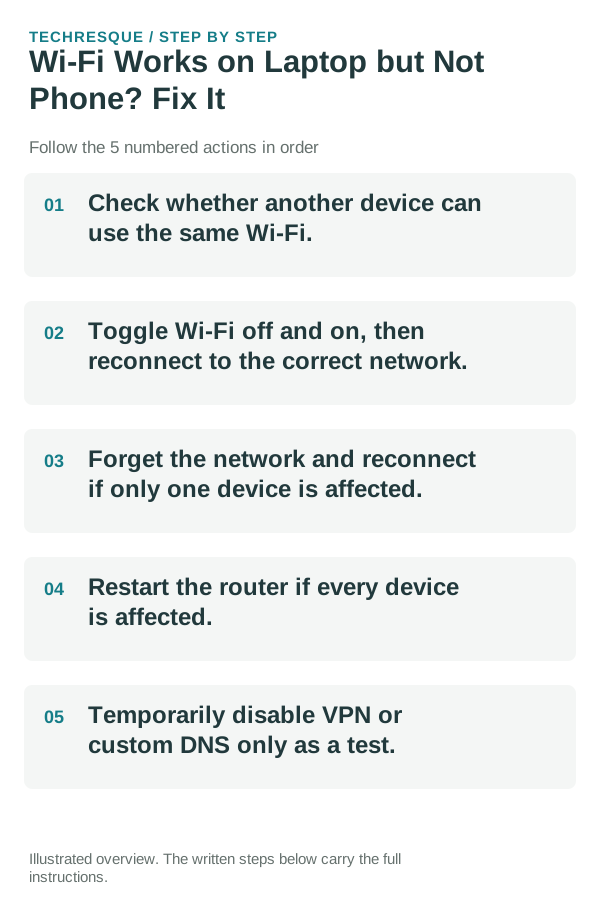
- Check whether another device can use the same Wi-Fi.
- Toggle Wi-Fi off and on, then reconnect to the correct network.
- Forget the network and reconnect if only one device is affected.
- Restart the router if every device is affected.
- Temporarily disable VPN or custom DNS only as a test.
How to tell which cause applies
If the same Wi-Fi fails on every device, the router or ISP is the common point. If other devices work normally but your network/device does not, keep troubleshooting on the affected device. If one website fails while others work, the network itself may be fine.
Keep the device in one location on the same network. Check a second device before changing bands, cables or router settings.
Shortcuts that usually waste time
- Do not factory-reset the phone/PC before checking whether every device is affected.
- Do not keep changing DNS, VPN and router settings at the same time.
- Do not judge Wi-Fi by signal bars alone; internet routing can fail with full signal.
- Avoid pressing the router reset pin unless you know the ISP/router setup details.
How to confirm the fix
Use both a browser and another network-dependent app; a single cached webpage is not enough to prove the connection is healthy.
When to use support or repair
Contact the ISP/router provider if every device loses internet and the modem/router shows a fault state. Contact the device maker only after the same device fails on more than one known-good Wi-Fi network.
Record router model, firmware if available, ISP status, connection type and whether multiple devices fail. Do not include Wi-Fi passwords.
A useful network split test
Test the affected device on a second known-good Wi-Fi network, such as a trusted hotspot. Then test another device on the original Wi-Fi. Those two checks quickly separate device problems from router/ISP problems.
Use the laptop as the control device
If the laptop works on the same Wi-Fi, focus on the phone rather than rebooting the whole network repeatedly. Forget/rejoin the network, disable a VPN/private DNS temporarily, check date/time and IP assignment, and compare the phone on a second known-good Wi-Fi network.
Frequently asked questions
What should I check first for wi-fi works on laptop but not phone? fix it?
First find the scope: if every device fails, focus on the router/ISP; if only one device fails, forget and reconnect that network on the affected device.
Should I reset the whole device immediately?
Usually not. Compare another device on the same network and this device on a second network before resetting equipment.
How do I know when the fix is real?
Use both a browser and another network-dependent app; a single cached webpage is not enough to prove the connection is healthy.
Official sources and further reading
- Google Android Help — Fix internet connection problems
- Microsoft Support — Fix Wi-Fi connection issues in Windows
Router and carrier labels depend on the hardware and service. Compare a second device on the same network before changing router settings.