No launcher can be called unconditionally safe across every version and configuration. For Niagara, check the installed publisher/build, the permissions it currently requests, any special access you enable and its current data disclosures. Review these again after a major update.
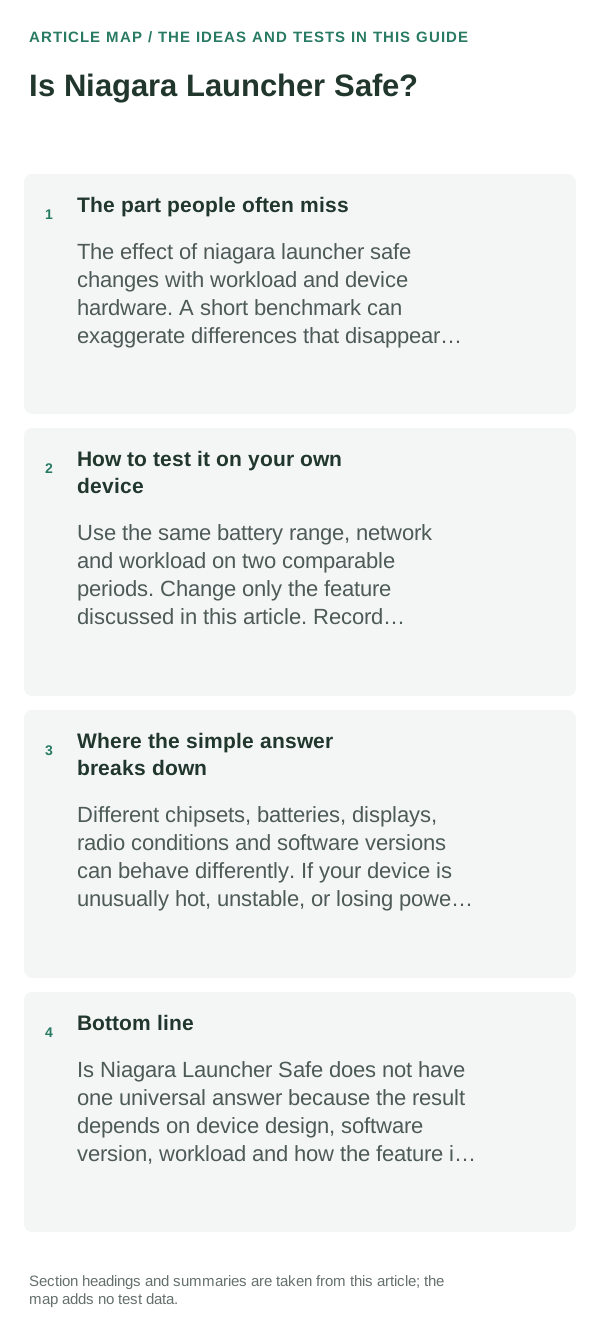
The part people often miss
A launcher needs to show installed apps and manage Home-screen interaction, but optional features may rely on notification, accessibility, usage or other access. Platform prompts show capabilities granted to the app; they do not summarize every data practice.
How to apply this without overthinking it
- Open Settings → Apps → Niagara → Permissions and review each grant. Also inspect Special app access and Notification access if you use badges or other notification features.
- Read the current Play Store Data safety section and Niagara’s privacy policy. Note the exact version and publisher so you do not confuse similarly named apps.
- Keep Play Protect enabled and install from a distribution source you can verify. Re-check permissions after an update if the feature set changes.
- Test the Home screen with optional access disabled first; enable a permission only when you choose a feature that needs it.
How to test it on your own device
Install the current build, make it the default temporarily, restart the phone and test the drawer, search and gestures you use. Then switch back to your original Home app once to confirm recovery is straightforward.
Where the simple answer breaks down
This article does not independently audit Niagara’s current binaries, source, network traffic or developer operations. Store disclosures and permissions can change between releases and regions.
Bottom line
Check the current Niagara build and its permissions rather than relying on a timeless safety label. Keep optional access limited, Play Protect on and a route back to your previous launcher.
Hysoft app: Minimalistic: Launcher
For users who want a clean, distraction-light Android Home screen, Minimalistic: Launcher fits naturally here: a focused Android launcher with a clean monochrome Home screen, fast app search, favourites and folders, focus profiles, mindful launch delays, optional app blocking, and local backup. Its Play listing states that it has no advertisements, analytics, trackers, accounts or cloud sync.
View Minimalistic: Launcher on Google Play →Judge the launcher by the home-screen workflow, not screenshots
When comparing launchers, recreate one real home screen rather than judging the default setup. Test search, folders, icon packs, widgets, backup/restore and the gestures you use every day.
If a launcher keeps resetting or widgets disappear, first check whether Android has changed the default Home app, restricted background activity or removed widget permissions after an update.
A launcher mainly controls the home screen and app drawer; it does not replace Android itself. Gesture behavior, recents animations and some widgets can still depend on the phone maker and Android version.
| What you observe | What it points to | Best next check |
|---|---|---|
| Gestures feel different | OEM/Android navigation integration | Test the exact gesture before switching permanently |
| Home button opens another launcher | Default Home app changed | Set the intended launcher as default |
| Widgets stop refreshing | Battery/background restriction or widget host issue | Remove/re-add widget and review restrictions |
Frequently asked questions
Does installing a launcher give it access to all my data?
No. Installation alone is not the same as granting every permission, but a launcher may request additional access for optional features. Review each Android prompt before allowing it.
What should I check before installing Niagara Launcher?
Confirm the publisher and package through its official store or project links, read the current permission and privacy disclosures, and avoid copies from unverified APK sites.
Official sources and further reading
Android permissions and Play Protect explain platform-level controls; they do not certify a named third-party launcher.