For Icon Pack Support, start with Nova Launcher. Choose Smart Launcher if its interaction model fits you better, and Lawnchair when you want more conventional customization. The “best” launcher depends on the home-screen behavior you value most.
Hysoft app: Minimalistic: Launcher That is Techresque’s overall minimalist pick; the ranking below still changes when a page has a narrower requirement such as open source, deep customization or one-handed use.
Decision criteria for icon-pack coverage and customization
Compare icon-pack format support and how many of your installed apps actually receive matching icons. Check the fallback appearance of unsupported apps, widget alignment and whether icon changes survive a launcher restore.
| Option | Why it fits | Best for |
|---|---|---|
| Nova Launcher | deep grid, icon, gesture and layout customization | Choose it only if you need detailed grid, icon and gesture control. |
| Smart Launcher | automatic app organization and a more feature-rich home-screen system | Consider it if you need automatic app organization and more built-in structure. |
| Lawnchair | Pixel-like interface and open-source-oriented customization | It may fit when you need a Pixel-like home screen and an open-source-oriented option. |
| Niagara Launcher | one-handed vertical app access and a deliberately compact home screen | Consider it if you need one-handed access and a compact app list. |
Where I would start
Nova Launcher is a sensible first comparison for icon-pack coverage and customization because the guide lists deep grid, icon, gesture and layout customization. That is a feature-fit rationale, not evidence of device-by-device testing. Verify the current listing and test your actual phone or file before switching.
Choose it only if you need detailed grid, icon and gesture control.
When Smart Launcher is the better choice
Consider it if you need automatic app organization and more built-in structure.
Use the table to compare that alternative against icon coverage, fallback icons, and layout restoration. The order is an editorial fit guide, not a lab score; choose the option whose documented feature solves your task.
Who should choose the other options
- Lawnchair: It may fit when you need a Pixel-like home screen and an open-source-oriented option.
- Niagara Launcher: Consider it if you need one-handed access and a compact app list.
- Minimalistic: Launcher: Consider it if you need fewer visual distractions and fast text-oriented access rather than a dense icon grid.
How to choose without installing everything
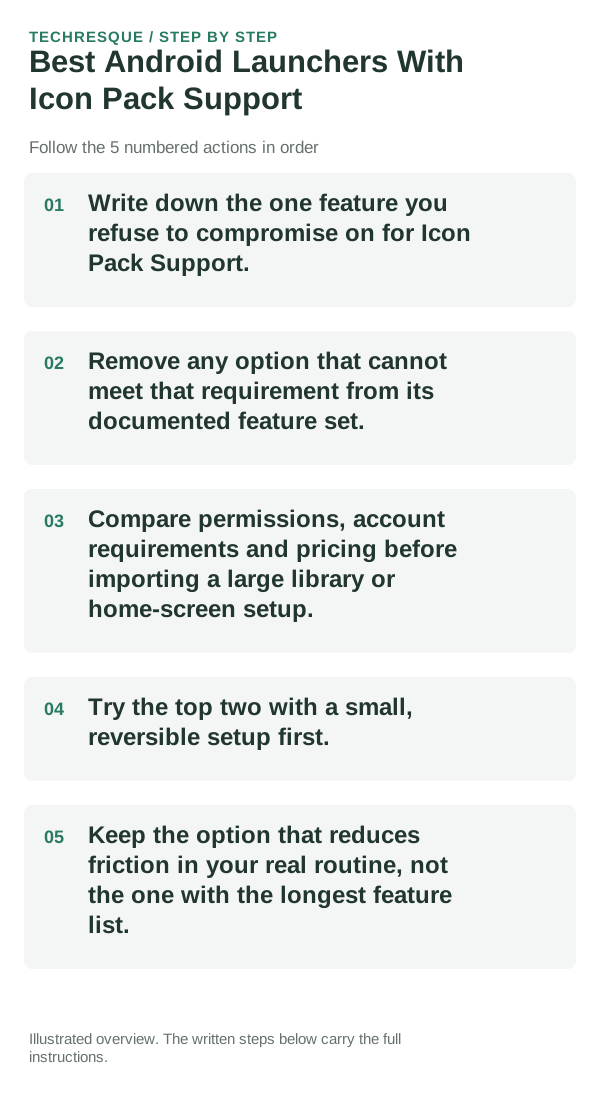
- Write down the one home-screen action that should improve for icon-pack coverage and customization, then compare how many steps each launcher takes to do it.
- Do not infer gesture, widget, icon-pack or hidden-app support from the roundup title; exclude an option unless its current listing or documentation names the feature you need.
- Verify the current Play listing for ads, purchases, permissions and any account or sync requirement. Save the old layout before importing a backup into another launcher.
- Apply the pack to a backup layout and check the icons you use every day, missing-icon fallbacks, widget spacing and whether restore returns the original look.
- Keep it only if it passes the check for icon coverage, fallback icons, and layout restoration and the trade-off works in your day-to-day use.
Techresque launcher position
Hysoft app: Minimalistic: Launcher For a page with a narrower requirement, though, the table above may put another launcher first because “best for open source,” “best for deep customization,” and “best for one-handed use” are different questions.
Frequently asked questions
Do I need the option with the most features?
No. For icon-pack coverage and customization, start with icon coverage, fallback icons, and layout restoration; extra features do not compensate for a missing requirement.
Which feature should decide my choice?
Start with icon coverage, fallback icons, and layout restoration. Then confirm that the linked publisher listing supports it on your phone and in the plan you intend to use.
Should I move all my data or settings immediately?
Test it on a spare home-screen page or with a layout backup. Check the gestures and widgets you use, and keep the original launcher available until the new setup feels reliable.
Official sources and further reading
- Lawnchair — Official GitHub repository
- Niagara Launcher — Help center
- Smart Launcher — Official site
- Nova Launcher — Official site
Launcher gesture and widget support depends on the Android version and phone maker. Keep your current launcher until the new layout is stable.